Academic terms
Academic terms, or terms, represent academic periods during which actual studies and classes take place at the institution.
Terms enable institutions to organize and schedule their academic calendars in DreamApply. For example, if your institution follows a semester-based model with a Fall semester and Spring semester each year, you must create corresponding terms in DreamApply. This setup is typically done once a year to prepare the system for the upcoming academic cycle.
DreamApply does not cover the full duration of academic terms. As an admission system, it focuses only on the application process that leads up to the start of studies. In practice, terms serve two purposes:
- Indicating the start of studies: The first term acts as a reference point for when students begin their studies.
- Organizing applications: Terms are used to group and filter applications by academic cycle. This helps Administrators to efficiently manage and review incoming applications.
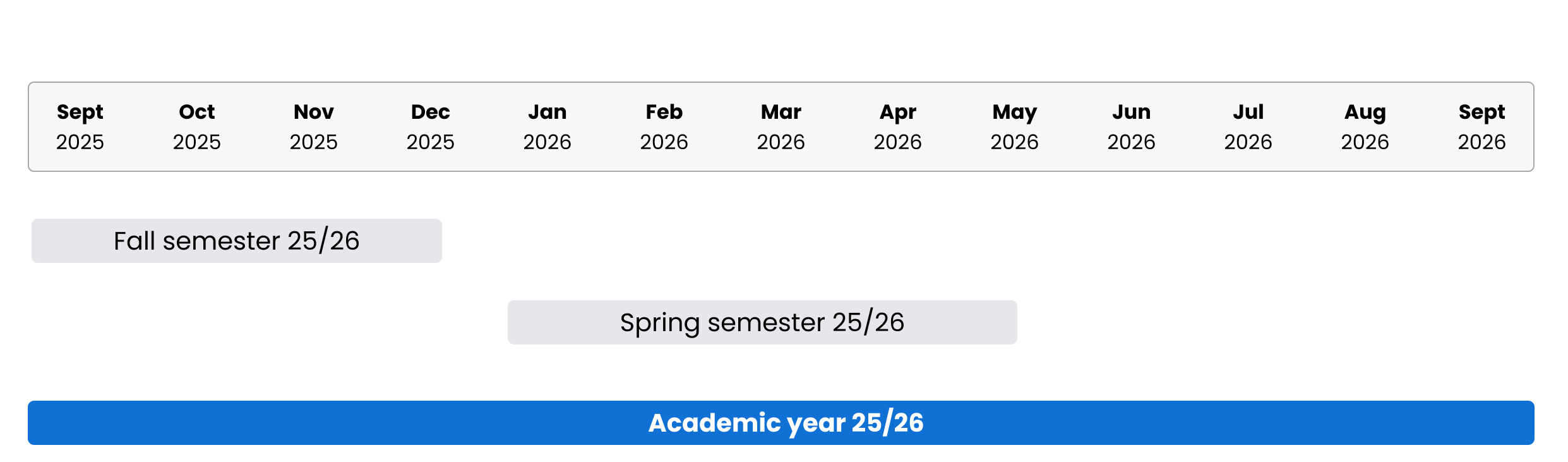
Term types and structure
To match their internal academic calendar with the admission process, institutions can create different types of terms in DreamApply, for example:
- Semesters
- Trimesters
- Quarters
- Custom session blocks
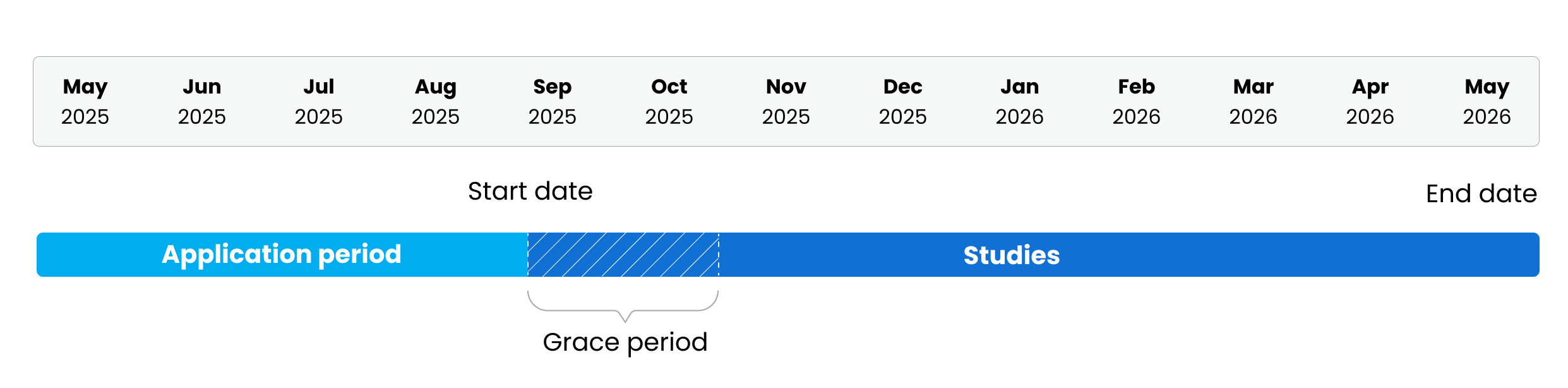
Each term includes several important dates that institutions must configure:
Start date: Defines when the study period begins.
End date: Defines when the study period ends.
Grace period: Defines the final date by which applicants can still join the term. The grace period represents a short overlap between the admission cycle and the beginning of the study period, allowing late applicants to complete their enrollments.
After the grace period has passed, DreamApply locks the term and closes it for any other application changes or modifications by Administrators or applicants. All applications for this term are marked as expired.
Academic year format
DreamApply uses the split-year format to display academic years. It follows a commonly used convention in education where academic years span two calendar years. For example, if an academic year starts in 2025, DreamApply automatically displays it as 2025/26. This approach helps institutions clearly organize their calendars and makes it easier for applicants to identify the correct academic year.