Group applications
Roles
These roles reflect the default DreamApply setup.
You can define custom roles based on your
institution's needs. Learn more →:
You can define custom roles based on your
institution's needs. Learn more →
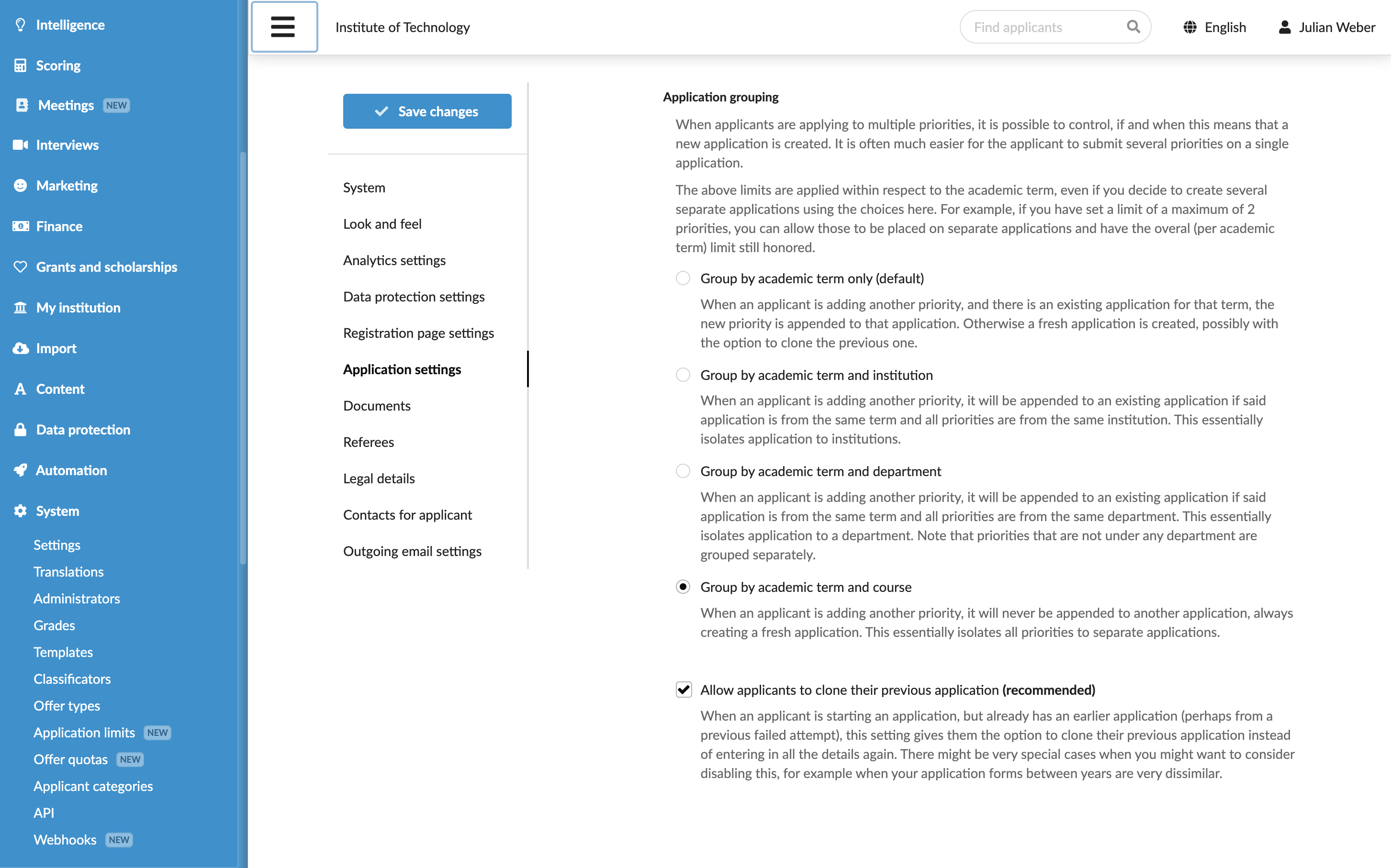
In DreamApply, each application is filed under a specific academic term. You can choose to group applications by additional criteria such as institution, department or programme.
Before you begin
To configure application settings, your account must have the Superuser role or the instance permission.
Define grouping settings
To group applications:
- In the main menu, under System, select Settings.
- In the left menu, select Application settings.
- Under Application grouping, choose how applications must be grouped.