Plan document collection
In DreamApply, you can collect documents from applicants in the following ways:
Each option supports different institution needs and creates a different experience for applicants.
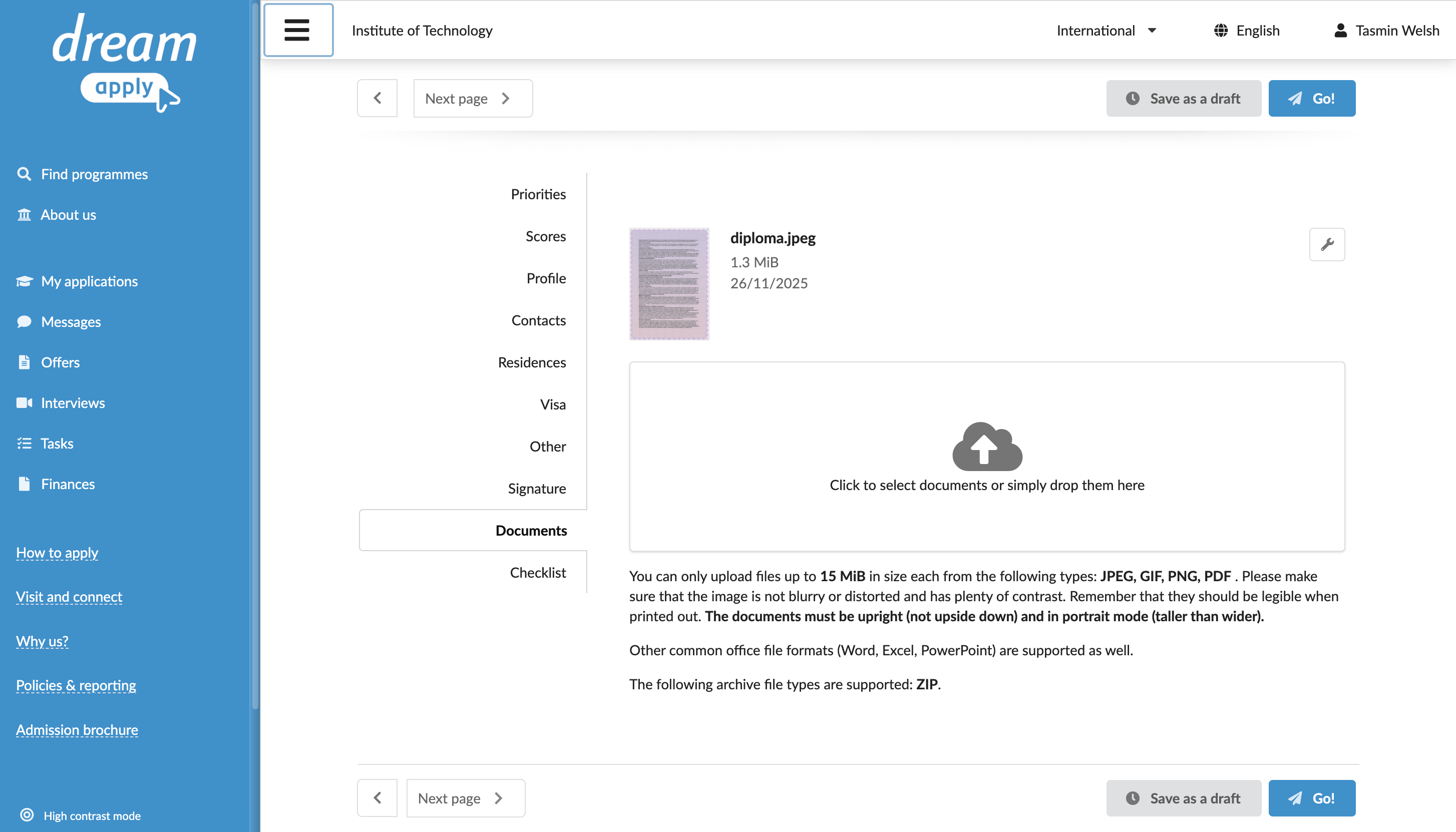
Use the application edit page
Each programme in the catalog includes the Application form > Scanned documents settings. These settings add a requirement to upload scanned copies of documents using the form on the application edit page.
A programme can indicate that scanned documents are:
- Required
- Optional
- Not required
The Documents section appears on the application edit page only when the programme is set up to require or optionally request scanned documents. Applicants are prompted to upload the necessary documents or materials before they can submit their application.
Consider this option when:
- Documents are needed for initial evaluation and must accompany the application information.
- You need to allow individual programs in the catalog to define their specific document expectations.
- You want to create a unified experience where all required documents are collected in a single step before submission.
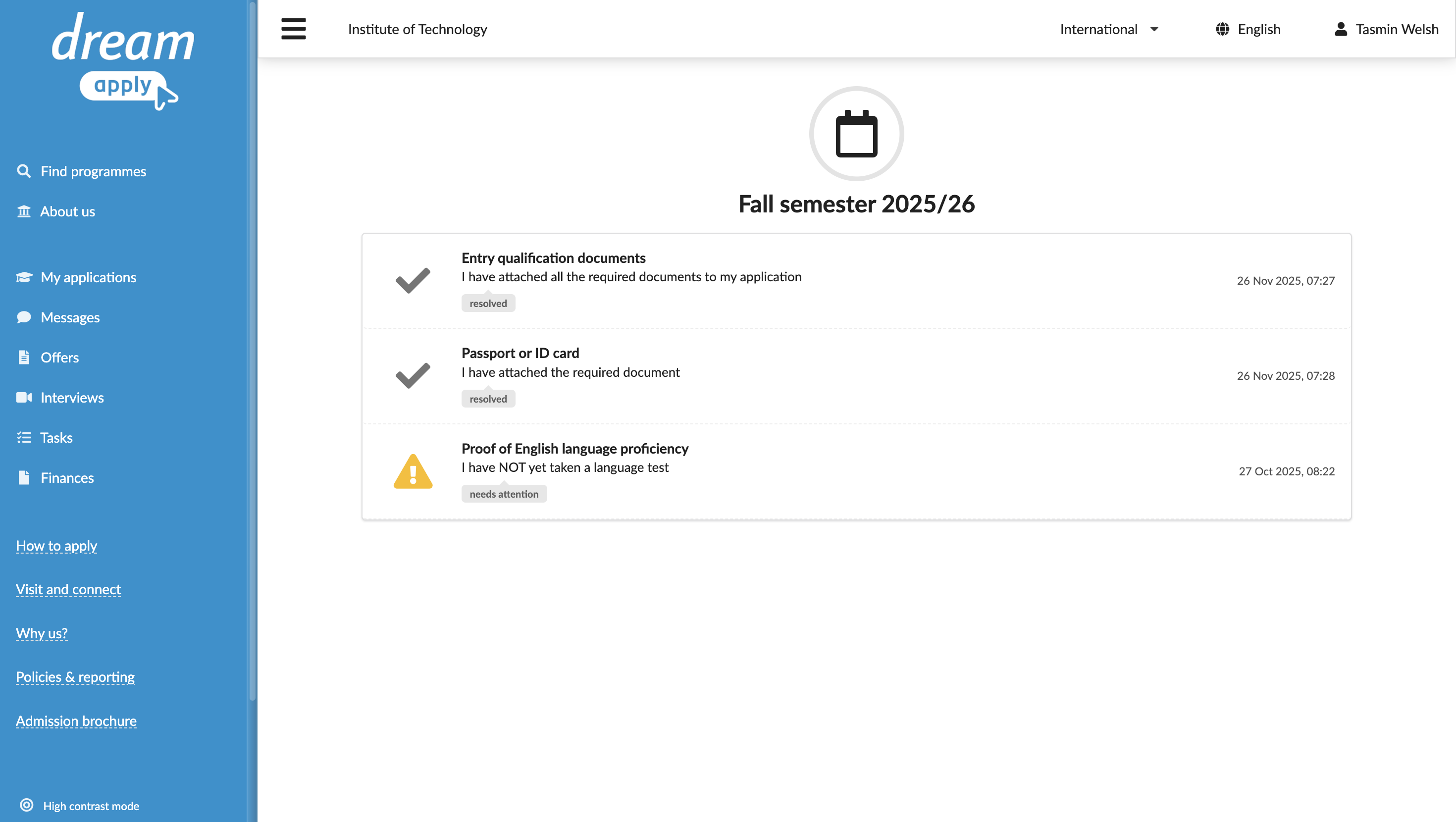
Use tasks
Tasks offer a granular and reusable way to collect documents. You can configure multiple tasks to request specific document types and link them to programs in the catalog or assign them automatically through rules.
After an applicant submits their application, assigned tasks appear in the Tasks view of the portal. The applicant can then complete these tasks as part of the post-submission workflow.
Consider this option when:
- Documents are needed after the initial application has been submitted.
- You want to apply the same document collection task across different programmes and workflows.
- You require a flexible approach for scenario-based or conditional document collection.