Application expiration
Roles
These roles reflect the default DreamApply setup.
You can define custom roles based on your
institution's needs. Learn more →:
You can define custom roles based on your
institution's needs. Learn more →
In DreamApply, an application is no longer active in the following cases:
- An Administrator closes the application. To close an application, on the application card, click View and in the left pane, click Close application.
- An applicant withdraws the application. Applicants can revert application withdrawal within 15 minutes.
- The application has expired. DreamApply automatically marks all applications for the term as expired after the grace period for this term ends. At this point, the system locks the term and closes it for any other application changes or modifications by Administrators or applicants.
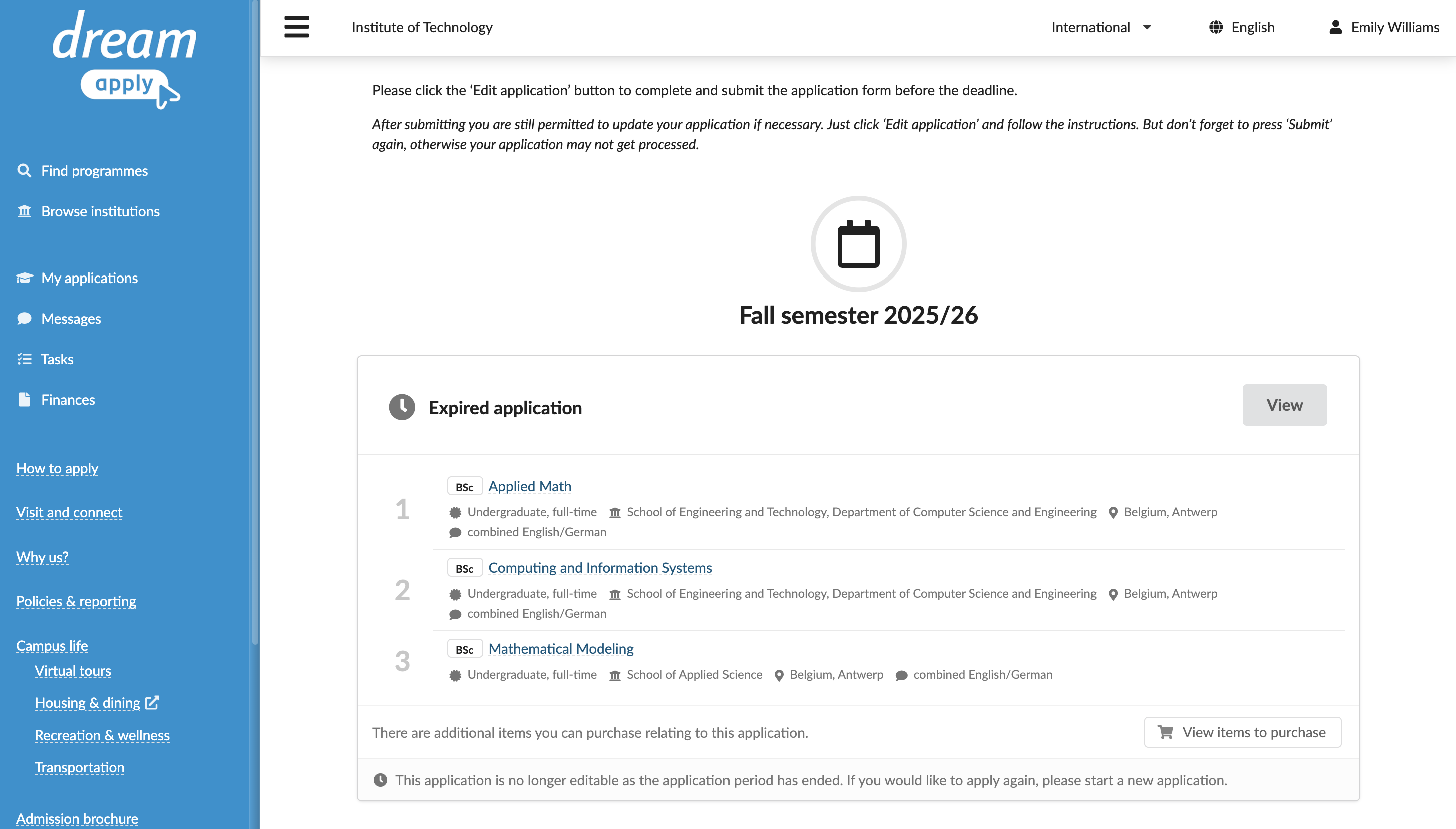
Limitations for expired applications
When an application expires, the following limitations apply:
- Editing and submission: Applicants can no longer edit or submit applications and edit tasks related to these applications. Administrators can still edit expired applications.
- Final decisions: Applicants can no longer accept or reject offers. Administrators can still edit final decisions.
- Offer management: Offers for expired applications cannot be confirmed or sent out by Administrators.
- Notifications: Applicants stop receiving new reminders related to tasks, interviews and decisions for expired applications.
- Re-opening the application: Applications cannot be re-opened, even by an Administrator.
- Link shares: Certain link shares for expired applications shared through table views or scoresheets stop working.
Any limitations that apply to applicants also apply to advisors acting on their behalf.
Use the Journal events
DreamApply records the following application management events in the journal:
- Application was closed
- Application was withdrawn
To track these events, subscribe to them using the Application management event group.