Export tables
Roles
These roles reflect the default DreamApply setup.
You can define custom roles based on your
institution's needs. Learn more →:
You can define custom roles based on your
institution's needs. Learn more →
You can export tables for offline analysis, reporting or archiving. DreamApply supports two export formats — Excel and CSV.
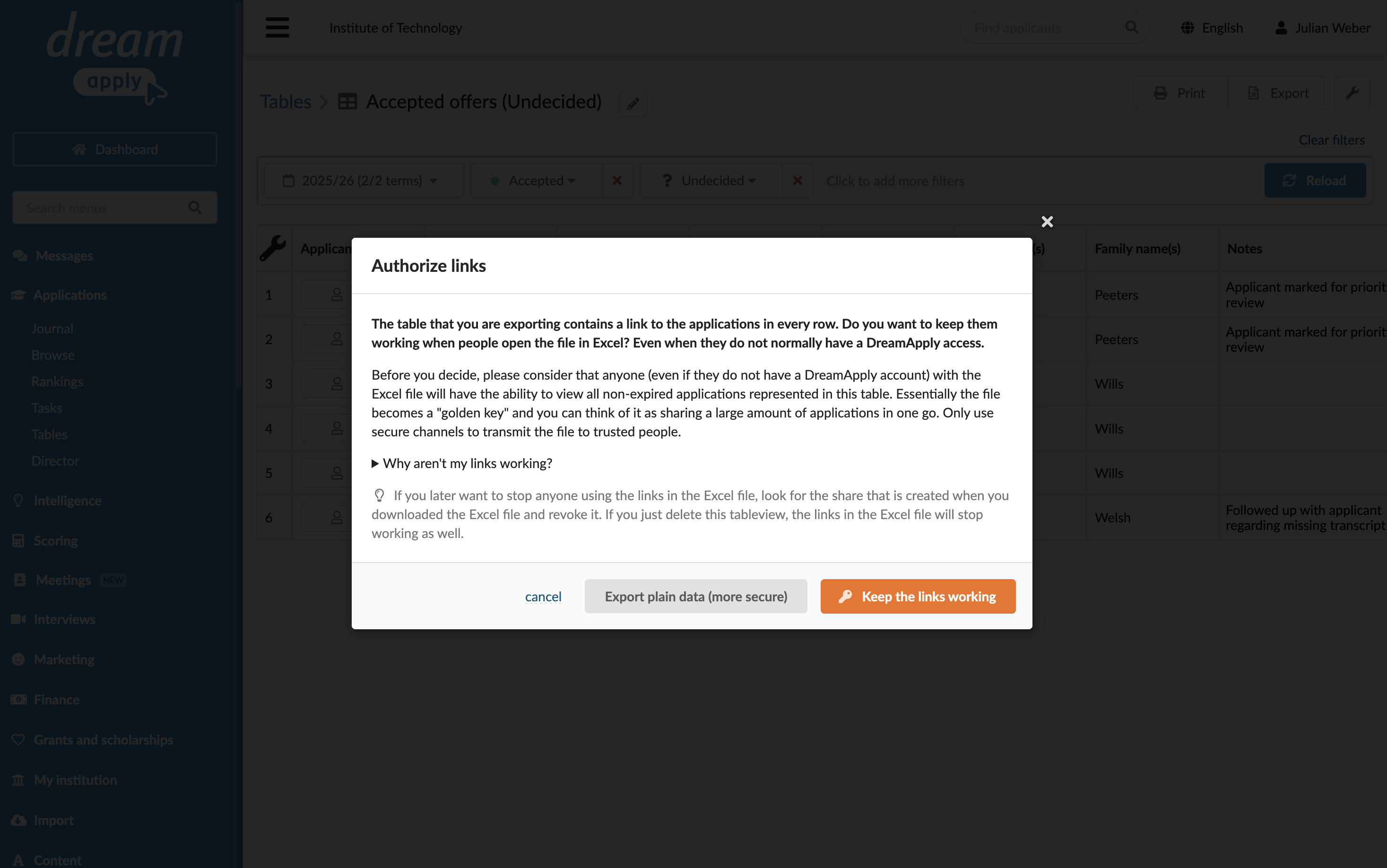
When exporting data, you can choose how to display application IDs:
- Plain text: Display application IDs as non-clickable text.
- Clickable links: Display application IDs as URLs that link directly to application pages in DreamApply. Anyone who has access to the exported file can click these URLs to view applications in the system, even if they do not have an account in DreamApply.
Before you begin
To export tables, your account must have the Superuser, Admissions administrator or Academic supervisor role or the applications-view permission.
Export table data
To export table data:
- In the main menu, under Applications, select Tables.
- Open the table to export.
- In the top right corner, click Export, select the file format and an option to export application IDs. However, if an application is closed, a link to it will remain working.