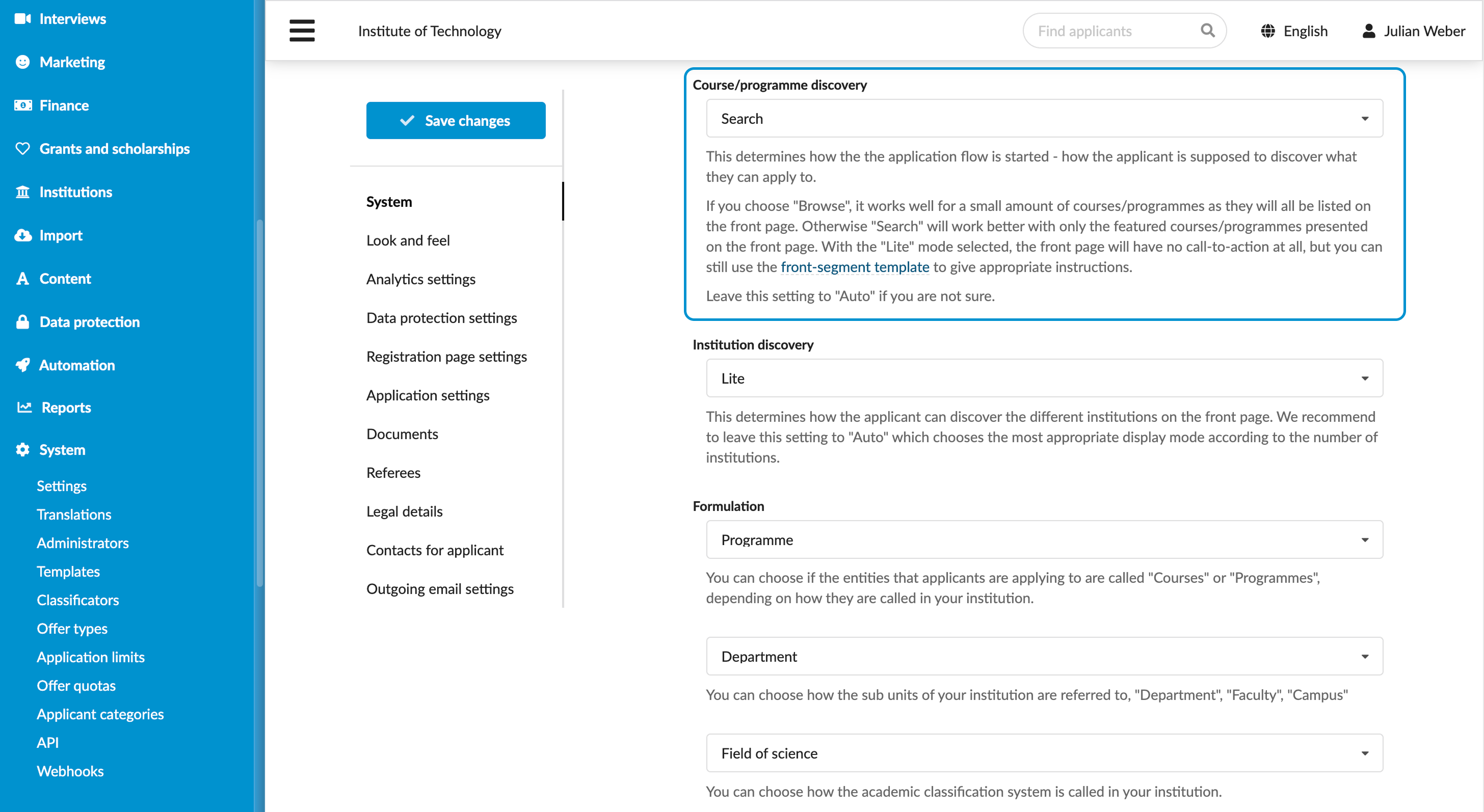
Select the programme discovery mode
Roles
These roles reflect the default DreamApply setup.
You can define custom roles based on your
institution's needs. Learn more →:
You can define custom roles based on your
institution's needs. Learn more →
You can select the programme discovery mode for the DreamApply portal. The discovery mode defines:
- How the programme catalog is presented to applicants
- What navigation options are available
- How applicants begin their admission journey
DreamApply offers the following programme discovery modes:
- Search: This mode is intended for institutions with a broad programme catalog. It provides quick access to programmes through a search bar, filters and the Find programmes option in the portal menu.
- Browse: This mode is intended for institutions with a small number of programmes and a structured catalog divided by programme types. This layout removes the search bar and filters from the front page. Applicants can navigate using the call-to-action button, option in the portal menu or use the Browse Programmes list on the front page.
- Lite: This mode is intended for institutions with a small number of programmes who prefer a minimalistic layout. It provides a clean, focused view without a search bar or menu options.
- Auto: In this mode, DreamApply automatically selects the most suitable layout based on the structure and volume of the institution’s programme catalog.
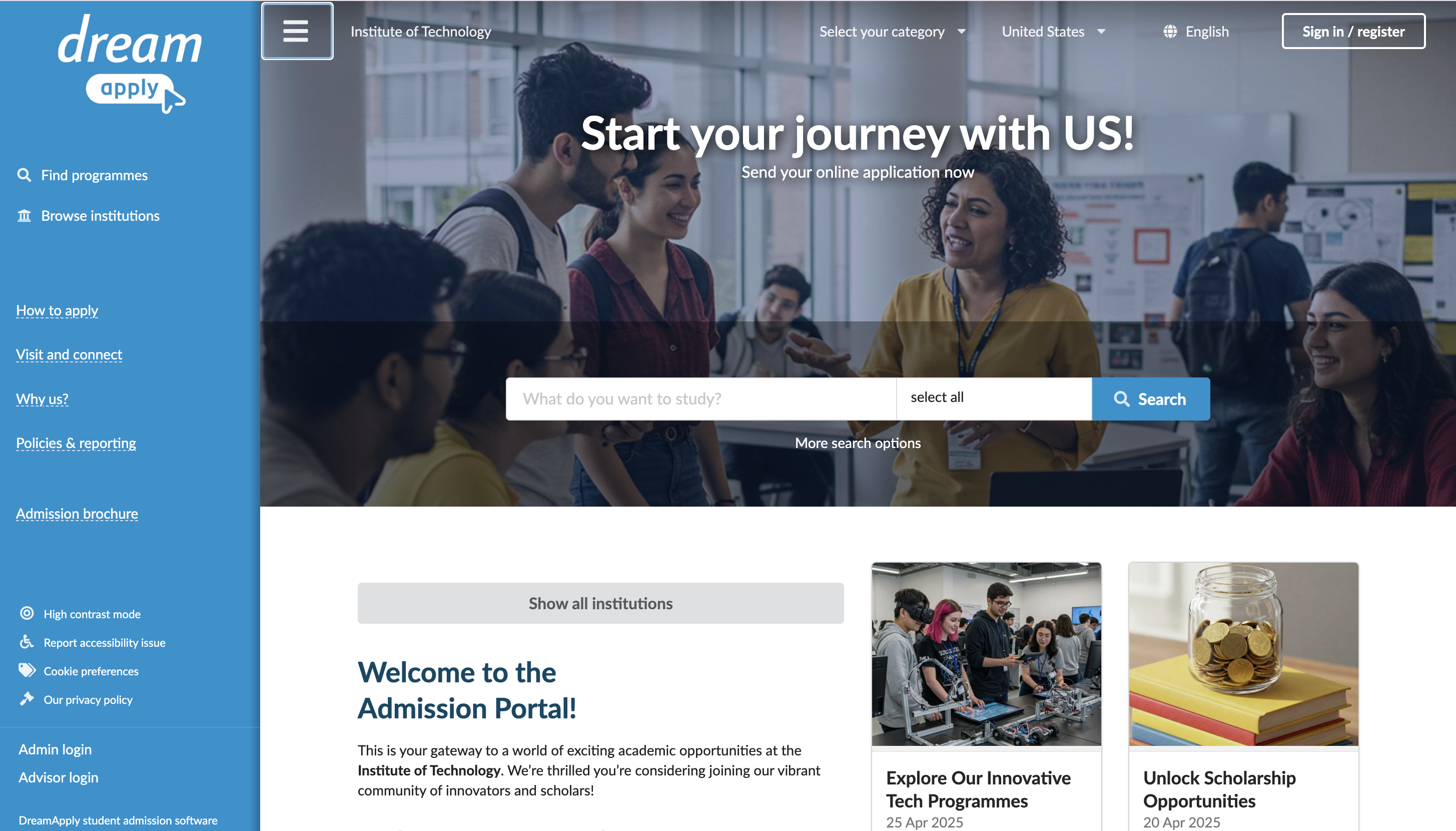
Discovery mode comparison
The table below describes which UI elements are available in each discovery mode.
| UI element | Description | Search | Browse | Lite |
|---|---|---|---|---|
| Search bar and button | Allows applicants to type keywords and use filters to find programmes | ✅ | ❌ | ❌ |
| Menu option (catalog access) | Opens the search page or programme catalog | ✅ Find programmes | ✅ Browse programmes | ❌ |
| Call-to-action button | Opens the programme catalog | ❌ | ✅ | ❌ |
| Featured programmes list | Shows featured programmes on the front page | ✅ | ❌ | ✅ |
| Browse programmes list | Shows all programmes on the front page | ❌ | ✅ | ❌ |
| Front page description (front-segment-template) | Provides introductions or guidance on the front page | ✅ | ✅ | ✅ |
Before you begin
To adjust programme discovery, your account must have the Superuser role or the instance permission.
Choose the programme discovery mode
To select the programme discovery mode:
- In the main menu, under System, select Settings.
- In the System section, use the Course/programme discovery list to select the necessary mode.
- At the top of the form, click Save changes.