Personalize the front page
Roles
These roles reflect the default DreamApply setup.
You can define custom roles based on your
institution's needs. Learn more →:
You can define custom roles based on your
institution's needs. Learn more →
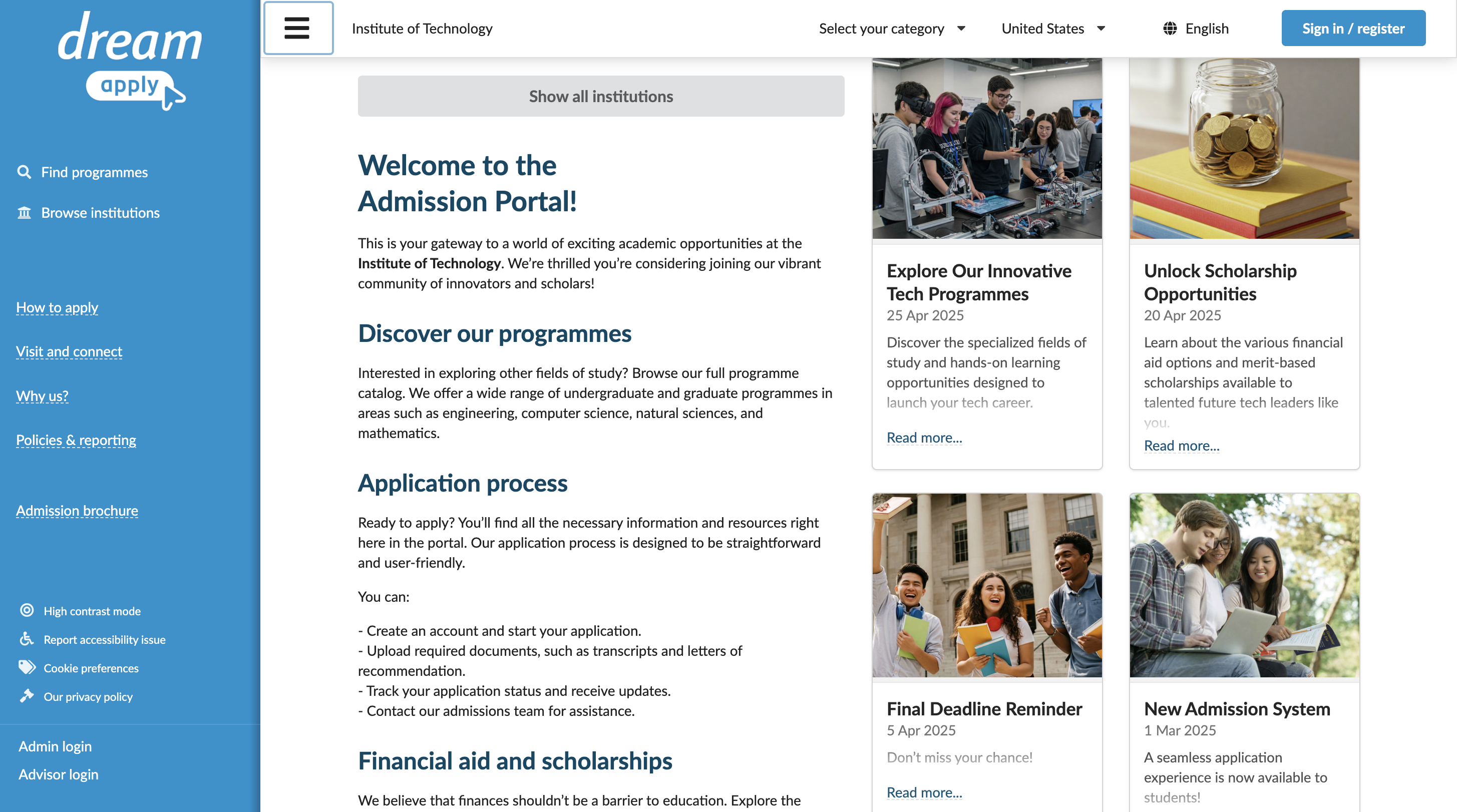
You can add custom content to the portal front page, such as:
- Guidelines for applicants
- Application tips
- Welcome and motivational messages
This information appears directly below the main banner and institution names on the DreamApply portal.
In addition to the front page, you can customize pages for individual institutions and programmes with custom content and imagery. For details, see Set up an institution profile and Prepare and publish programmes.
Before you begin
To personalize the front page, your account must have the Superuser role or the templates permission.
Customize the front page
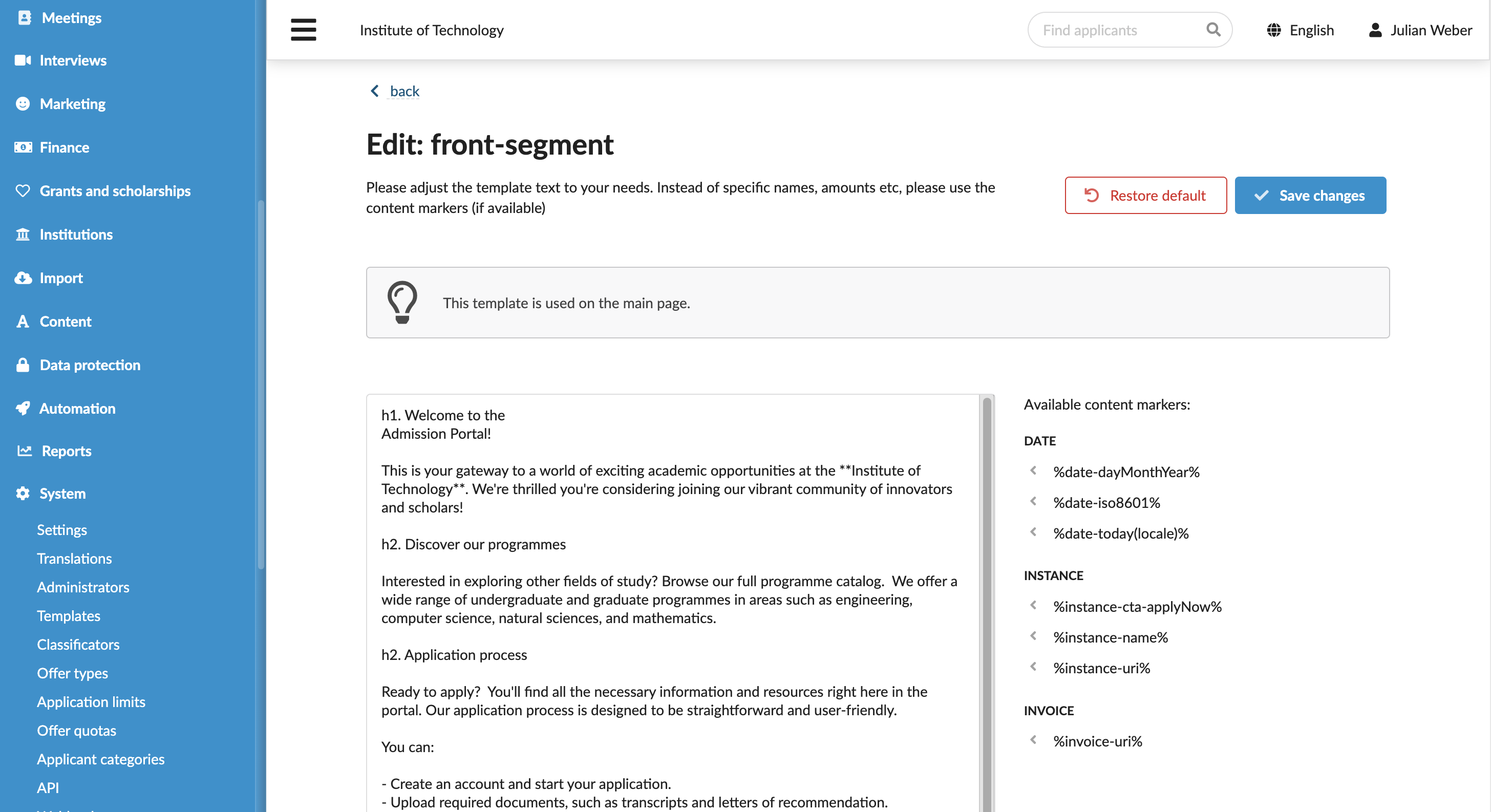
To update the front page content:
- In the main menu, under System, select Templates.
- In the templates list, locate front-segment and select to edit it. You can use content markers to personalize the message and the Textile markup to format and structure the text.
- At the top of the form, click Save changes.