News
You can publish important updates, announcements and information directly on the DreamApply portal. News items can cover topics such as:
- Upcoming events
- Technical notices
- Deadline reminders
- Changes to admission criteria
News can be presented in various formats, including text or video.
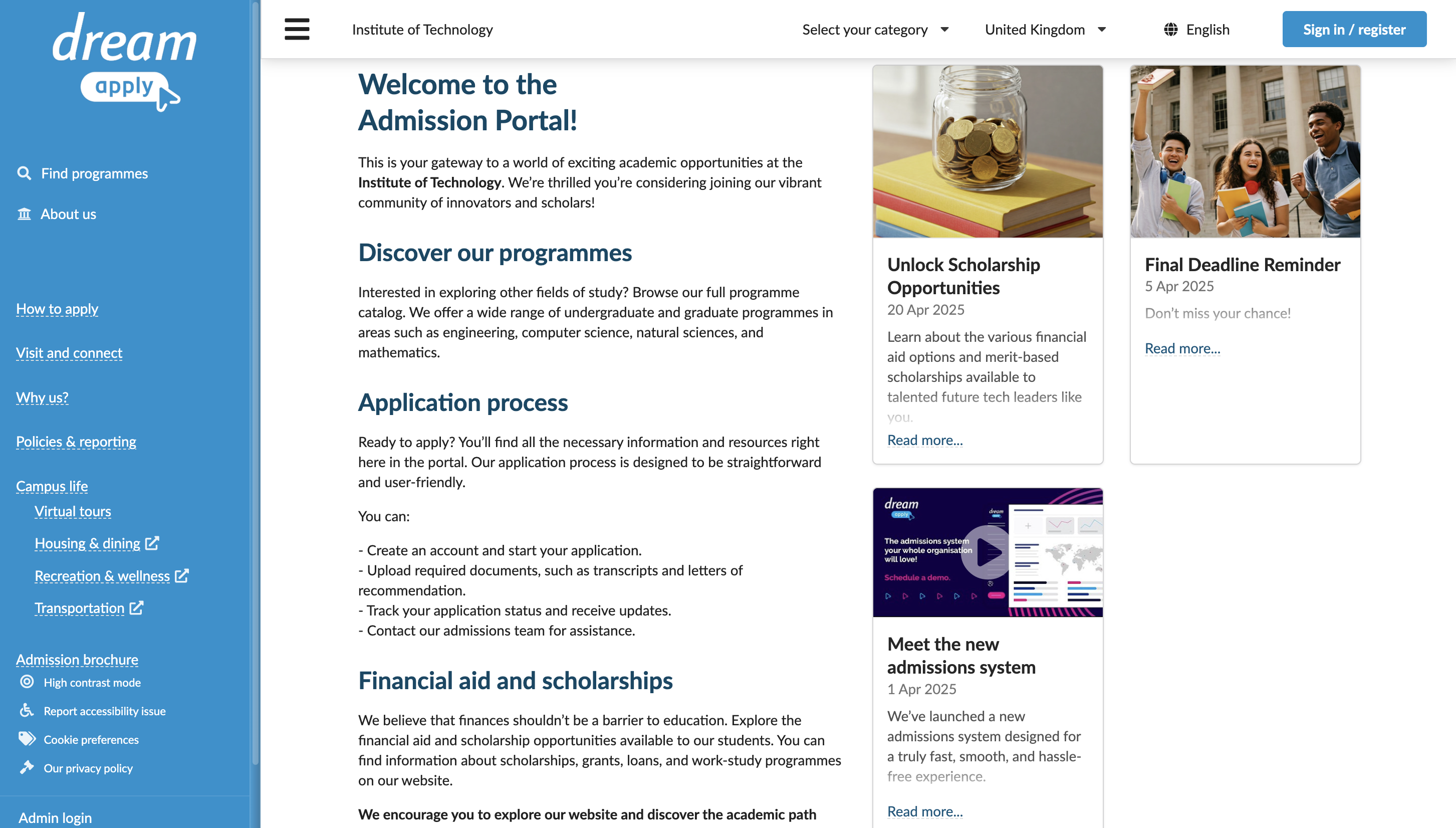
All news items are displayed in the designated News section on the right side of the DreamApply welcome page. You can target each item to specific territories, like Europe or Asia, or individual countries. News visibility is based on the applicant’s citizenship, so only applicants from the selected regions will see the relevant announcements.
Before you begin
To manage news, your account must have the Superuser or Content administrator role or the news permission.
Manage news
To add news to the portal:
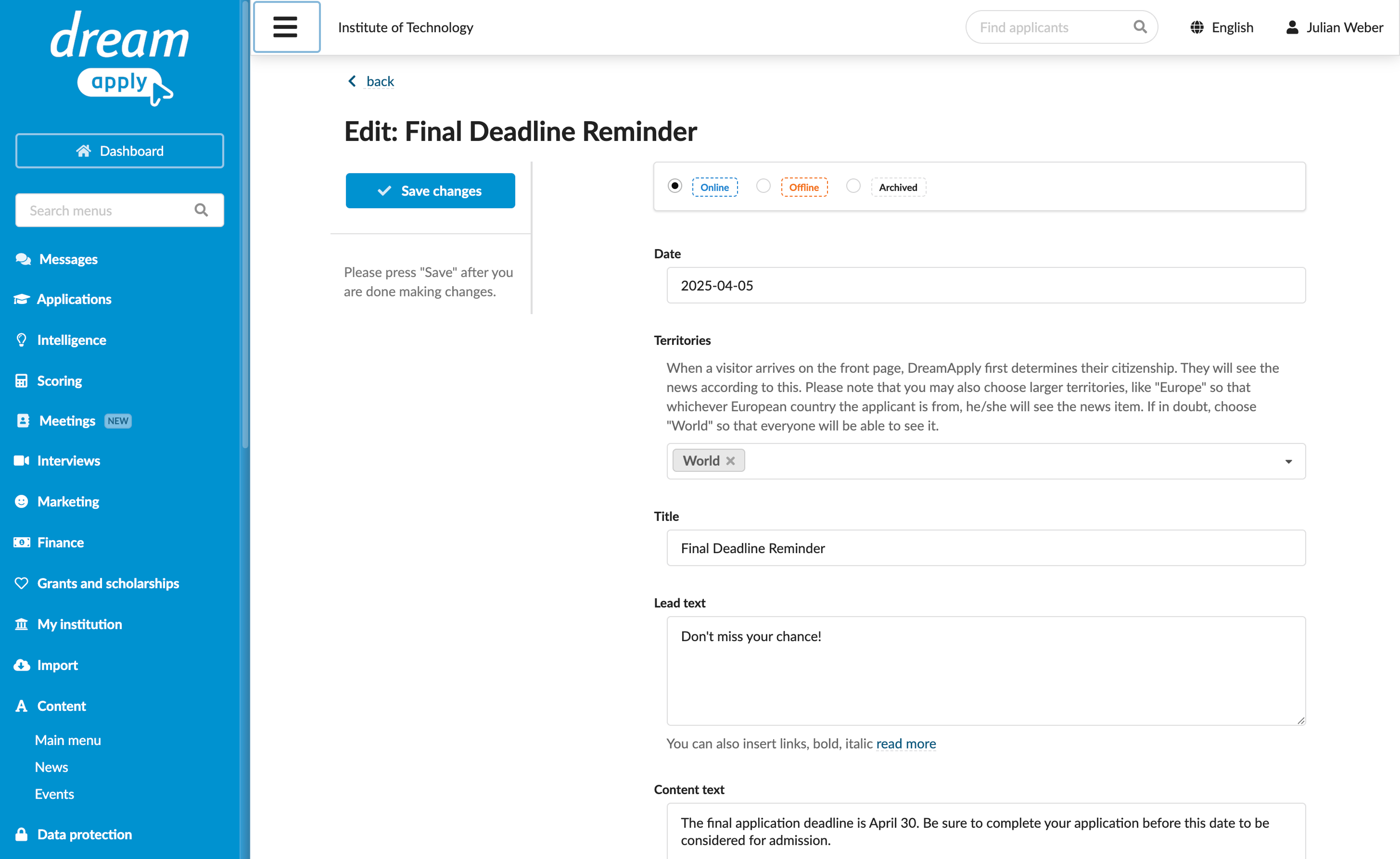
In the main menu, under Content, select News.
Click Add a new item.
By default, DreamApply sets the news date to today. If necessary, in the Date field, enter the desired date.
In the Territories field, select the regions or countries you want to target with the news.
Enter the news title, a brief summary (lead text) and the main content.
In the Photo section, upload an image to use as a thumbnail.
To share news in video format, upload the video to YouTube and in the YouTube video section, provide a link to the video.
If you define both a photo and a YouTube video link, DreamApply uses the photo as the thumbnail on the welcome page. Users can watch the video on the dedicated news page after they click the Read more link.
At the top of the view, set the news status and click Save changes.
Archived news is removed from the portal welcome page but is still accessible in the news archive. To temporarily hide news, use the Offline option. To permanently remove news, use the Delete option.