Recover data
Roles
These roles reflect the default DreamApply setup.
You can define custom roles based on your
institution's needs. Learn more →:
You can define custom roles based on your
institution's needs. Learn more →
When an Administrator confirms a request to delete an account or purge application data, DreamApply flags that data for deletion. The flagged data is permanently deleted within 24 hours during an overnight cleanup process.
Before the cleanup process begins, Administrators can recover flagged data. Restoring the data immediately reactivates all associated resources and information and makes it available in the system as if no deletion request has been submitted.
Before you begin
To recover applicant data, your account must have the Superuser role or the data-protection permission.
Recover applicant accounts and applications
To recover applicant accounts or applications:
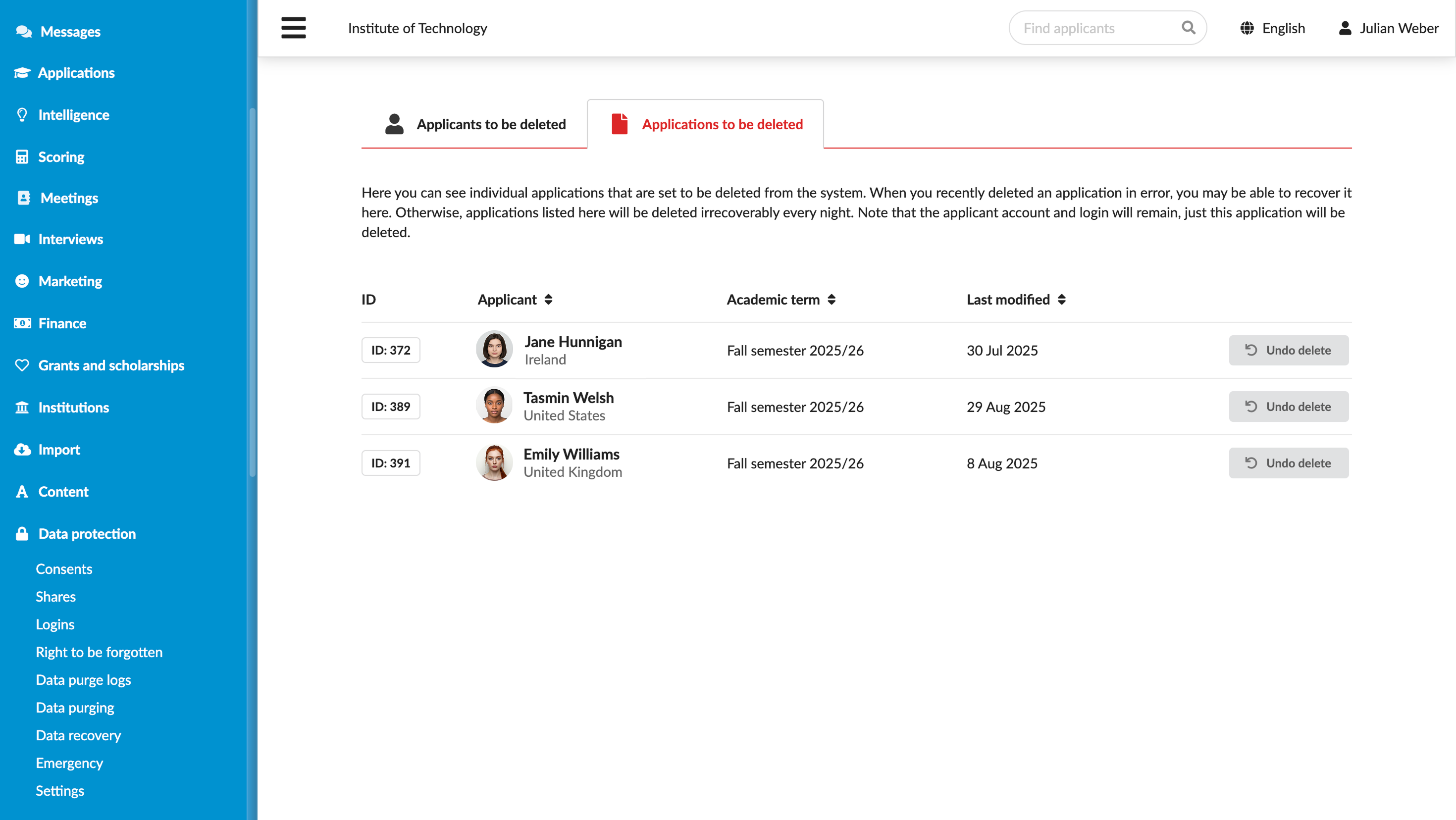
- In the main menu, under Data protection, select Data recovery.
- Click the Applicants to be deleted or Applications to be deleted tab.
- To the right of the applicant or application, click Undo delete.