Set conversion rules
Roles
These roles reflect the default DreamApply setup.
You can define custom roles based on your
institution's needs. Learn more →:
You can define custom roles based on your
institution's needs. Learn more →
To standardize scores from different grading systems into a uniform format, you can use conversions in DreamApply. Conversions ensure consistency in evaluation, regardless of the grading scale used.
DreamApply offers several conversion options:
- Predefined rules for common academic and language tests like the ACT, GMAT, TOEFL and IELTS
- Custom formulas
- Custom lookup tables
Before you begin
To set up custom conversion formulas or lookup tables, your account must have the Superuser role or the scorers permission.
Set conversion rules
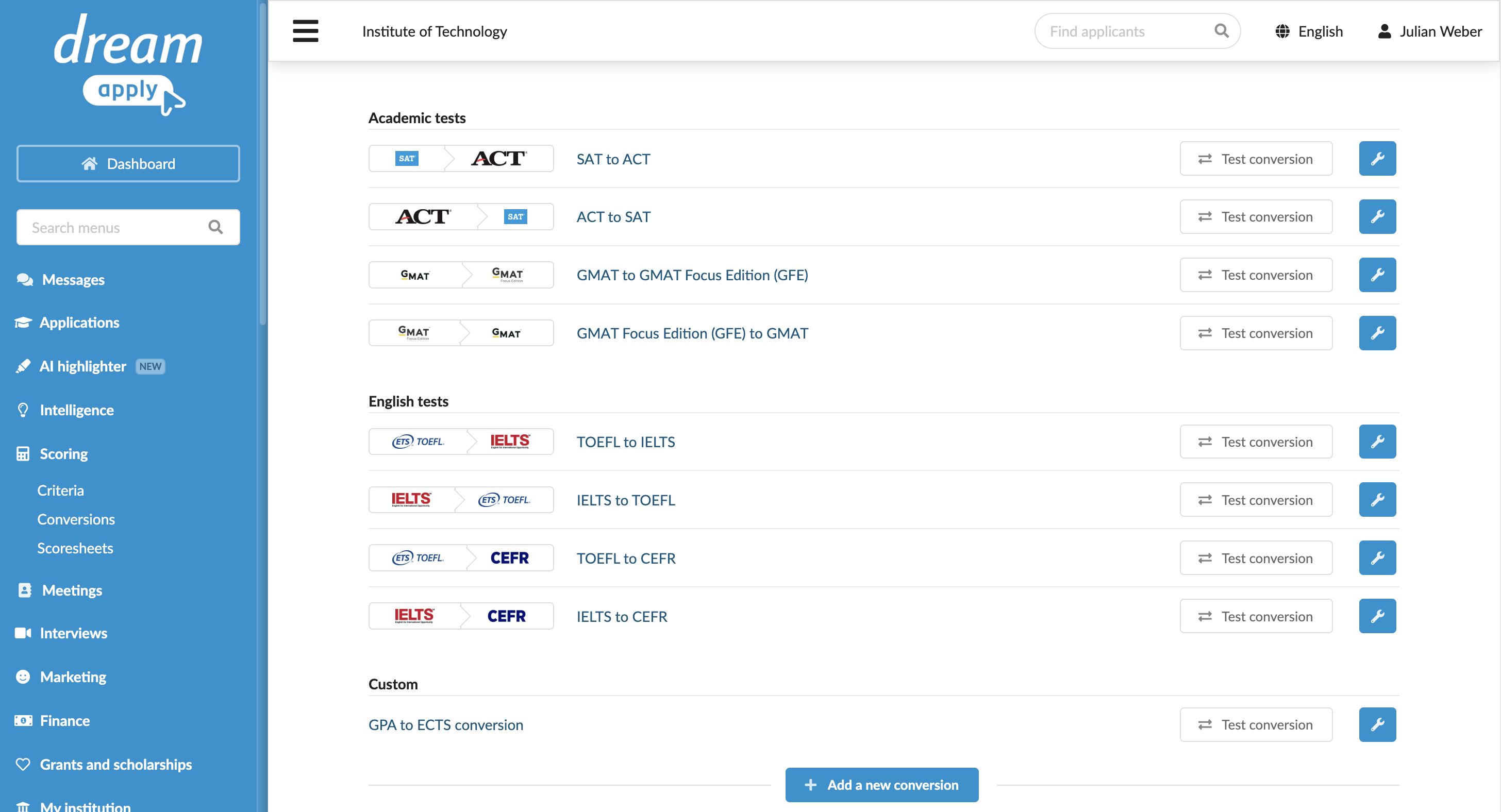
DreamApply provides a set of predefined rules for standardizing scores from common tests and exams. You can test these rules in DreamApply’s built-in playground to see how they work.
Additionally, you can create custom formulas or lookup tables to map initial test scores to final values.
- In the main menu, under Scoring, select Conversions.
- To add a new rule, click Add a new conversion and select to set up a new arithmetic expression or create a lookup table.
- At the top of the view, click Save.
- To test how the rule works, to the right of the rule, click Test conversion.