What's new in DreamApply
Stay up-to-date with the latest features and updates in DreamApply.
July 2026
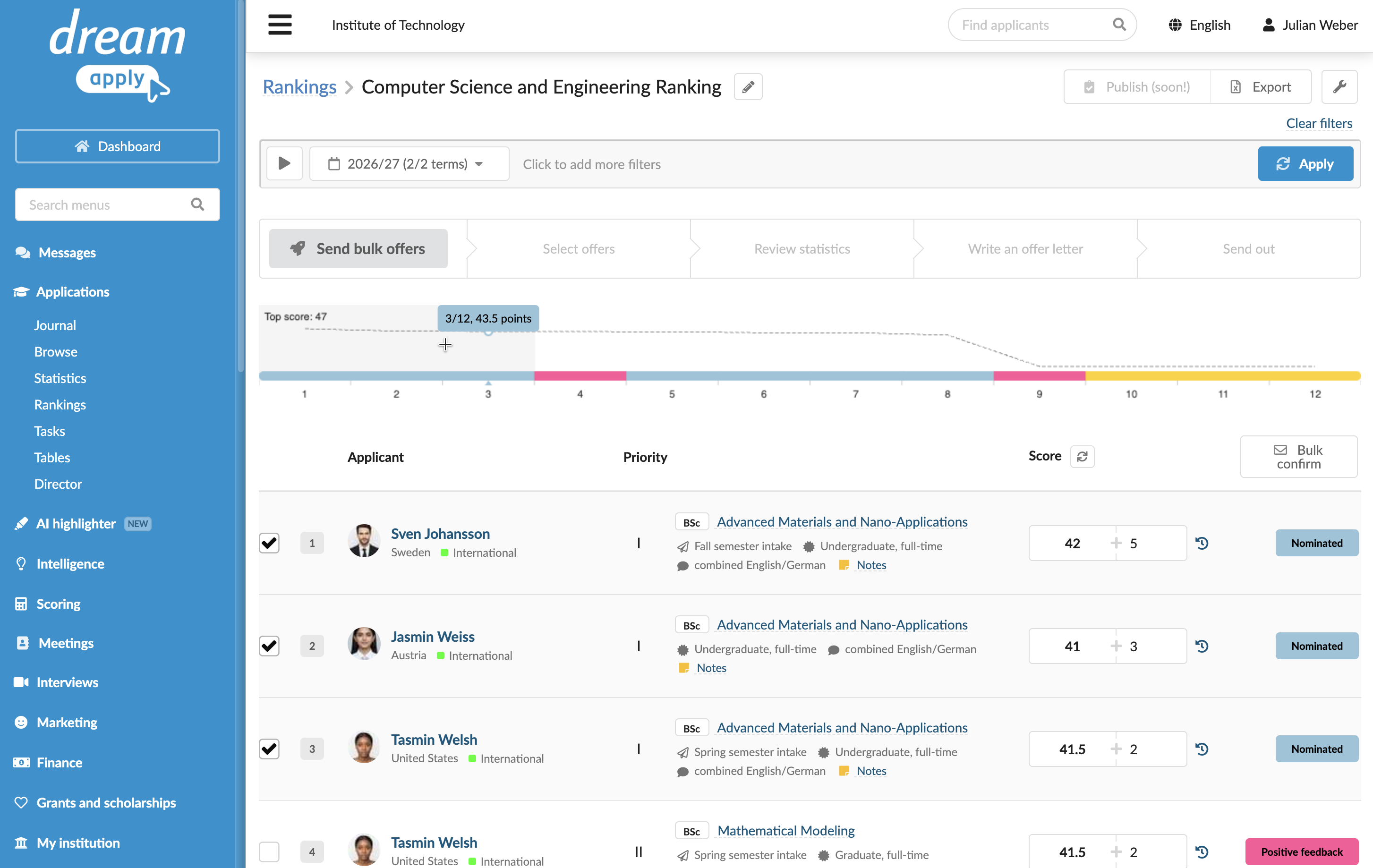
The Rankings view now displays a graph that shows offers in descending order from left to right. Use this graph to quickly select one or more groups of offers within a specific score range.
For details, see Make offers in bulk.
May 2026
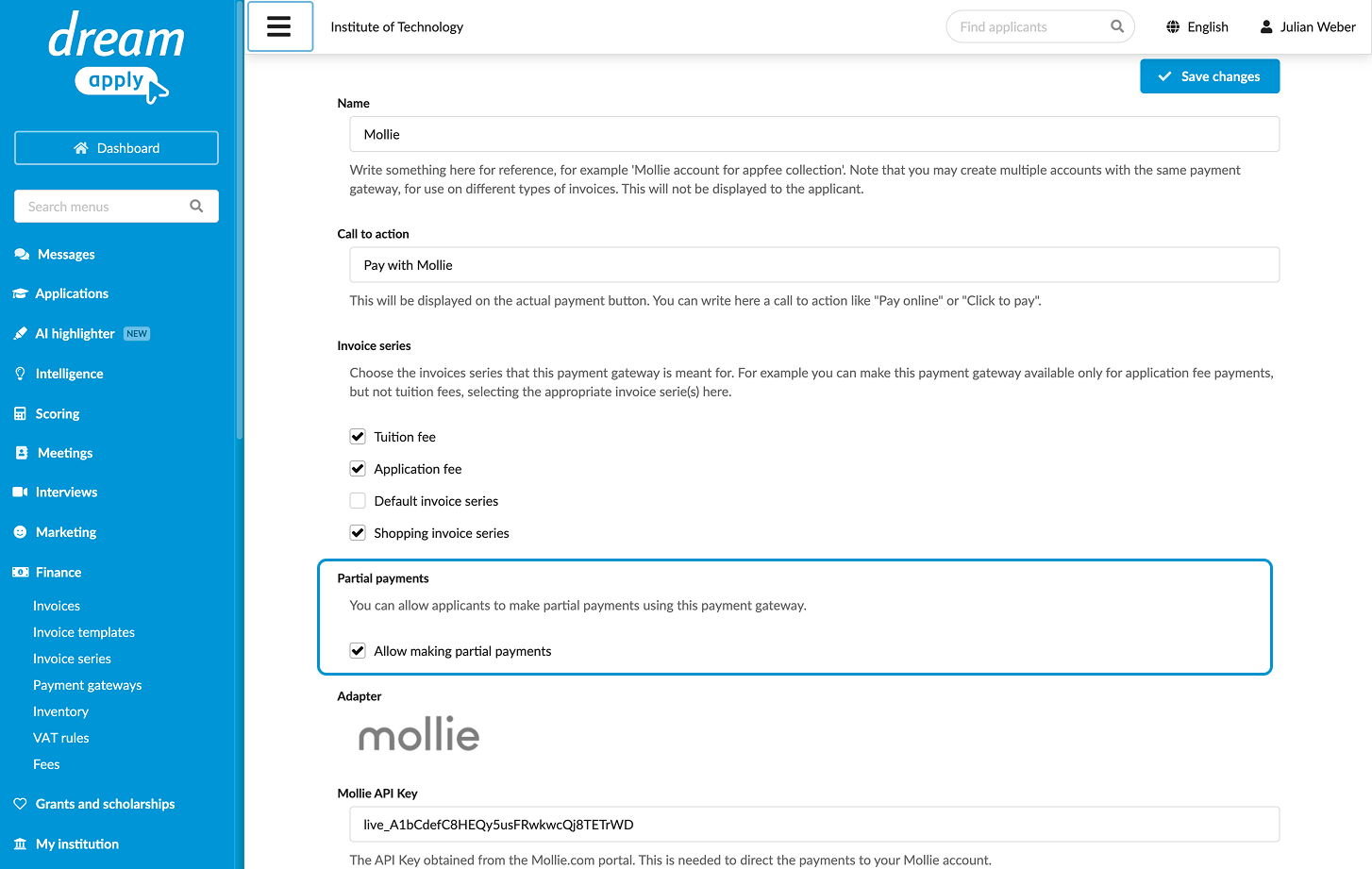
It is now possible to allow applicants to make partial payments through the selected payment gateway.
For details, see Payment gateways.
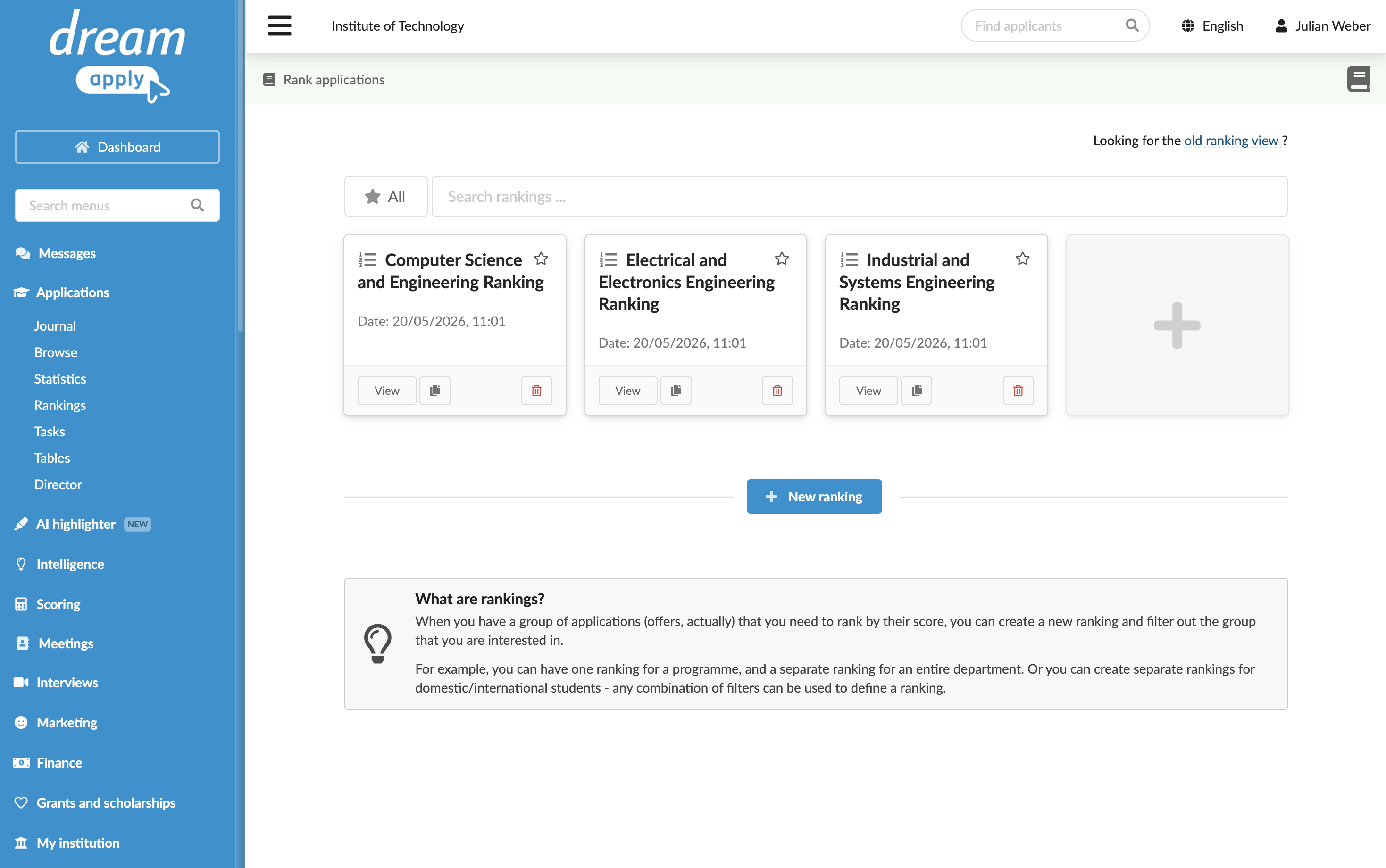
You can now create multiple ranking lists, each with its own filters. This allows you to manage and filter offers independently, similar to creating separate table views.
For details, see Rank applications.
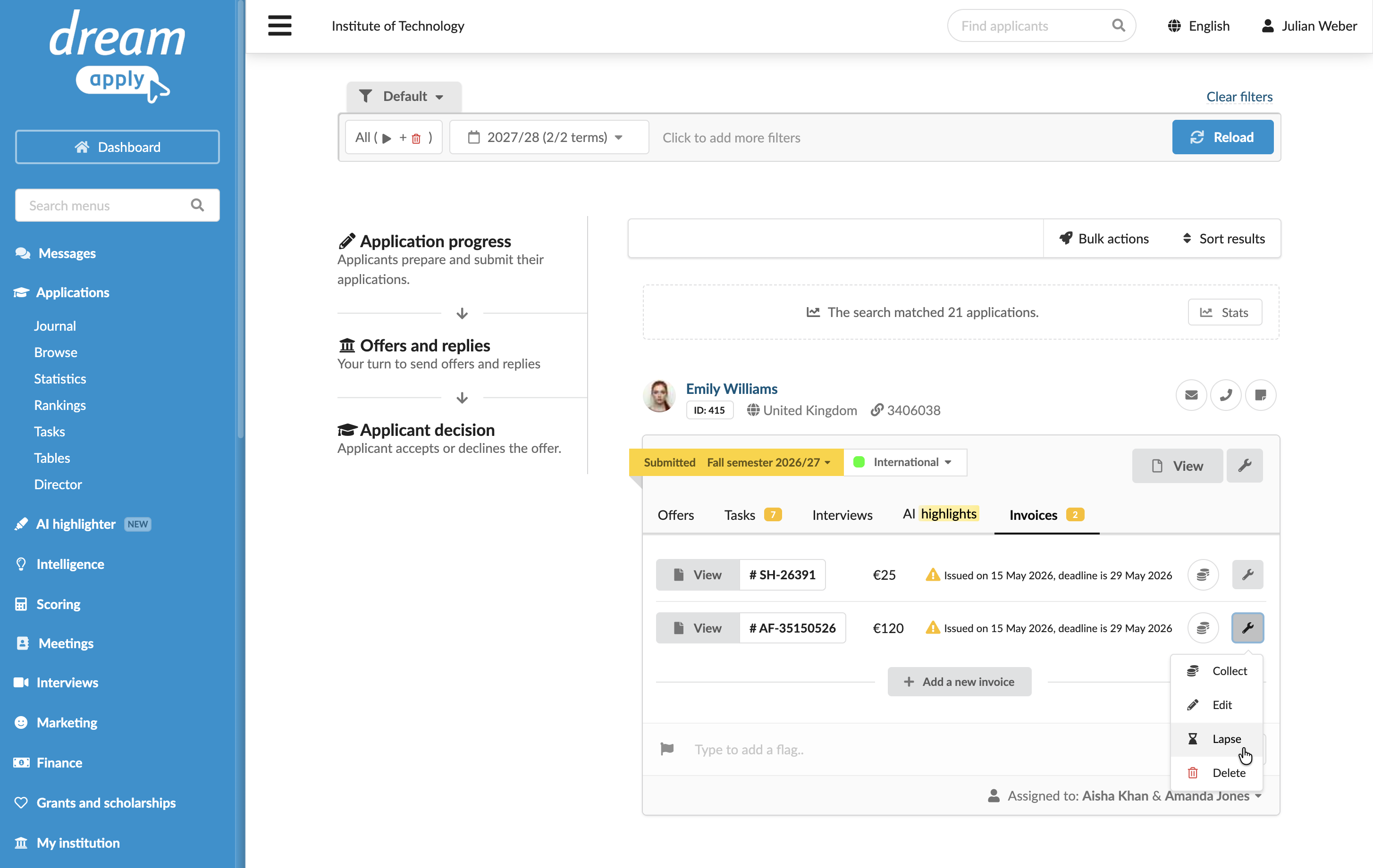
You can now lapse invoices should no longer be considered for payment or collection.
For details, see Mark invoices as lapsed.
April 2026
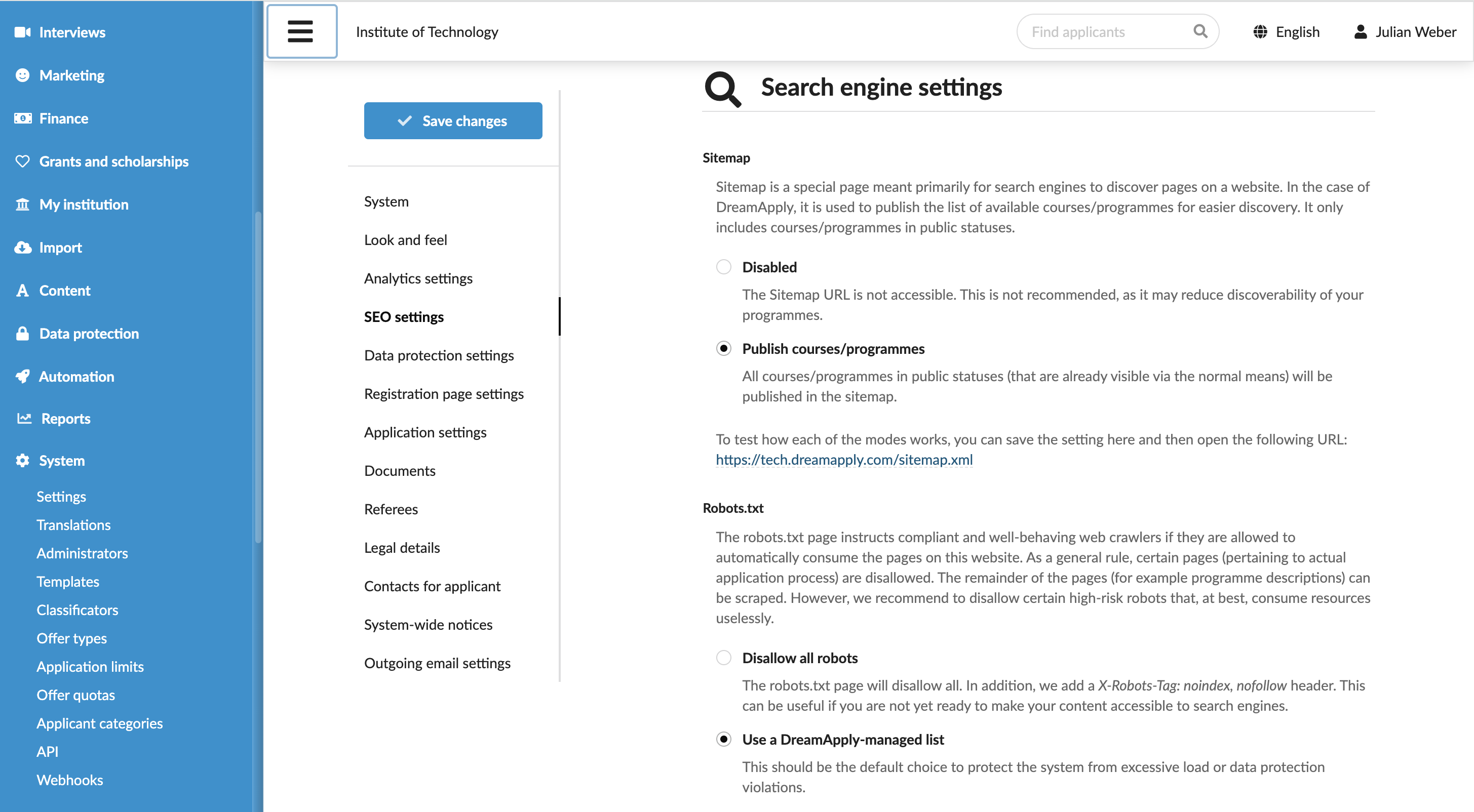
You can now control how search engines discover and index the content of your DreamApply portal and how automated agents interact with it.
For details, see Define the SEO settings.
March 2026
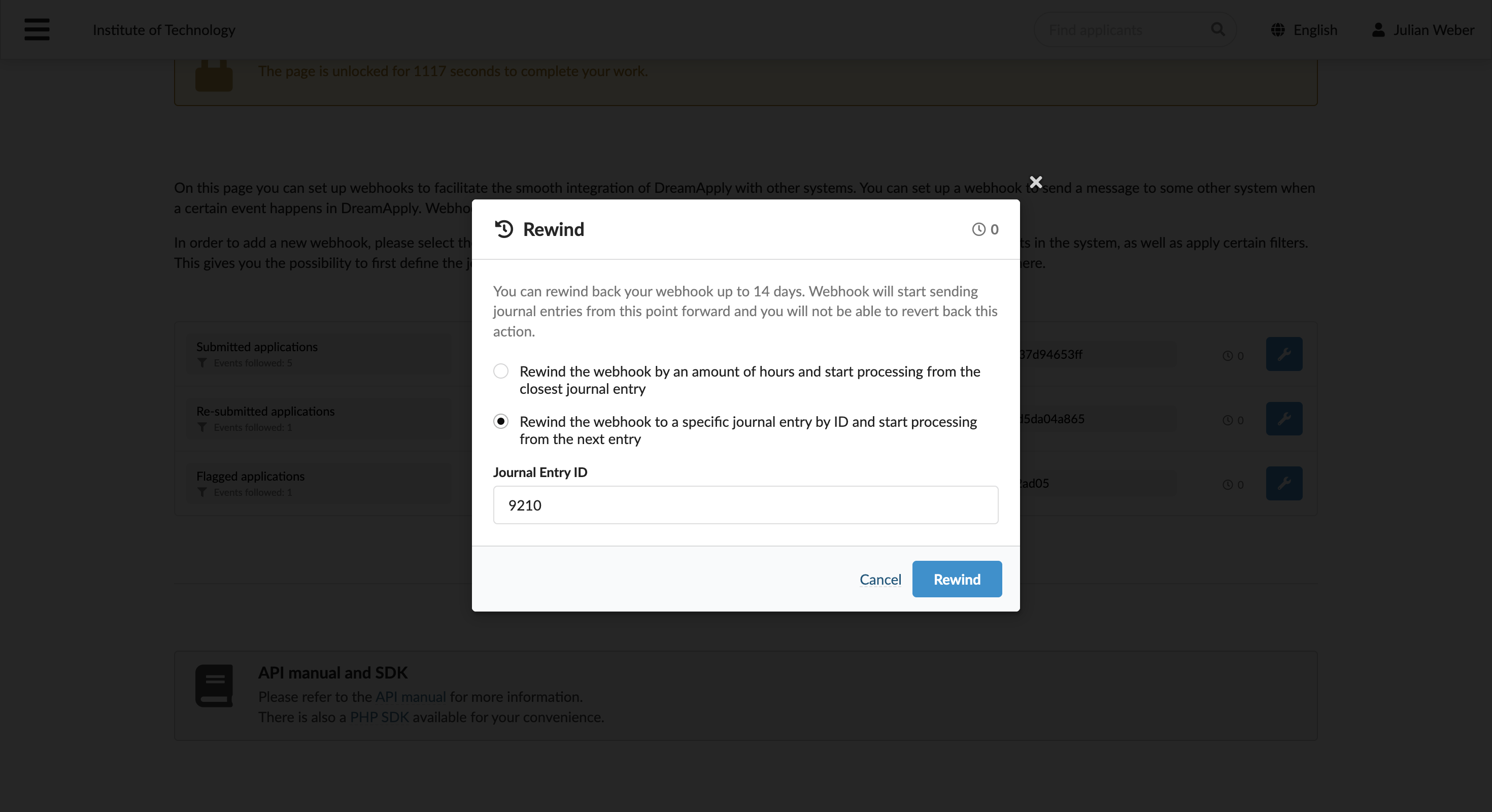
You can now resend events to your webhook endpoint if some events were not delivered due to temporary failures or the webhook was paused.
For details, see Resend events.
February 2026
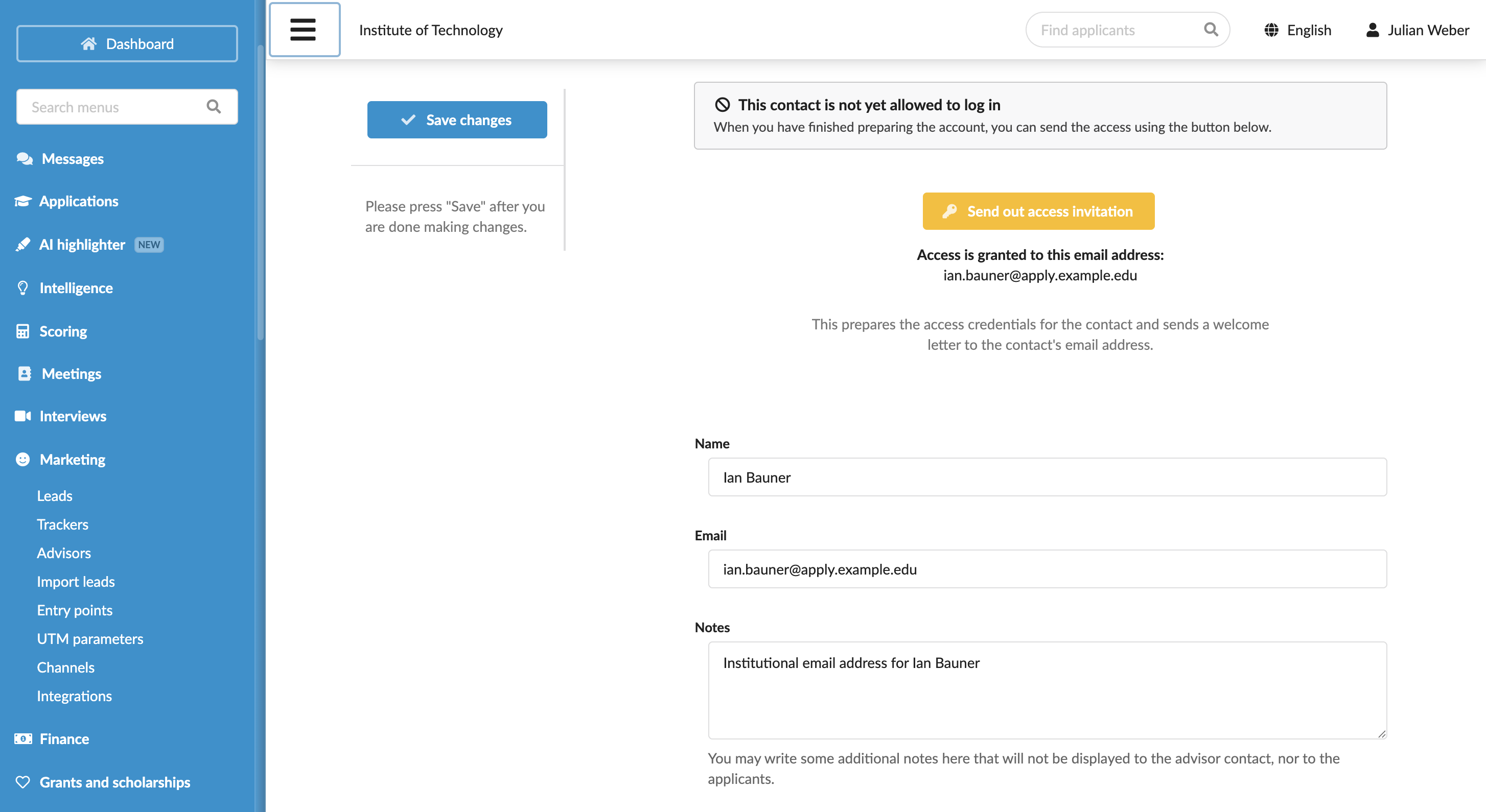
DreamApply is transitioning Advisor accounts from legacy access codes to a new authentication model. Each Advisor now requires a DreamID to log in. This update improves security and accountability, and provides a consistent login experience for both Administrators and Advisors.
For details, see Migrate Advisor accounts.
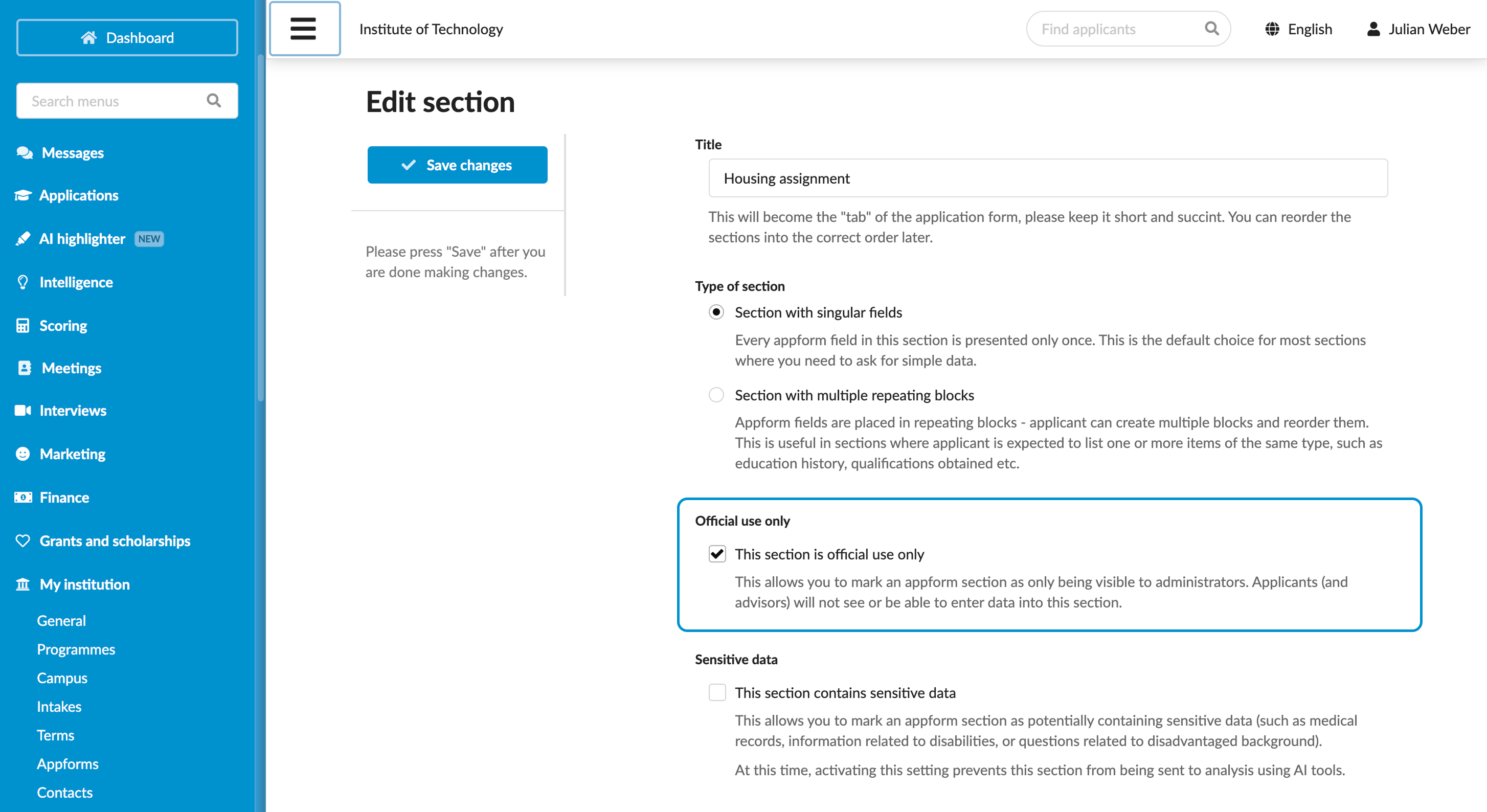
Administrators can now use Official use only sections in appforms to record administrative details that may be required for admission processing. Official use sections are hidden from applicants and Advisors, which guarantees that internal information remains secure.
For details, see Set up official use sections.
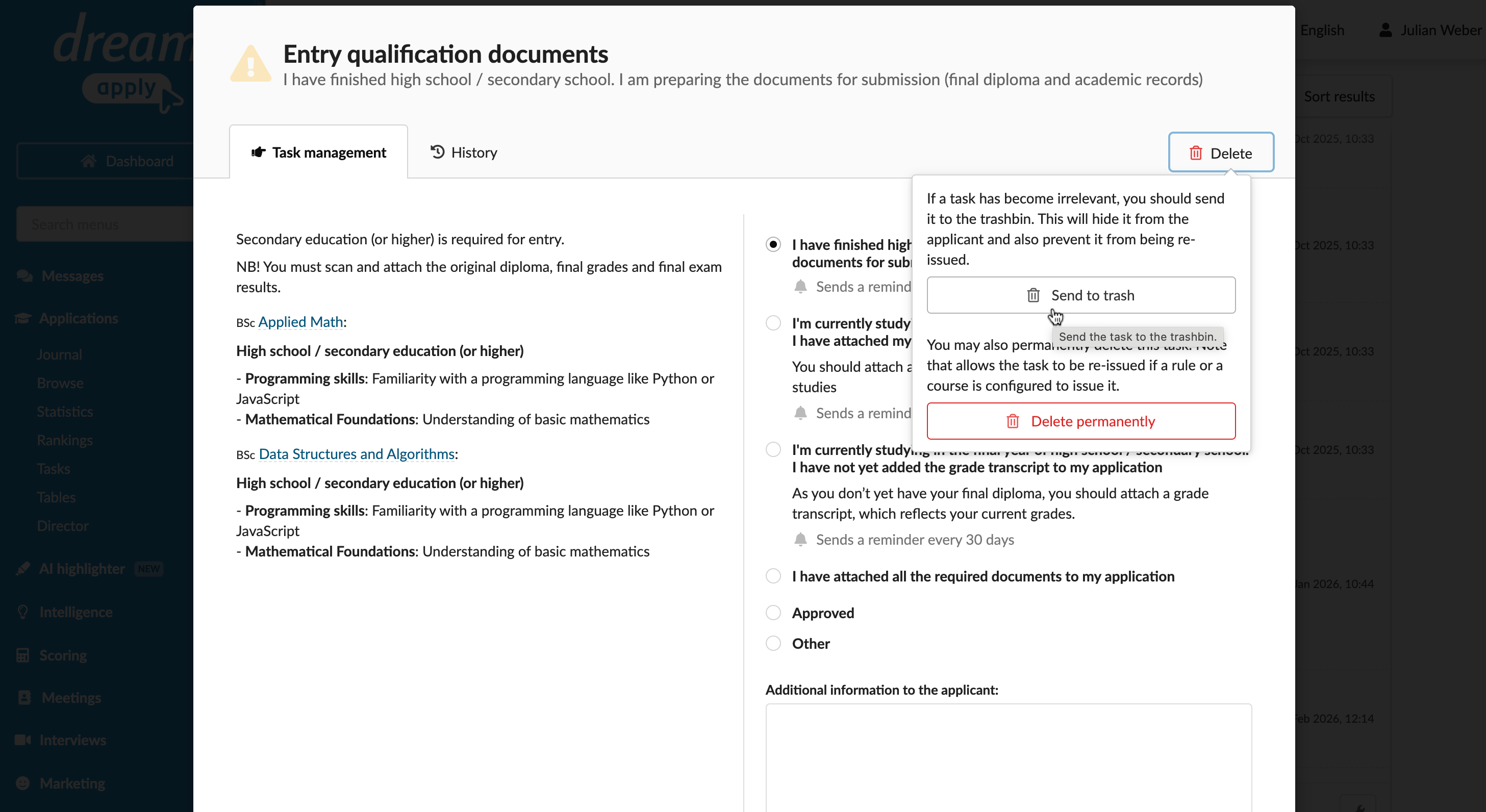
DreamApply now offers Administrators greater flexibility and control over tasks. You can perform the following actions:
- Send tasks to trash: This option removes tasks from the applicant's checklist but keeps them linked to the application and visible to Administrators for traceability and internal records.
- Delete tasks: This option removes tasks entirely from an application. Deleted tasks can follow standard assignment logic in the future.
For details, see Delete tasks.
January 2026
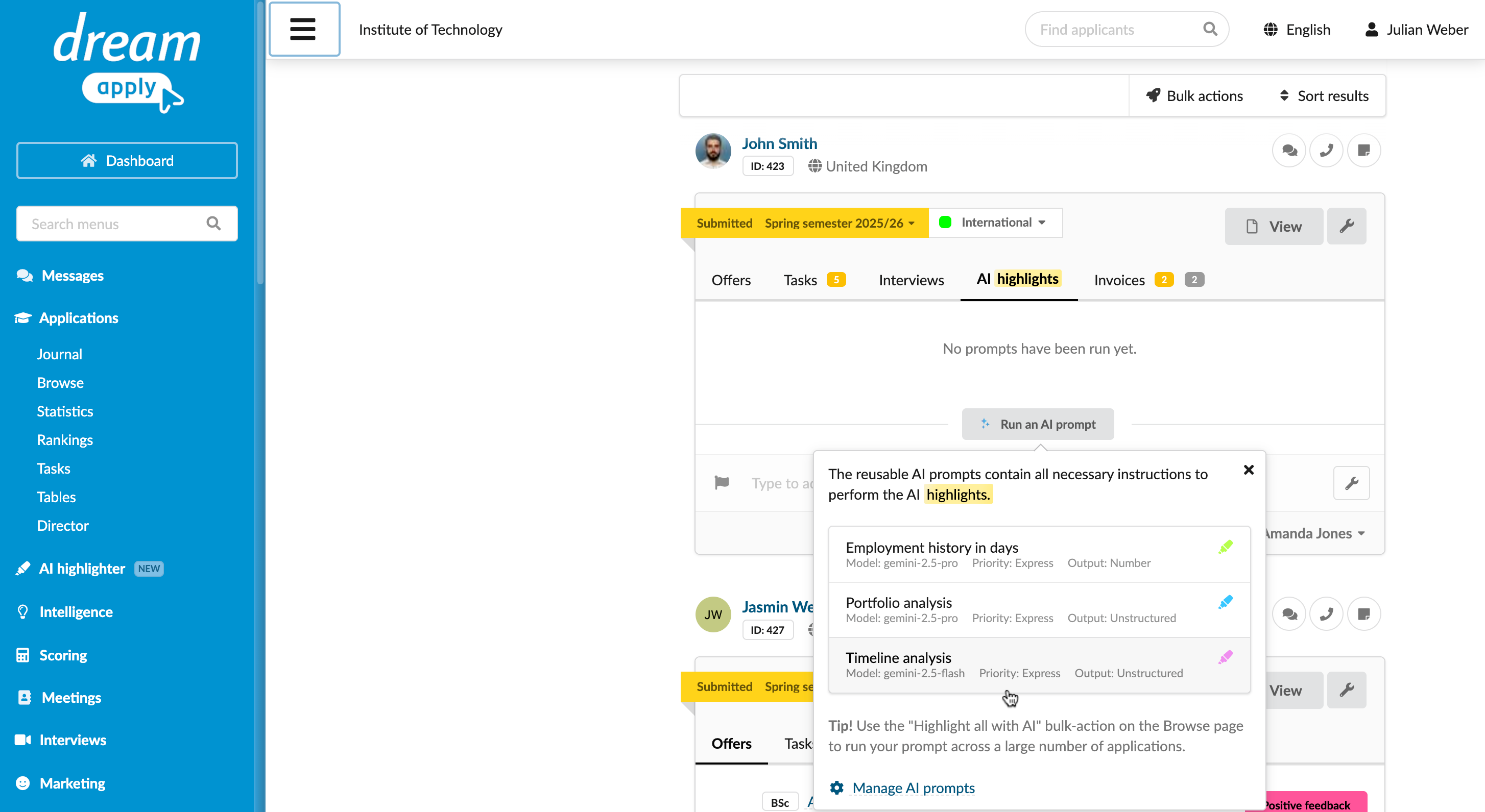
Introducing AI Highlighter, a new tool that allows you to write your own prompts to analyse submitted applications and documents.
For details, see AI Highlighter.
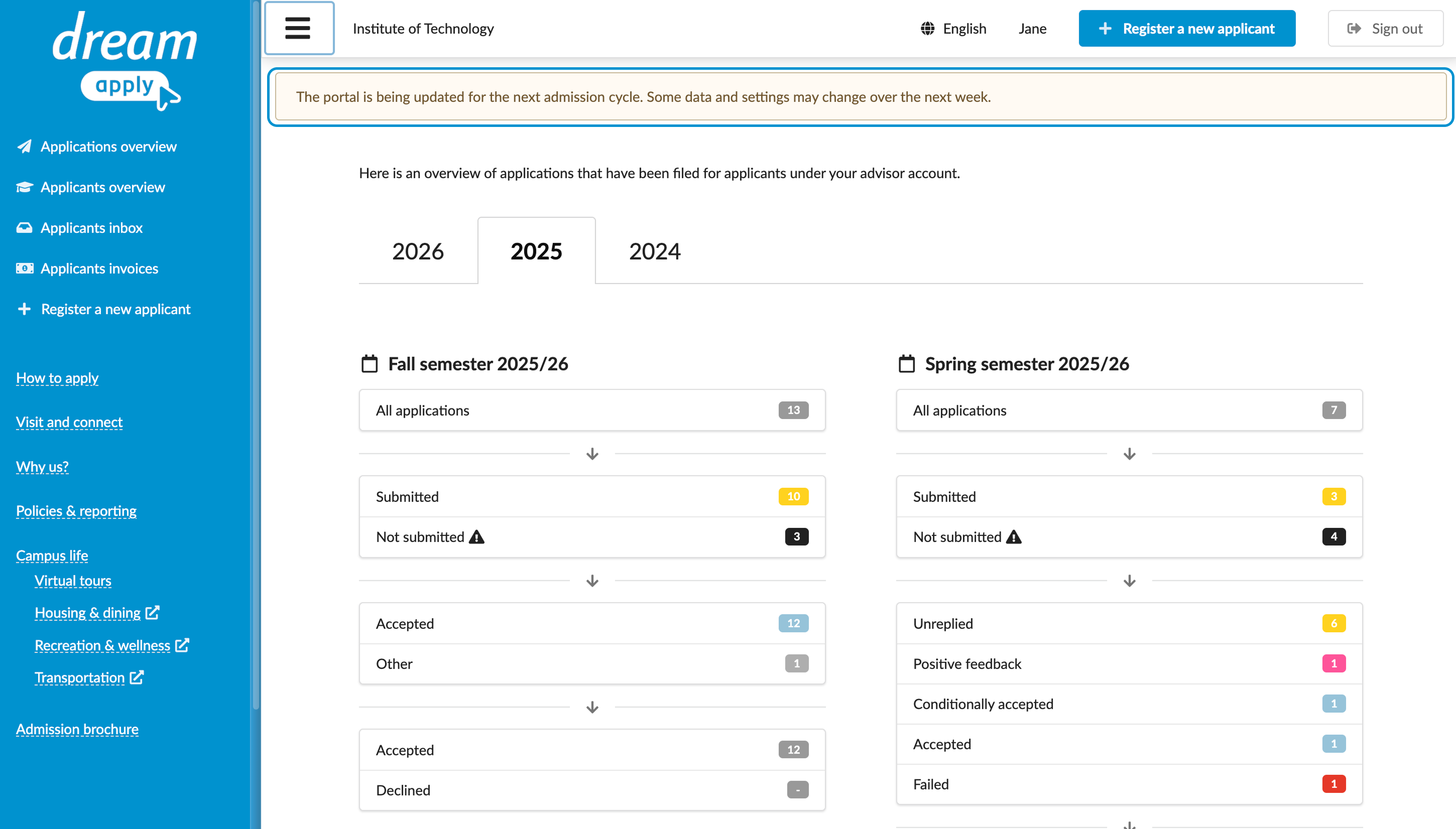
You can now set up system-wide notices to broadcast important updates and operational alerts to specific user roles.
For details, see System-wide notices.
October 2025
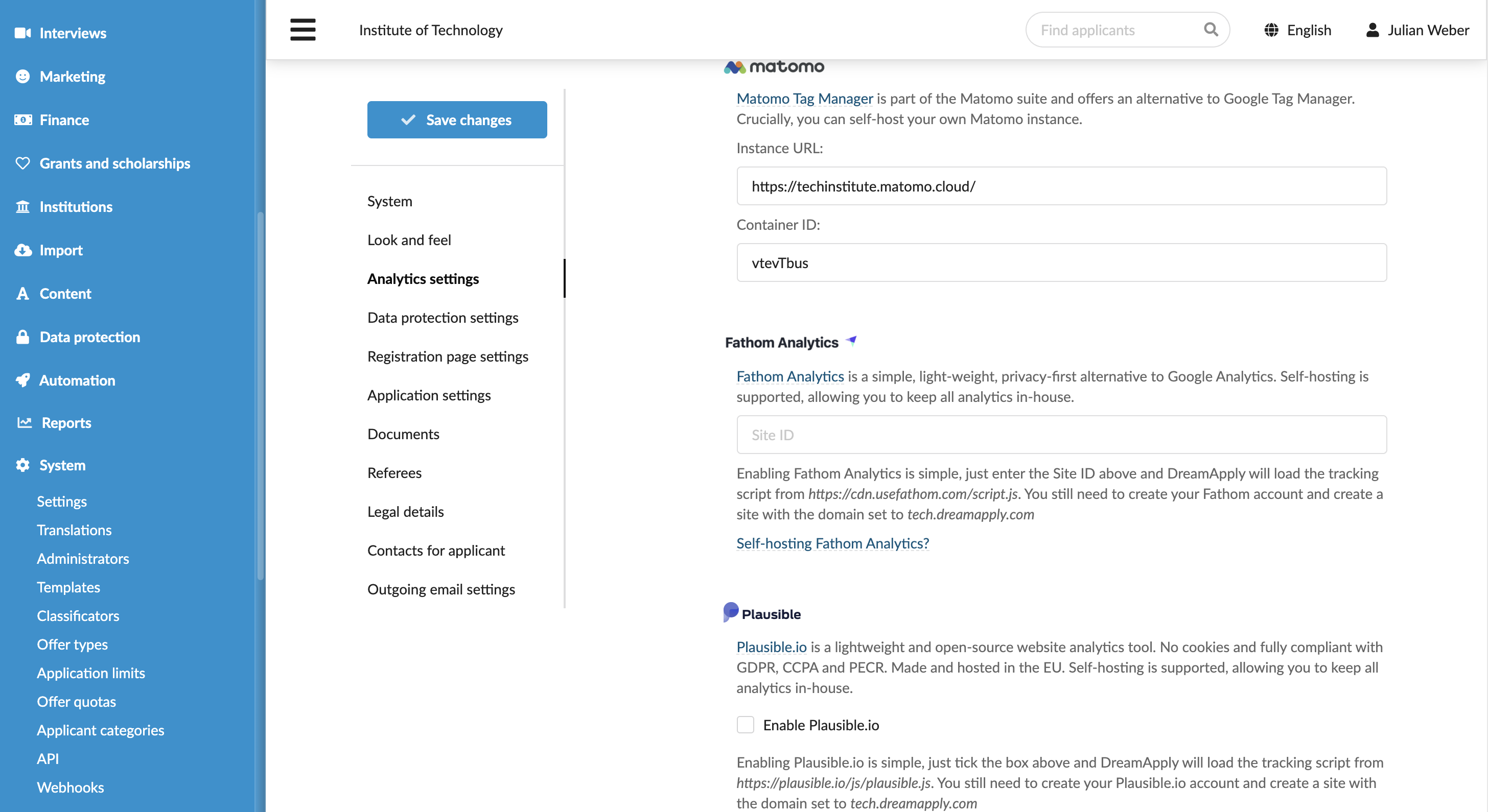
It is now possible to negate filter criteria to find exceptions, uncover missing information or exclude specific record groups.
For details, see Negate filters.
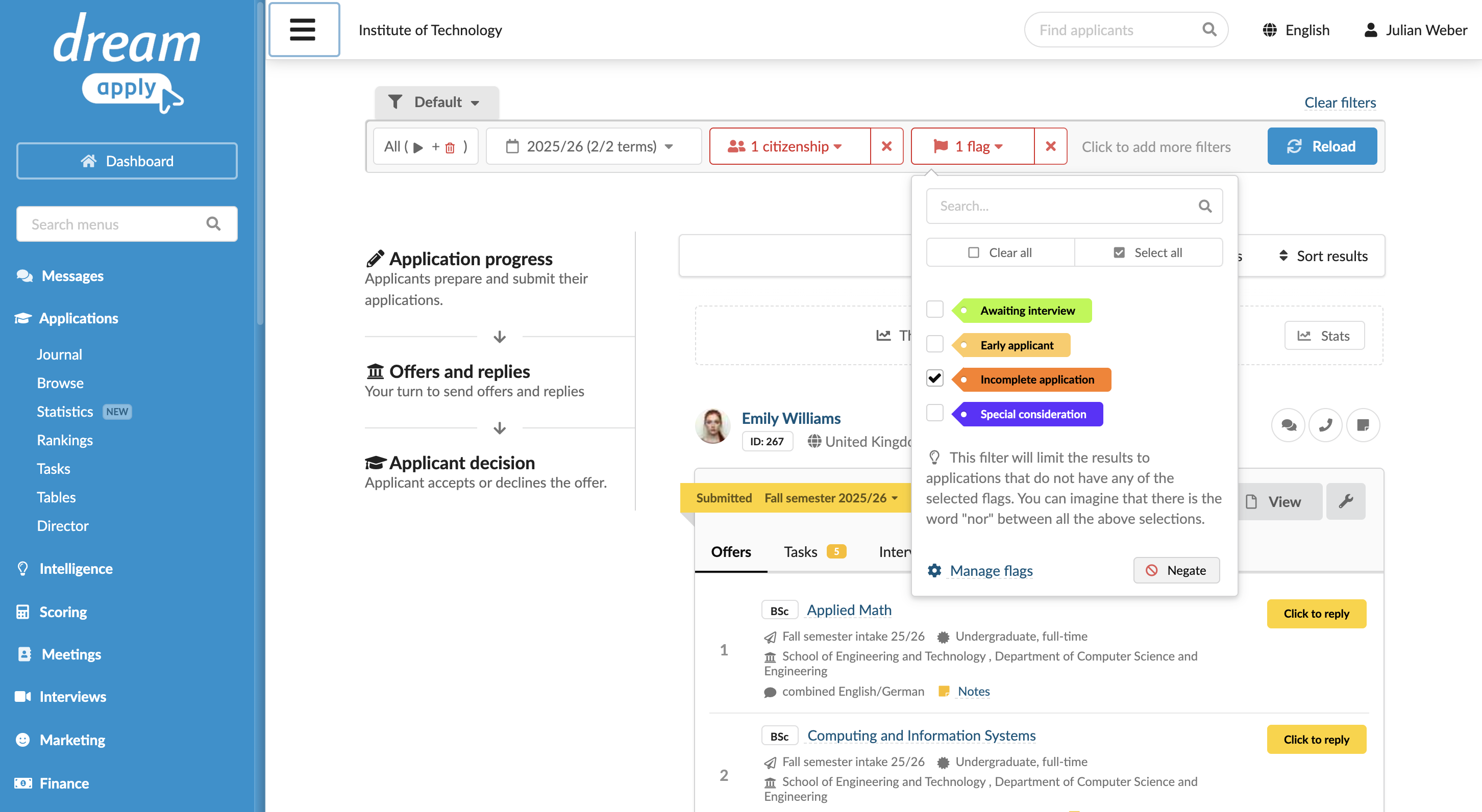
When setting up an offer type, you can now enable the Strict "Declined" decision option. This option ensures that once an applicant declines an offer, the decision is final and cannot be changed.
For details, see Set up offer types.
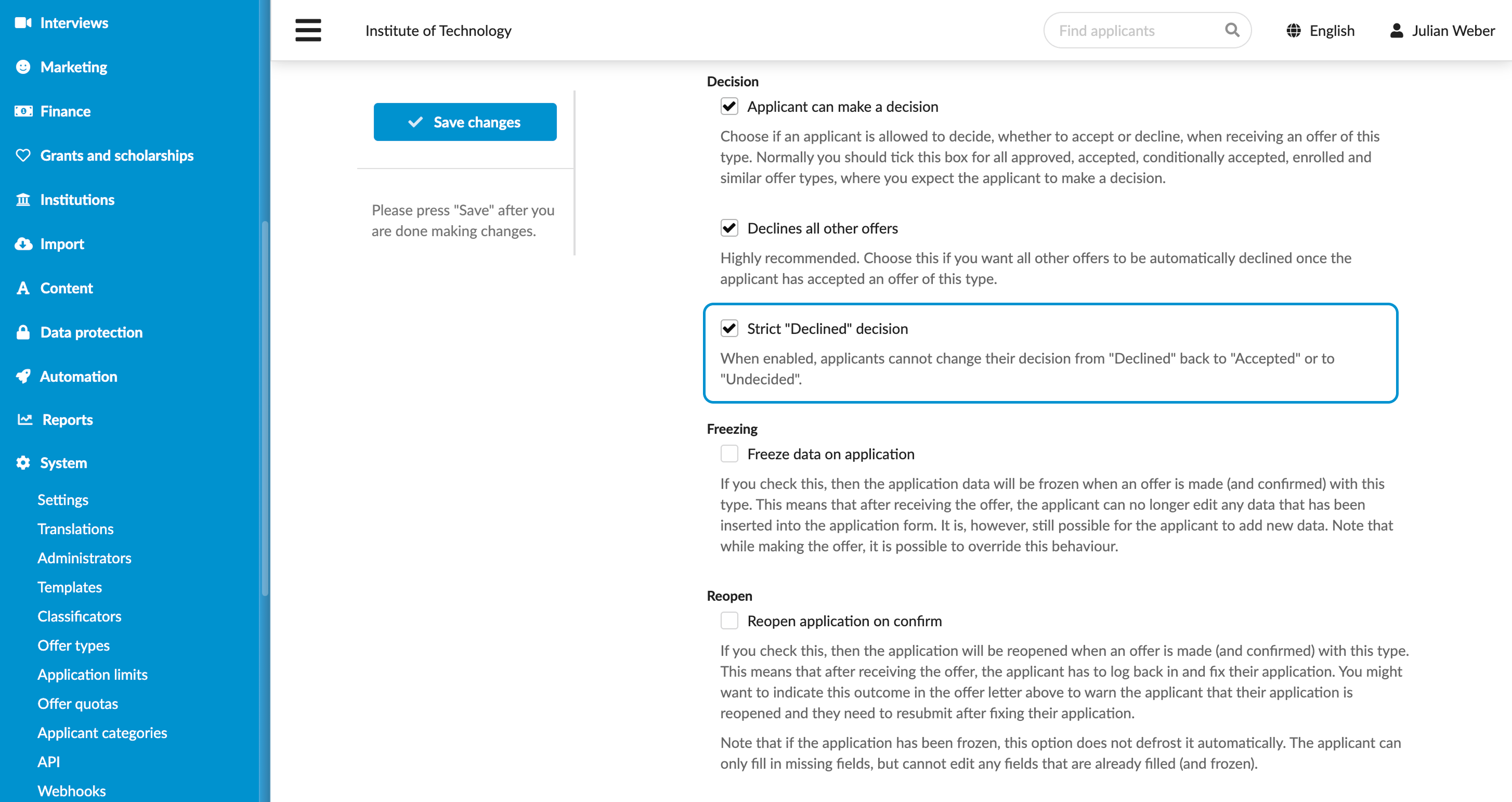
It is now possible to provide internal notes or descriptions for programmes. These notes are only visible to Administrators in the Notes field under the Offers tab on the application card, helping the admission team share important context about a programme.
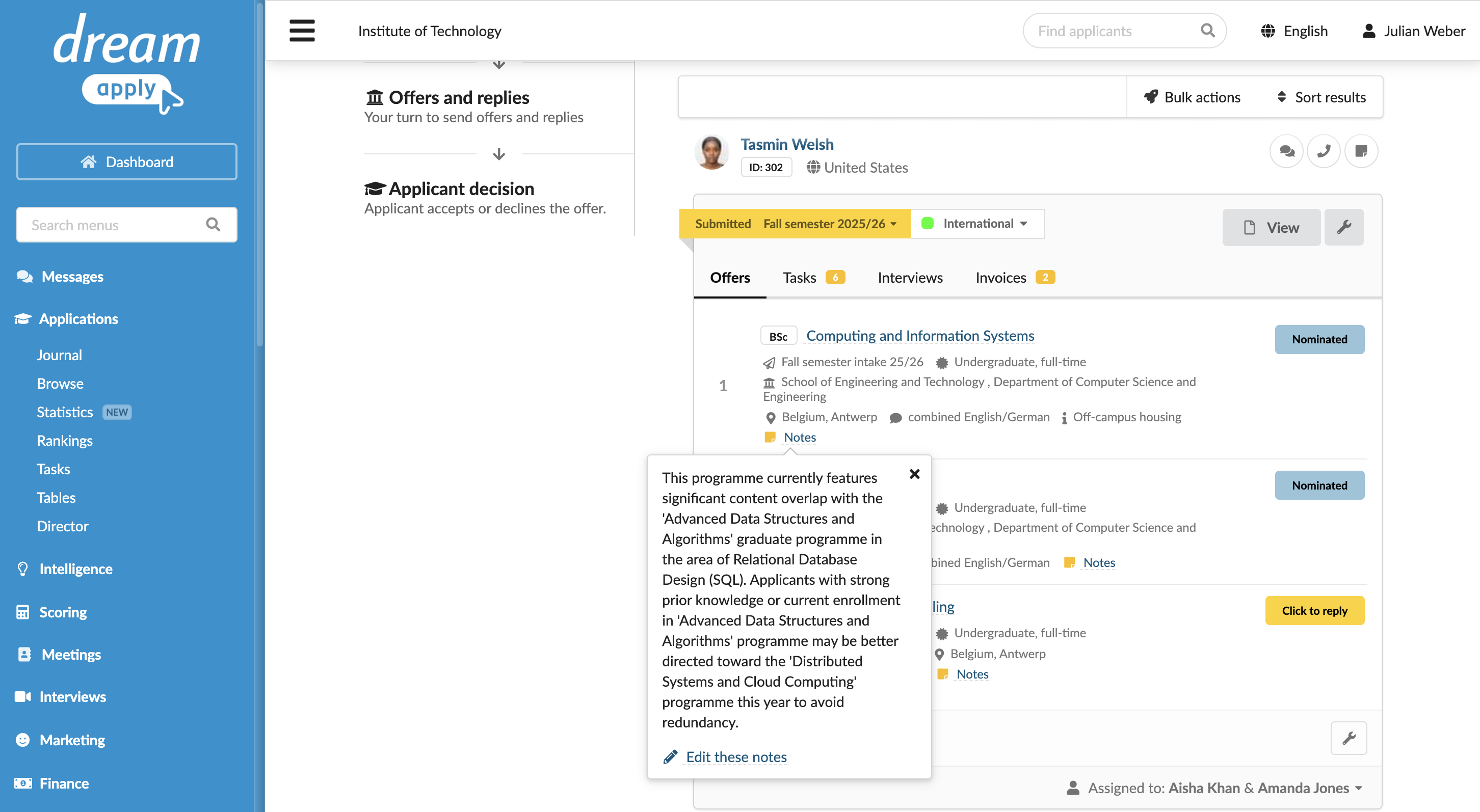
DreamApply now supports Matomo Tag Manager, allowing institutions to track and analyze user interactions in the DreamApply portal. By integrating with DreamApply with Matomo Tag Manager, you can improve insights into applicant behavior and optimize the admission process.
For details, see Integrate with Matomo Tag Manager.
September 2025
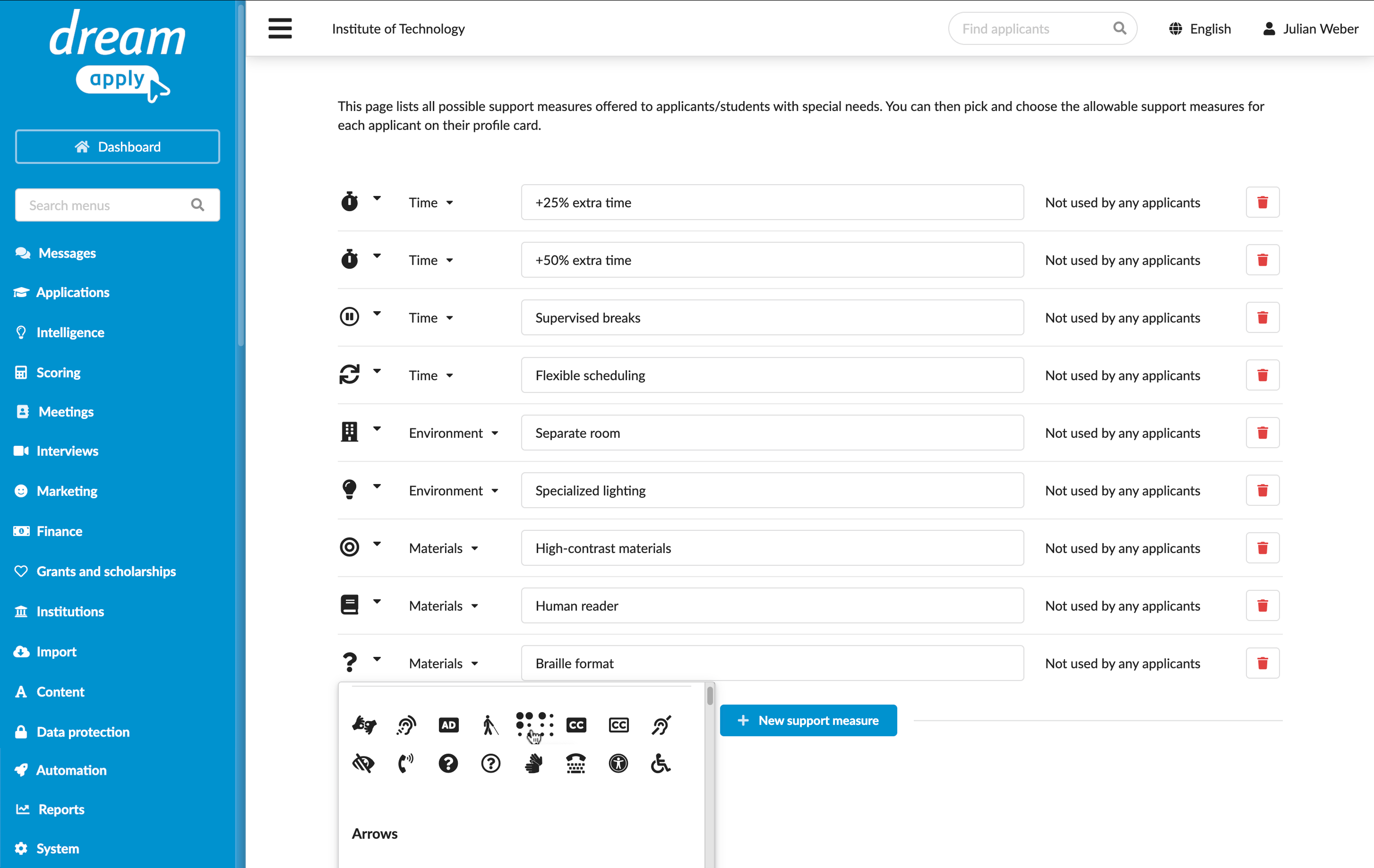
You can now assign support measures to applicants with disabilities or those who have special needs. Support measures help institutions record requirements such as extra time, assistive tools or adapted materials and organize a fair and accessible admission process, providing equal opportunities for all applicants.
For details, see Define support measures.
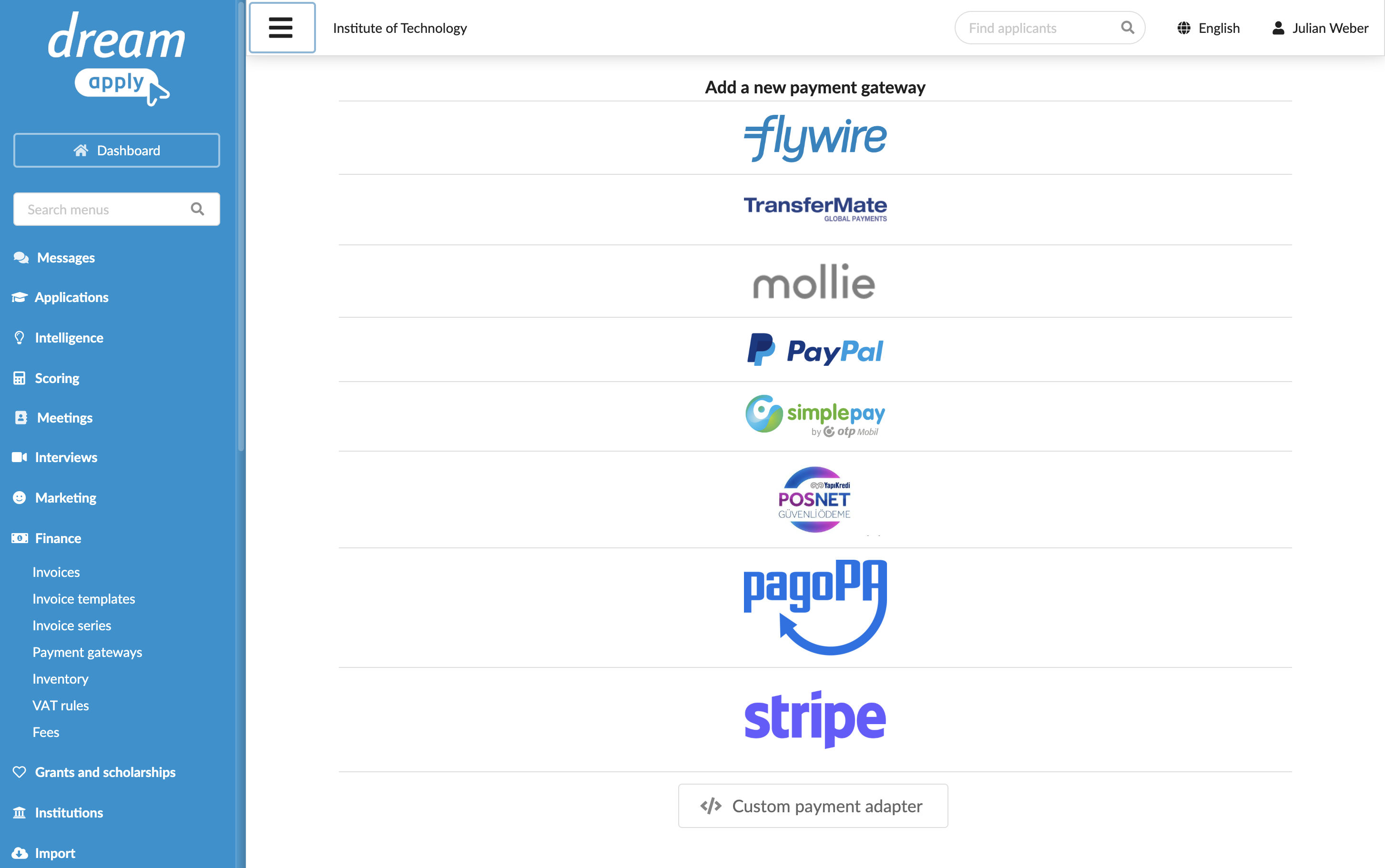
You can now integrate with Stripe to allow applicants perform secure payment using Stripe supported payment methods.
For details, see Integrate with Stripe.
August 2025
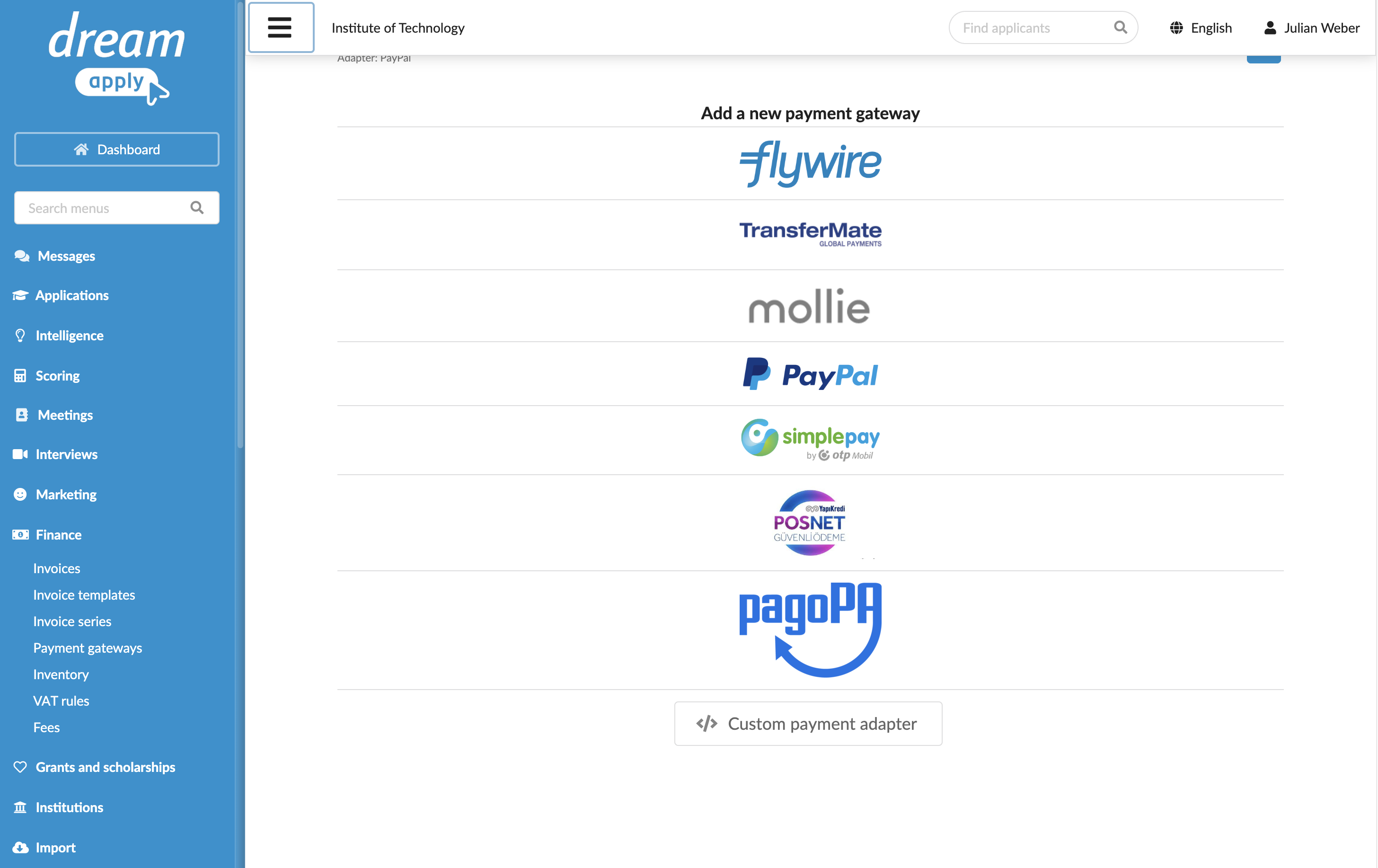
You can now add a custom payment gateway to let applicants securely process online payments using in-house payment solutions.
For details, see Integrate with a custom payment gateway.
DreamApply has improved the usability of filters by removing the non-application-centric filters from filter segments. This makes it easier to find and apply the filters you need.
In addition, five new filters have been added to the Invoice view. Now, when you hover over an invoice, a new tooltip will display additional metadata, making it easier to see which template was used to generate it.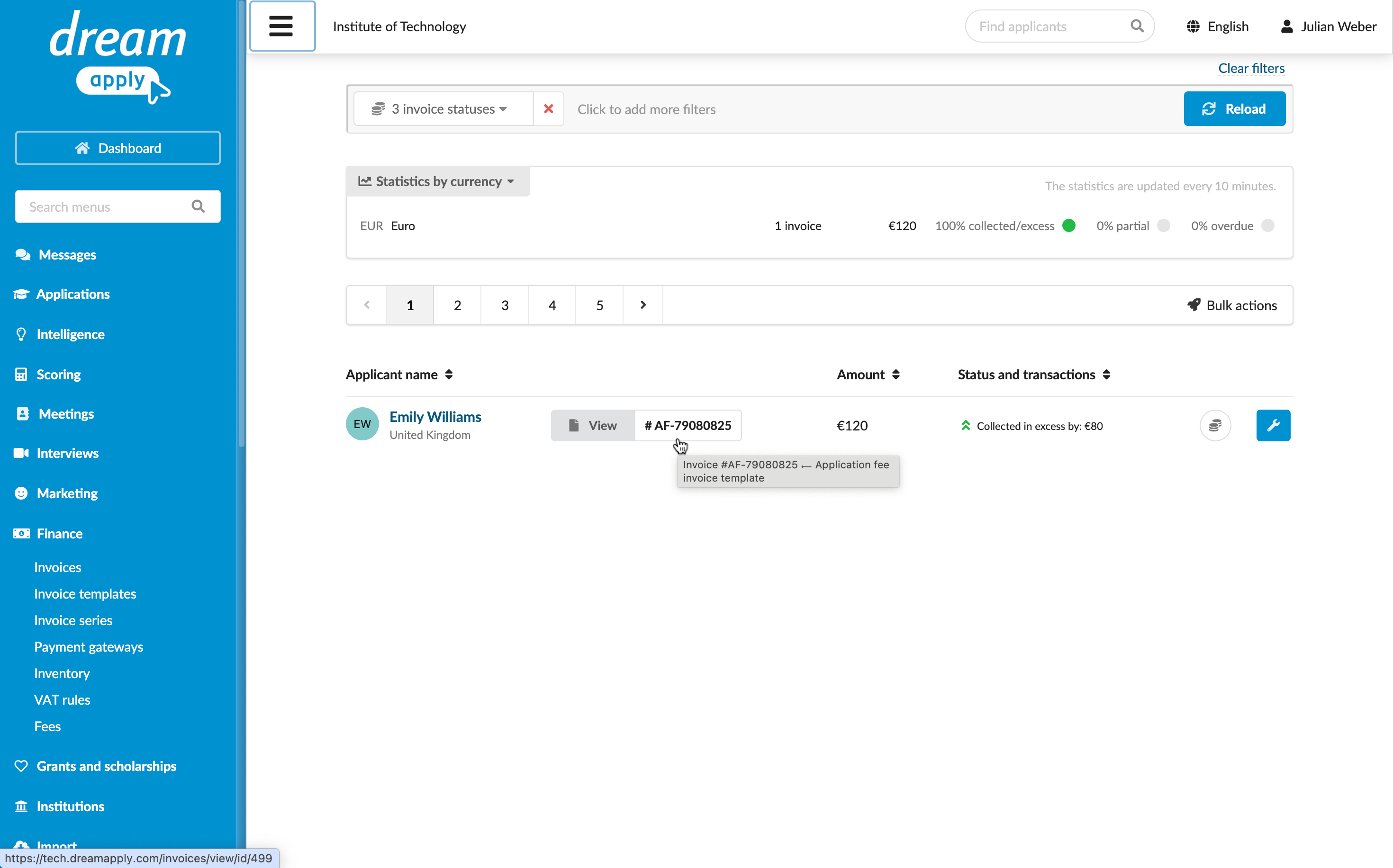
July 2025
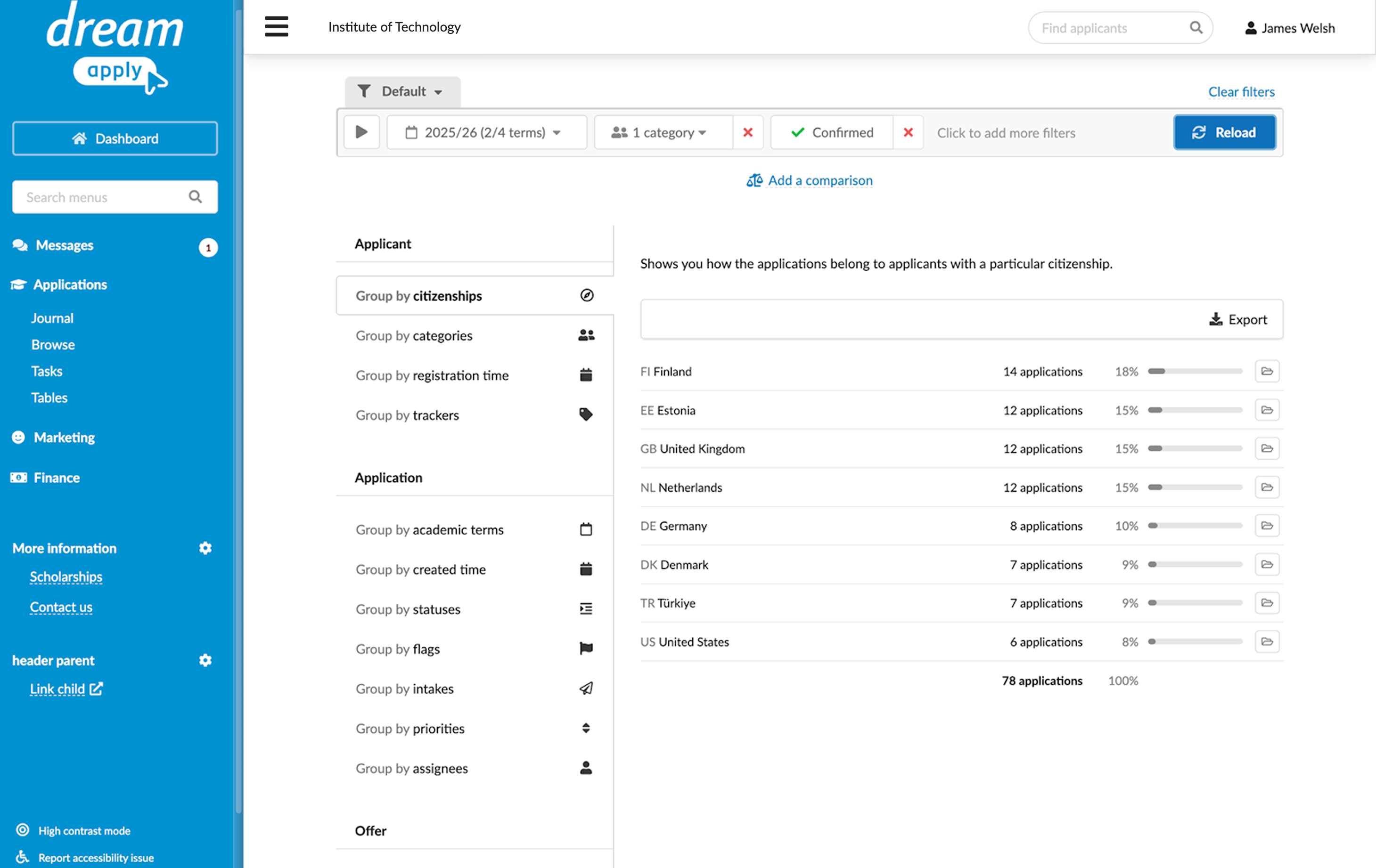
You can now gain insights into the admission process using the Statistics view in DreamApply. The view allows you to explore statistics with predefined data segments, apply filters and compare data across different segments.
For details, see Statistics.
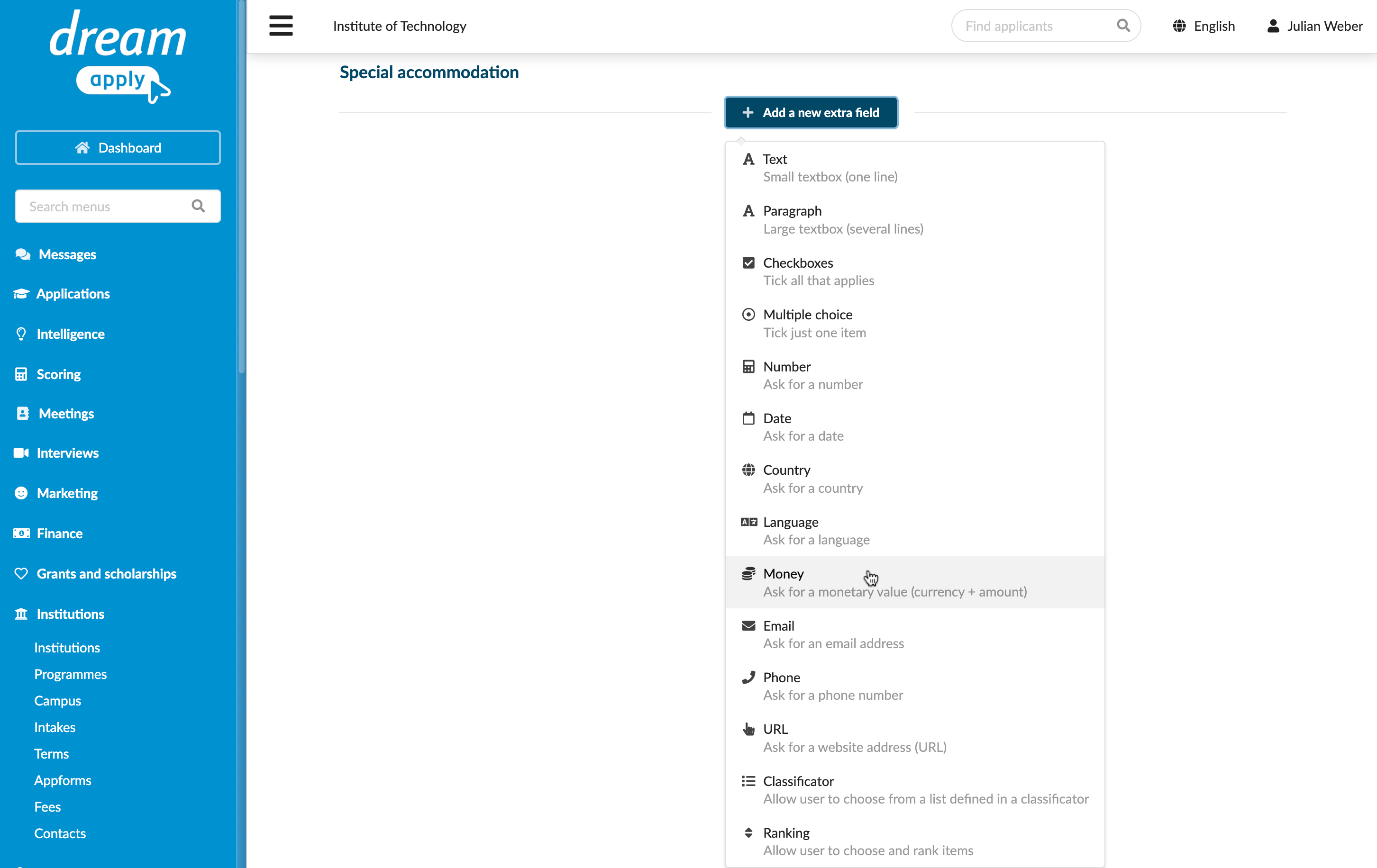
When adding extra fields to an appform, you can now use the following field types:
- Money
- Phone
- URL
- Classificator
For details, see Create custom sections.
June 2025
The maximum session duration is now 48 hours (previously 72 hours). After that, DreamApply automatically terminates the session, and an inactive Administrator is logged out.
For details, see Authentication and sessions.
May 2025
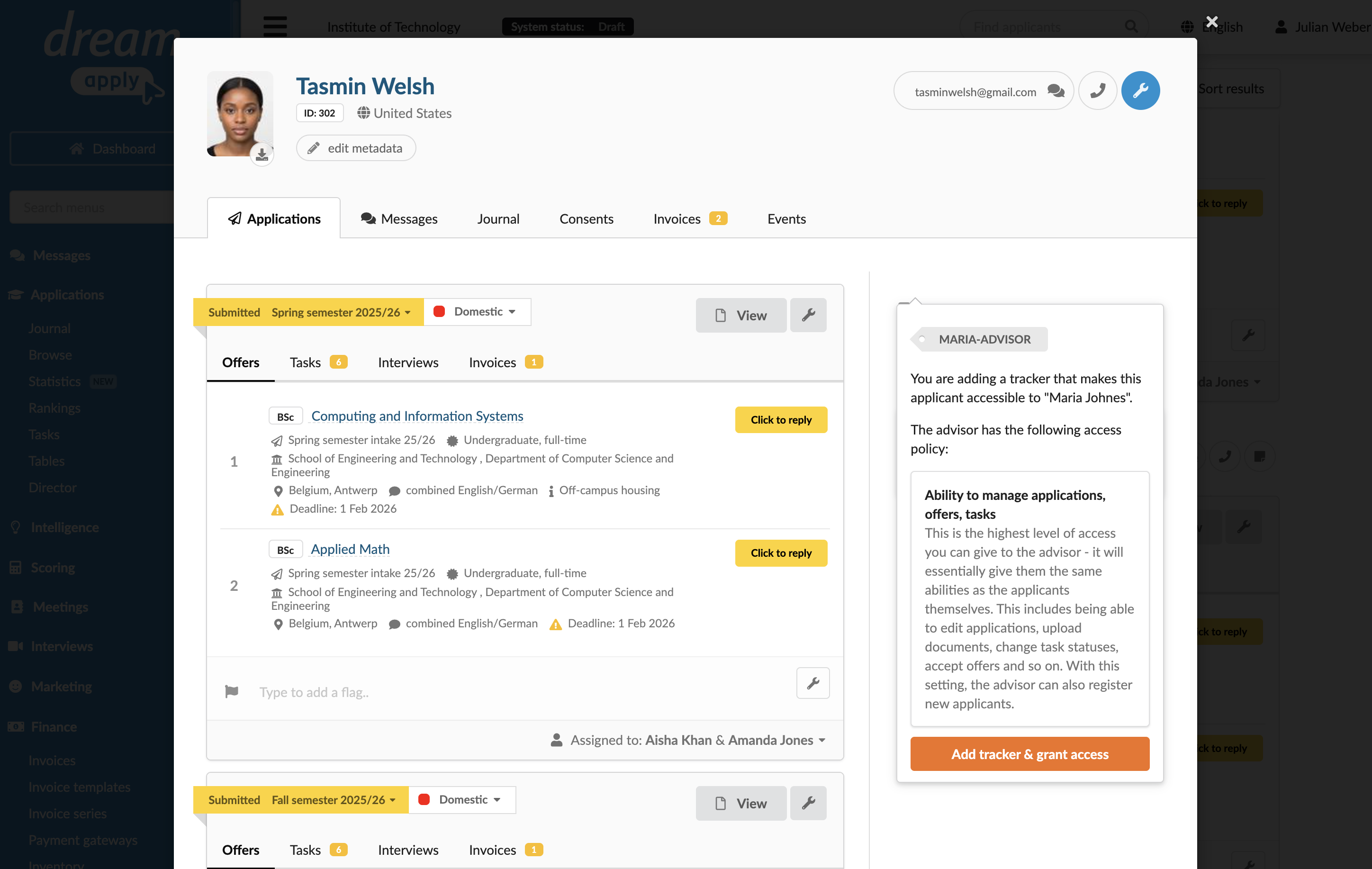
DreamApply now displays a warning when you assign a tracker that is associated with an Advisor. This is a new safety measure to alert you that these trackers provide Advisors with the highest level of access to applicant data.
For details, see Assign trackers.
April 2025
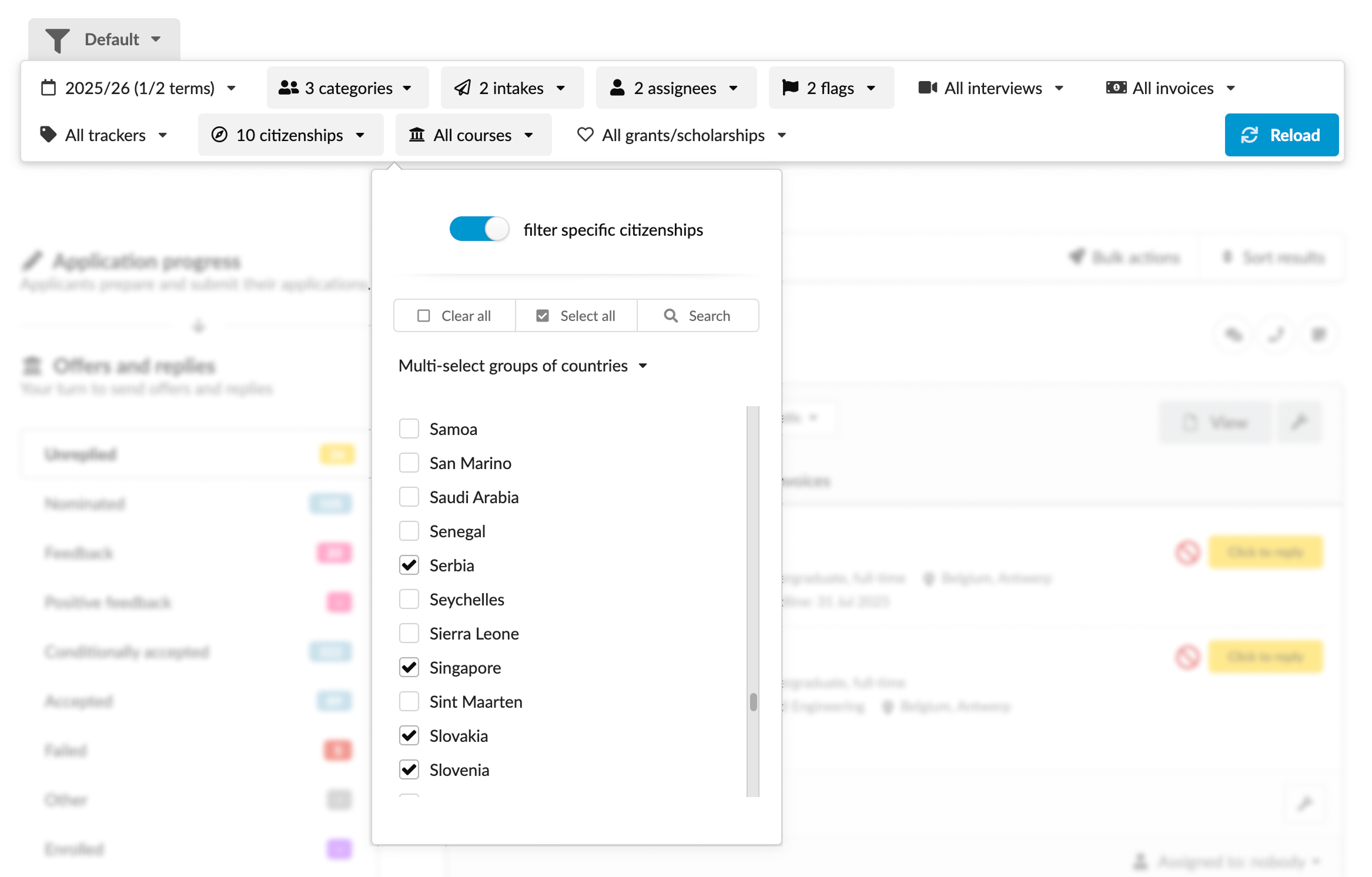
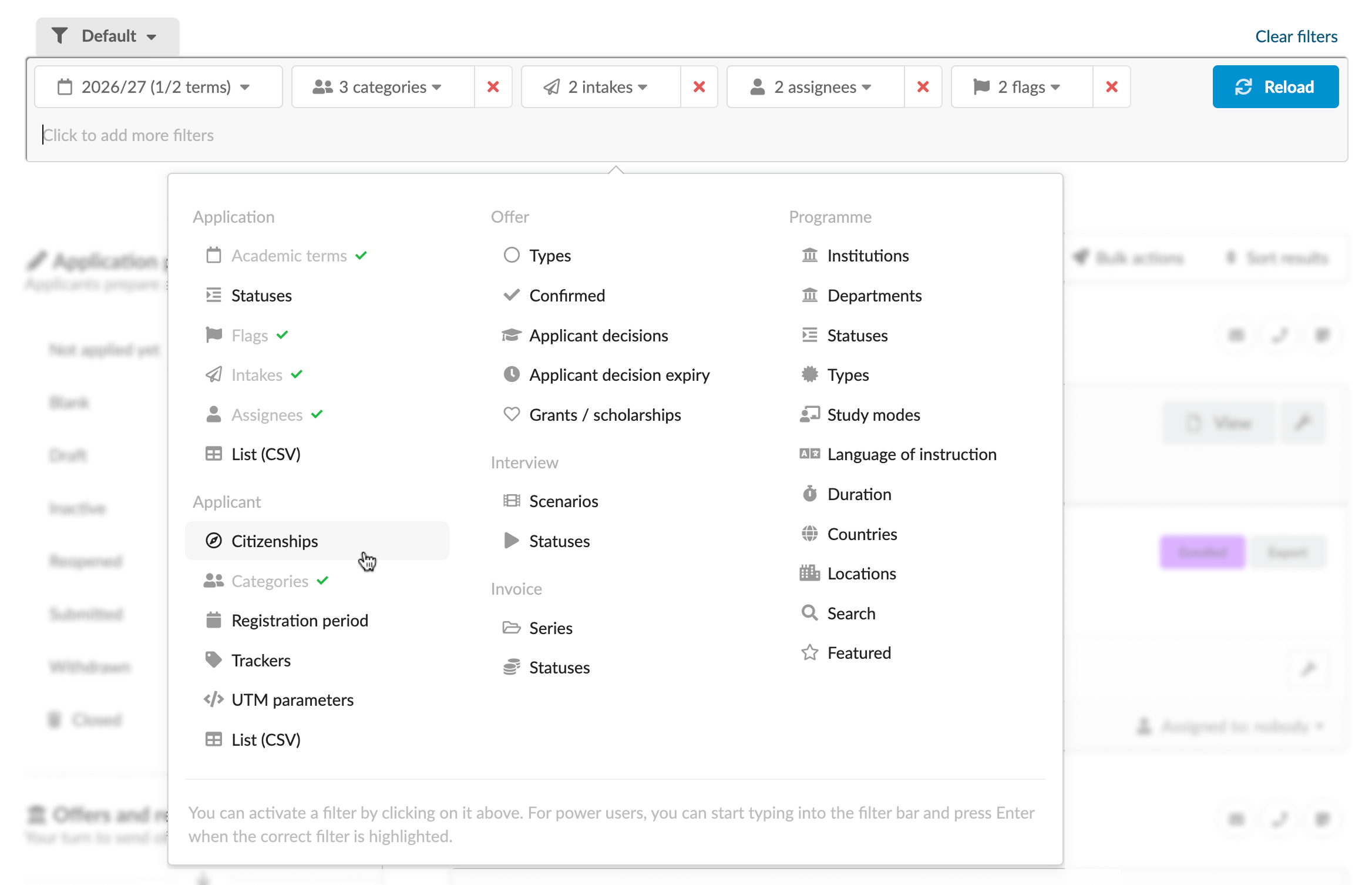
We have redesigned the filter bar to make it more intuitive and easier to manage. Administrators can now filter records faster and with greater confidence.
Before
Previously, the filter bar displayed all categories at once, allowing Administrators to select values for intakes, assignees, programmes and other in a single view. While this provided immediate access to filtering options, it was not always obvious which filters were currently applied.
Now
The new filter bar is more dynamic and uses space more efficiently. To find a specific category, Administrators can now click within the bar or start typing. Once a category is selected and filter values are set, they appear as stacked elements within the bar. The new design makes it immediately clear which filters are currently active and keeps the interface clean and organized.
For details, see Filters.
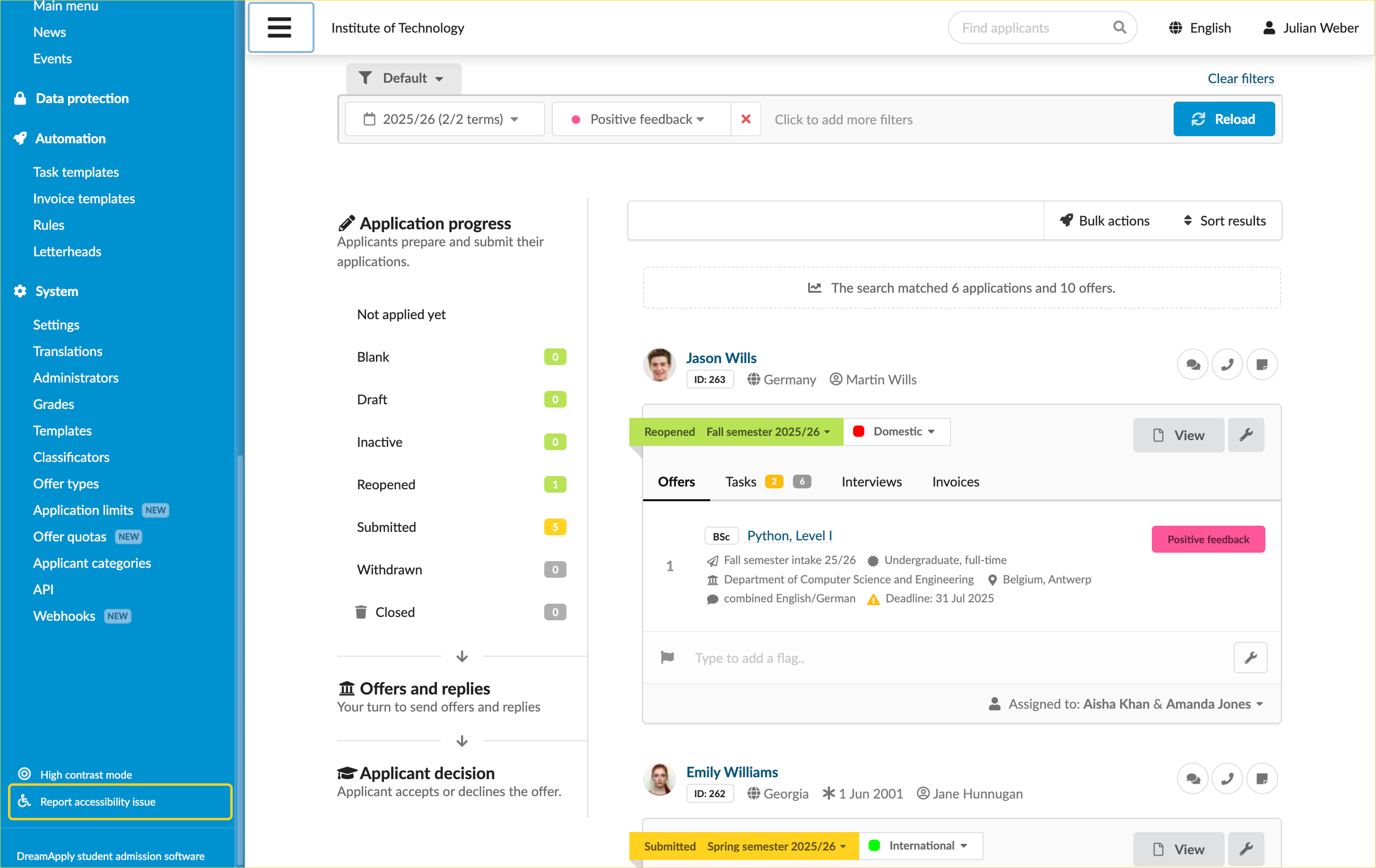
We have made it easier to navigate DreamApply using just the keyboard. You can now use the Tab key to access many elements, which makes the platform more accessible for everyone.
DreamApply now provides a page where you can report any accessibility issues you find. This will help us continue to improve the user experience.
For details, see Accessibility.
February 2025
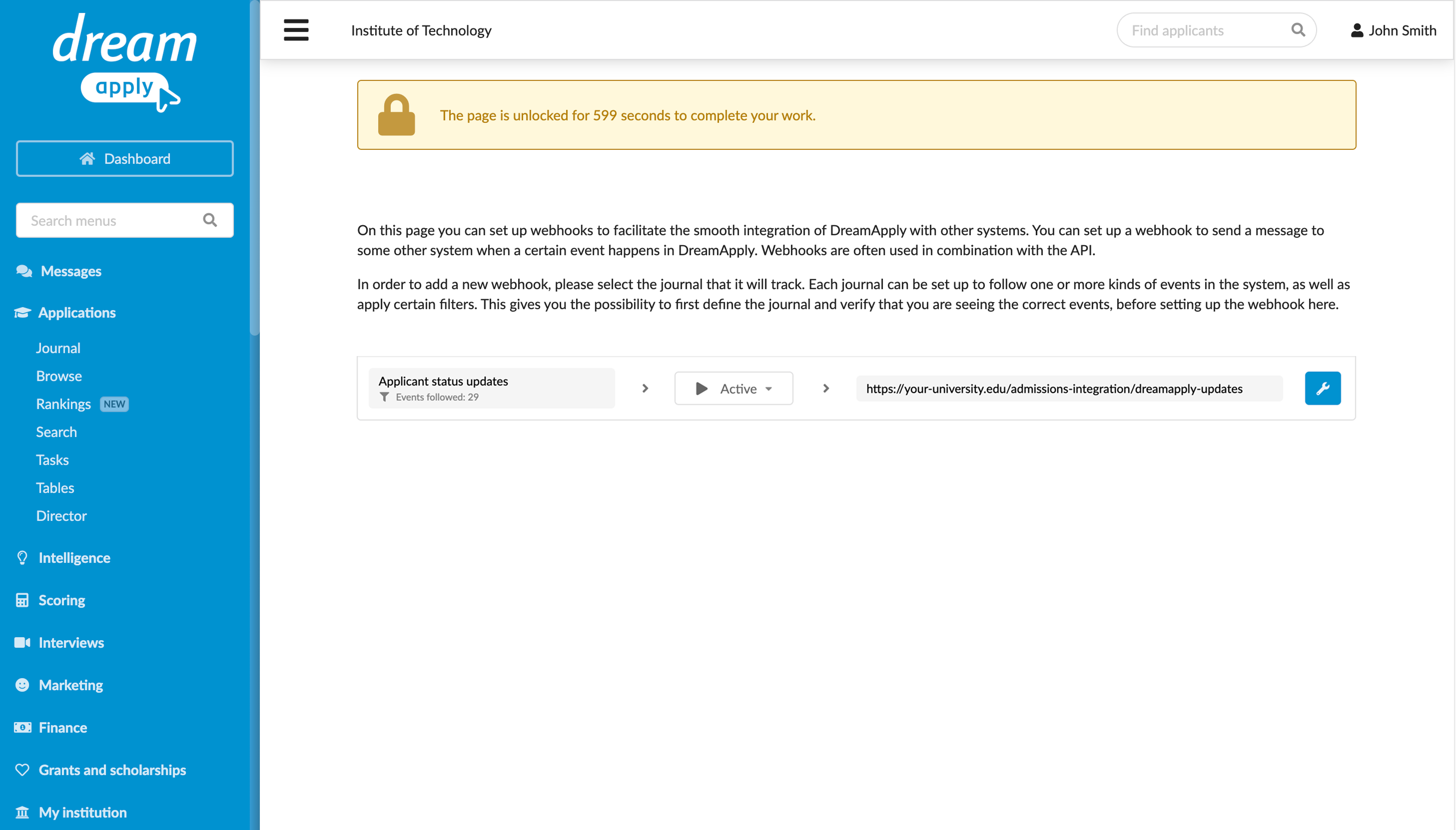
DreamApply now supports webhooks to provide instant updates about system changes. Webhooks allow clients to subscribe to specific events and receive notifications with relevant data whenever these events occur in the system.
For details, see Webhooks.
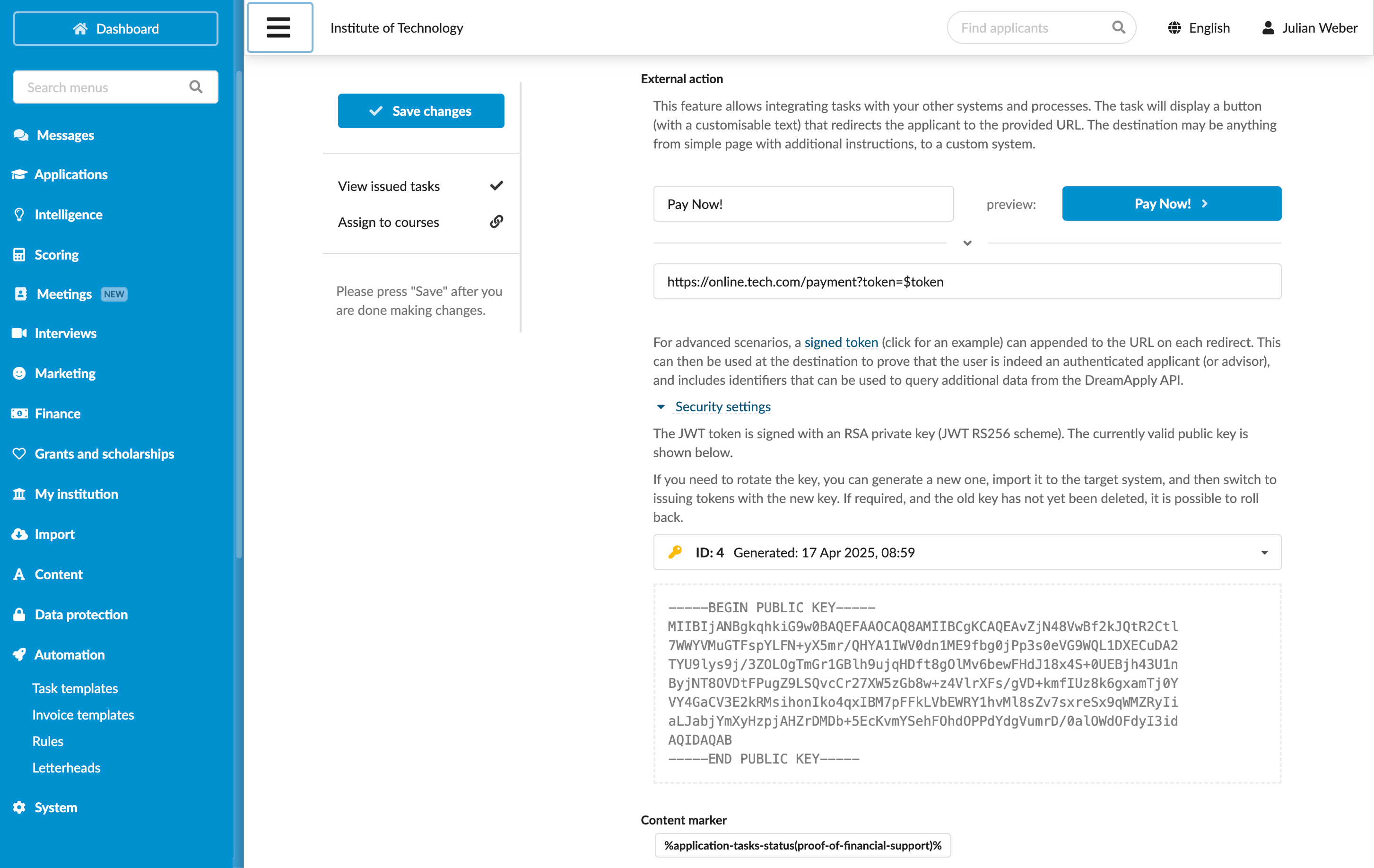
You can now create tasks that allow applicants to interact with external systems and services. These interactions can range from simple actions like visiting a website or downloading a file from external storage, to more complex processes such as digitally signing documents or completing financial transactions on other platforms.
How to access
In the task settings, add a button that triggers an external action. When an applicant clicks the button, DreamApply will redirect them to the specified URL.
For details, see Integrate tasks with third-party systems.
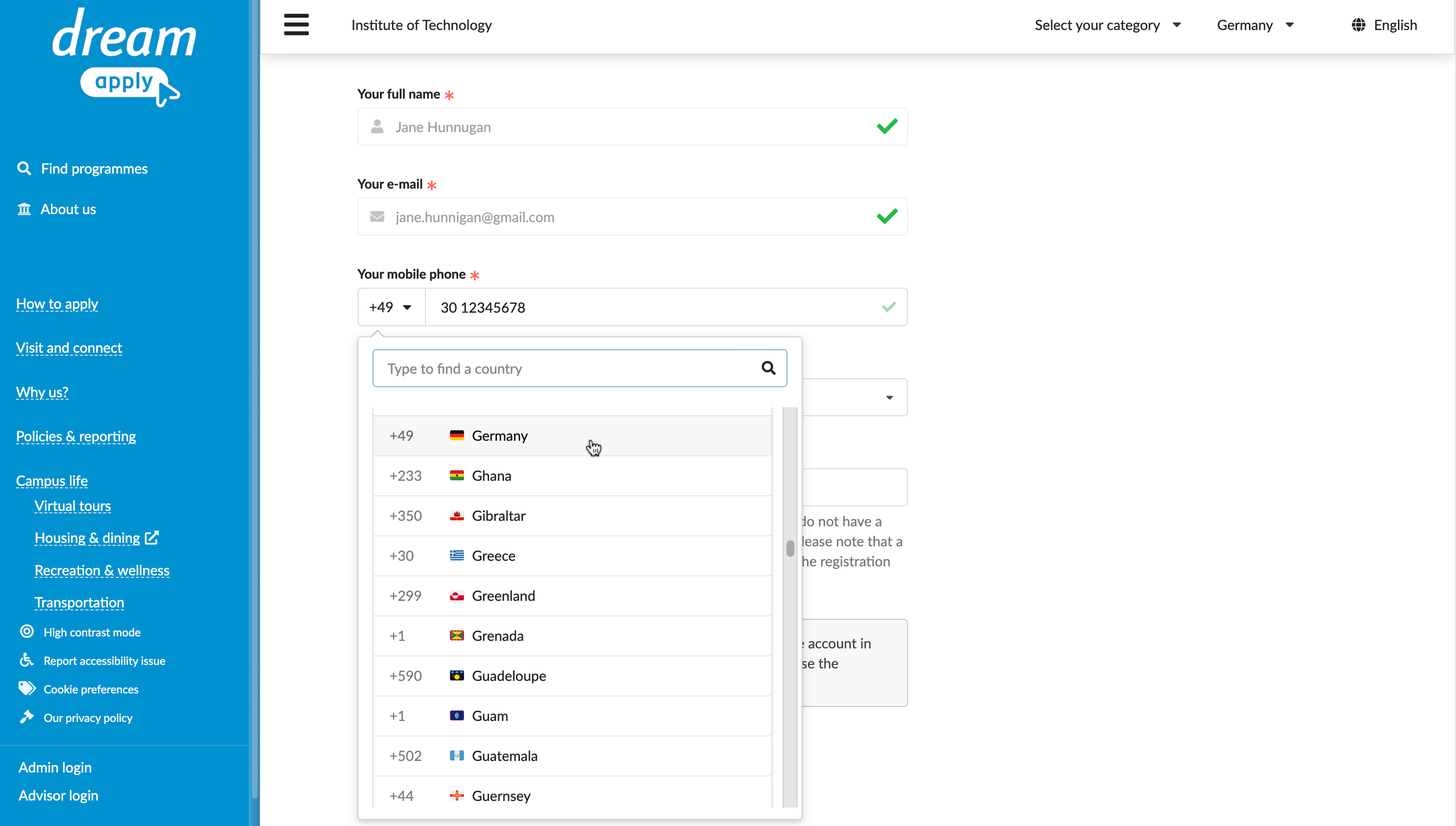
Phone number fields now support country codes and built-in validation. This enhancement guarantees that all numbers are correctly formatted and internationally compatible.
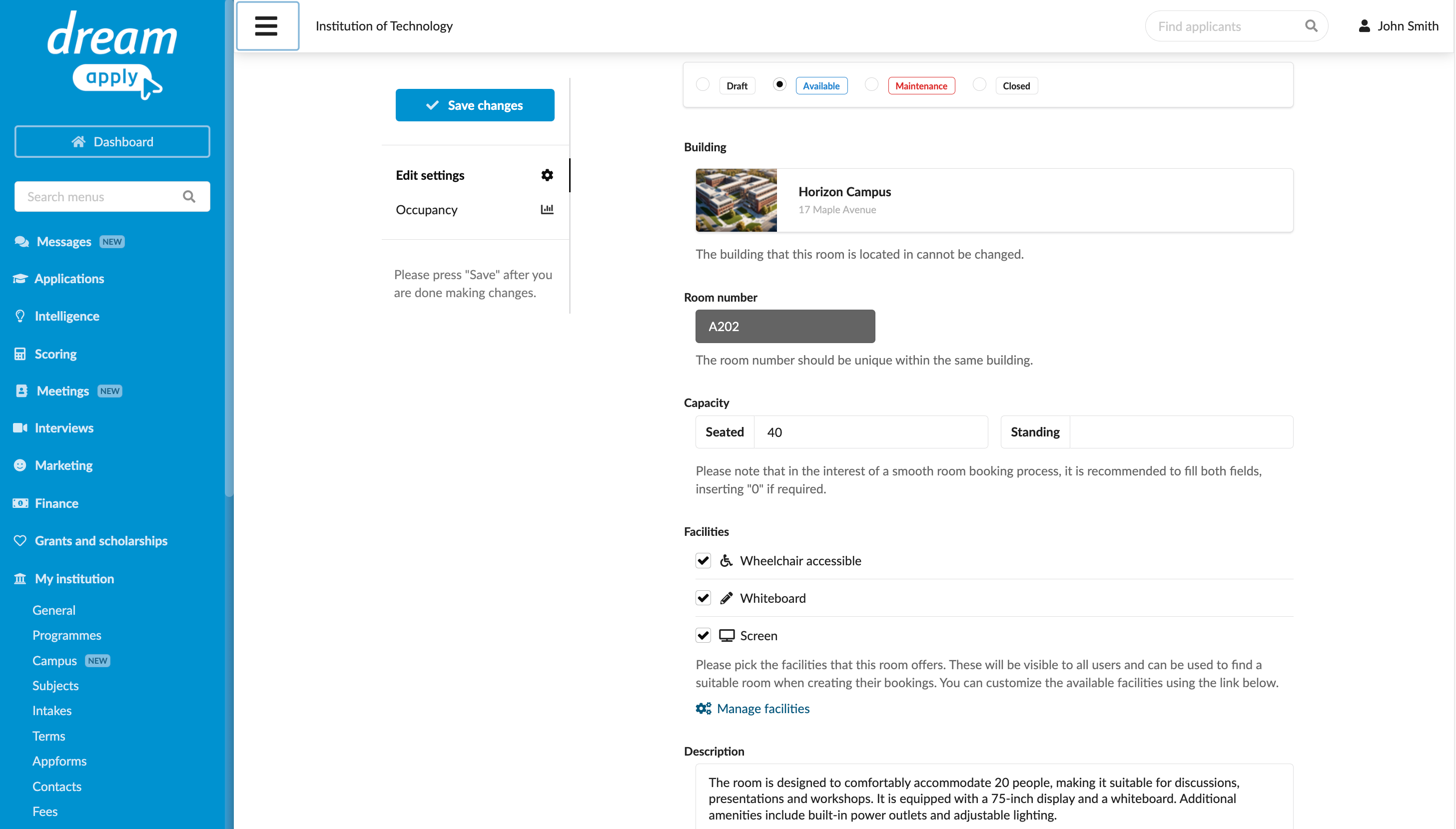
DreamApply introduces new Campus and Meetings features to replace the existing Events functionality, making event management simpler and more efficient.
Buildings and Rooms
Administrators can now create and configure Buildings and Rooms for different types of events and meetings. You can customize rooms by their availability, capacity and facilities. DreamApply also provides a convenient view that makes it easy to track room occupancy.
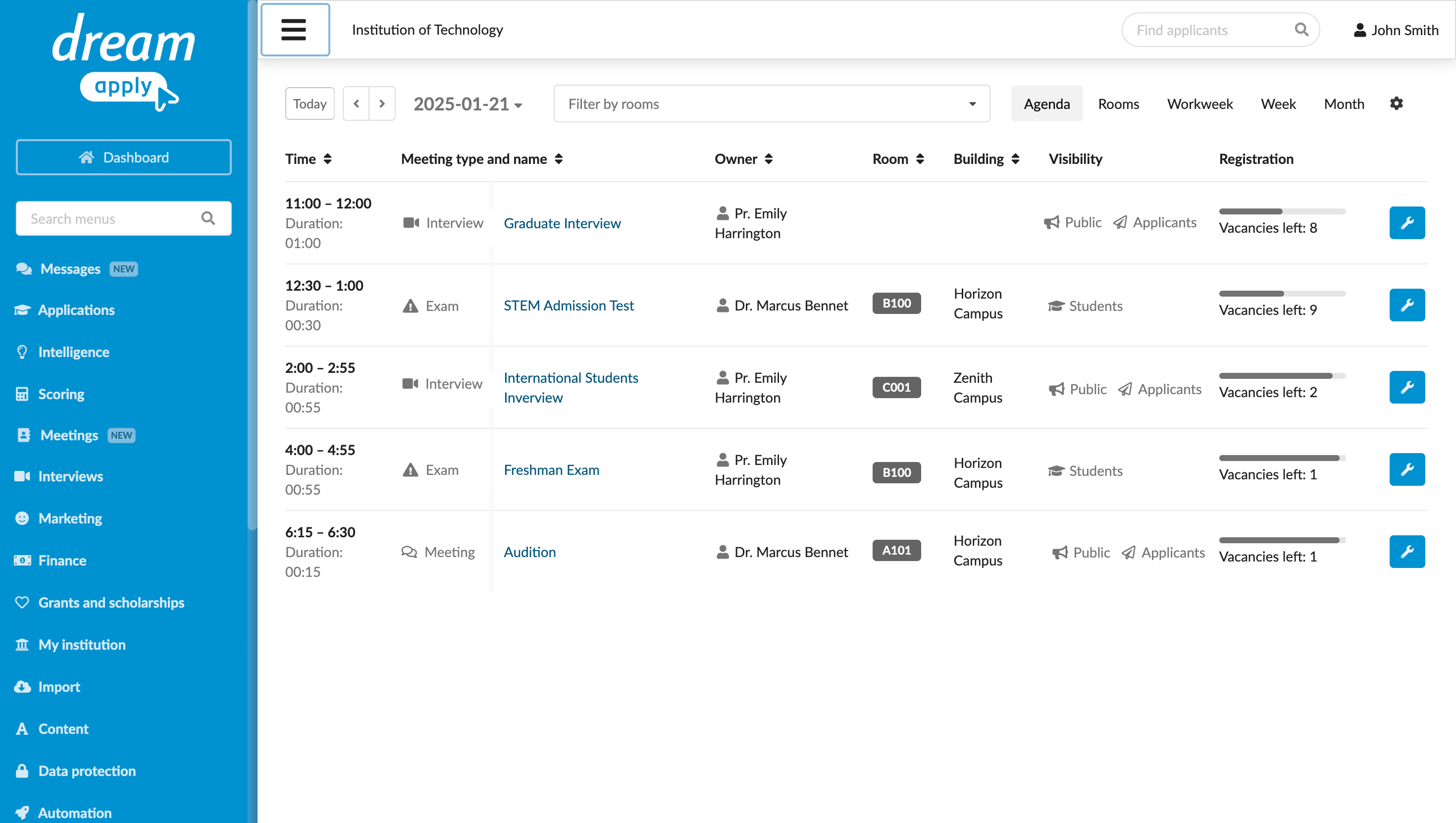
Meetings
The new Meetings section lets you schedule various types of events, such as webinars, lectures, exams and open days. You can easily manage and track all your meetings using the new Agenda view. Scheduled meetings are then displayed for applicants in their Meetings view, allowing them to register directly through the DreamApply portal.
New permissions for Campus and Meetings
To support the new features, DreamApply has introduced the following permissions:
- campus
- meetings-view
- meetings-edit
- meeting-registrations-view
- meeting-registration-schedules
Superusers have these permissions enabled by default. All admins that had the previous events permission will automatically receive the new meetings-view and meetings-edit permissions. The same goes for all Administrator roles; they will be updated accordingly.
How to access
- Campuses and rooms are available in the main menu under Institutions/My institution > Campus.
- Meetings can be scheduled under Meetings. To start configuring a new meeting, click on a day cell and drag down to select a time slot.
For applicants, scheduled meetings can be viewed in the Meetings view. Notifications about scheduled meetings are displayed in Messages.
Legacy events
DreamApply is transitioning away from the previous event management tools to provide a more streamlined and efficient solution. The old Events functionality will remain available in DreamApply, but Administrators will no longer be able to create new events.
For details, see Meetings and events.January 2025
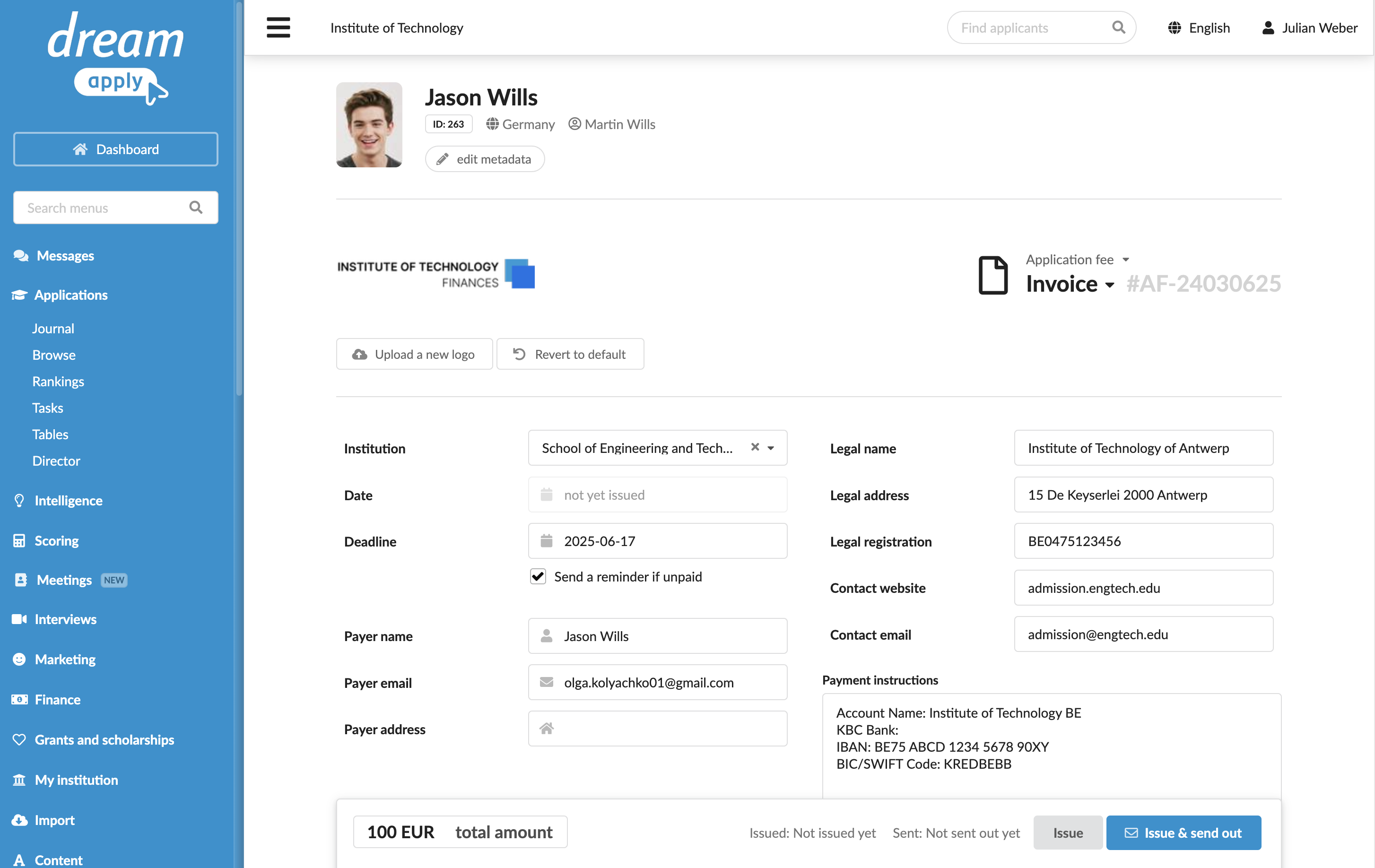
When creating a new invoice, DreamApply automatically used the default legal details specified for the institution. You can now override these details with custom information directly on the invoice.
For details, see Manage invoices.
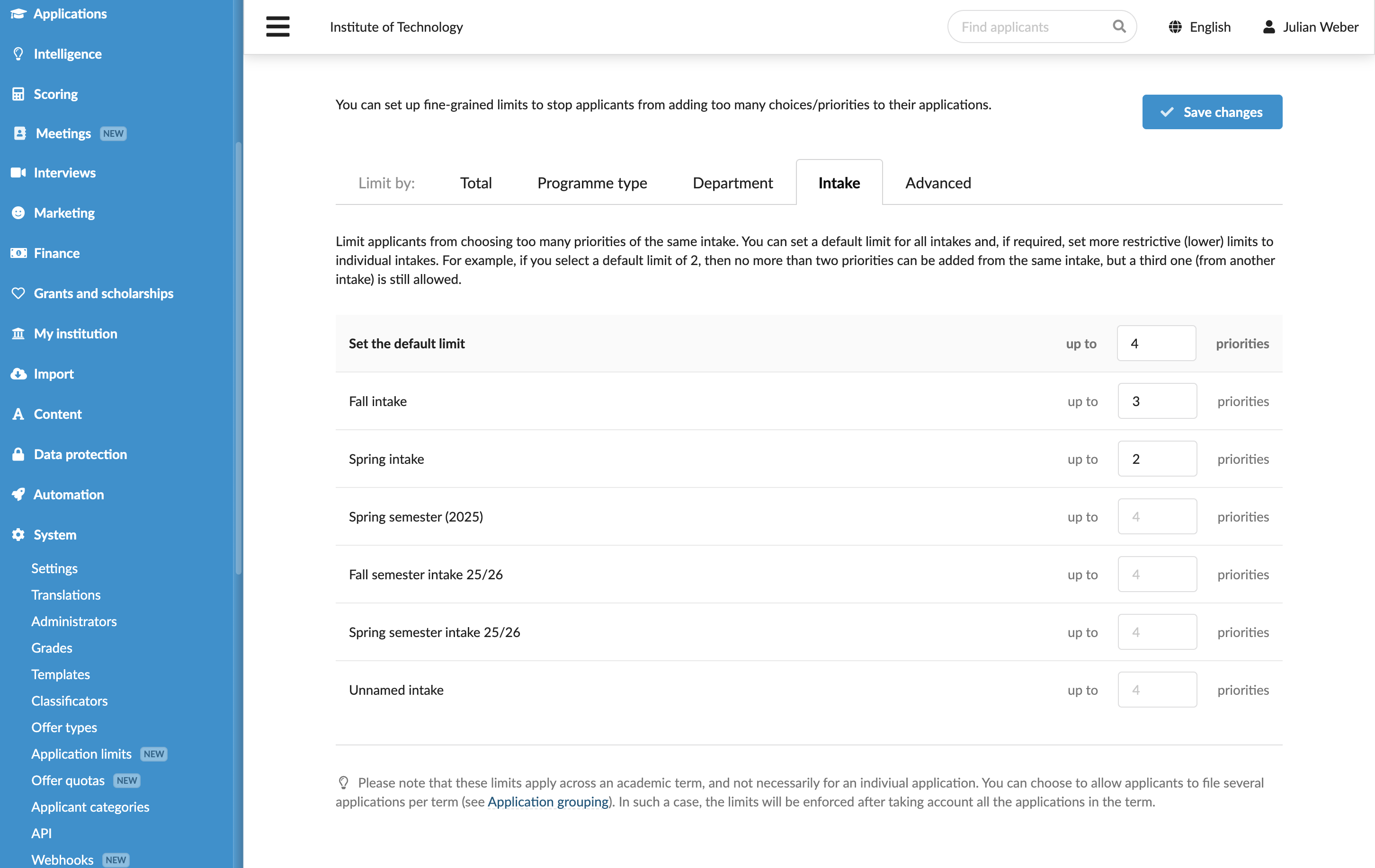
You can now set application limits based on the intake. The new feature allows you to restrict the number of programmes an applicant can choose. This helps you manage your programme capacity and ensure a fair distribution of available spots.
How to access
In the main menu of the DreamApply portal, under System, select Application limits and specify the restrictions on the Intake tab.
For details, see Set application limits.
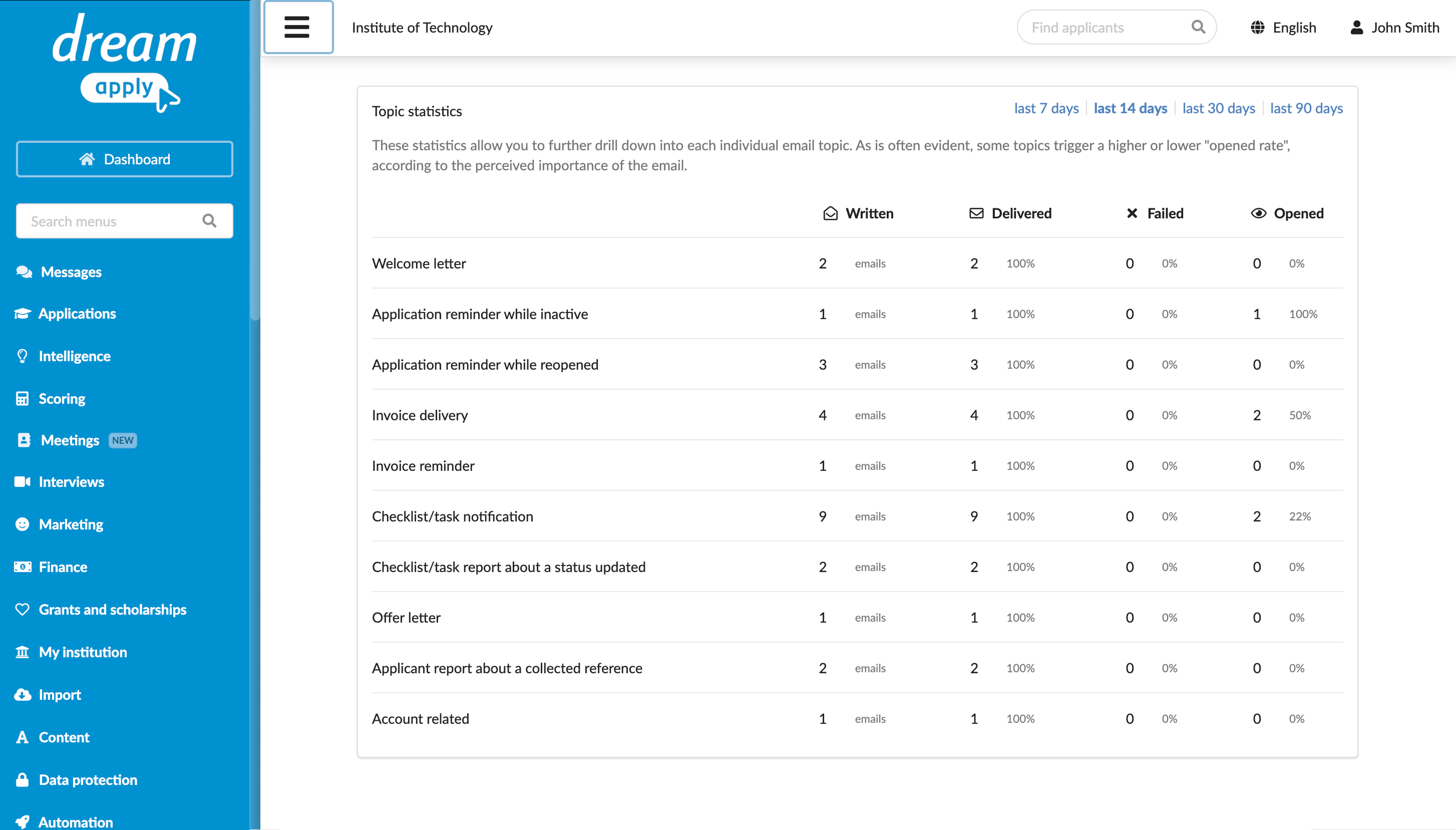
DreamApply has enhanced the automatic email statistics to provide more detailed insights into deliverability and open rates. Administrators can now better track performance of transactional emails sent through the system.
How to access
In the main menu of the DreamApply portal, select Dashboard and in the right pane, click the Email delivery diagnostics button.
For details, see Automated email notifications.
When creating interview scenarios, you can now choose how questions are handled. If an applicant gets a second chance at a question, you can decide whether to show the exact same question again or pull a similar question from a pool of related questions.
How to access
In the main menu of the DreamApply portal, select Interviews > Scenarios. Select to edit a scenario and define the strategy in the Question pool strategy section.
For details, see Interviews.