Set up departments
Roles
These roles reflect the default DreamApply setup.
You can define custom roles based on your
institution's needs. Learn more →:
You can define custom roles based on your
institution's needs. Learn more →
As part of the setup process, you can configure departments in DreamApply. Departments serve as primary organizational units or subdivisions within the institution. They represent specific disciplines or group related fields of study, such as Science, Art or Engineering.
Departments are optional in DreamApply and are used mostly for categorization purposes. If the administrative structure of your institution does not group by departments, you can skip this task.
To configure departments:
Before you begin
To set up departments, your account must have the Superuser role or the institutions permission.
Select the term for units
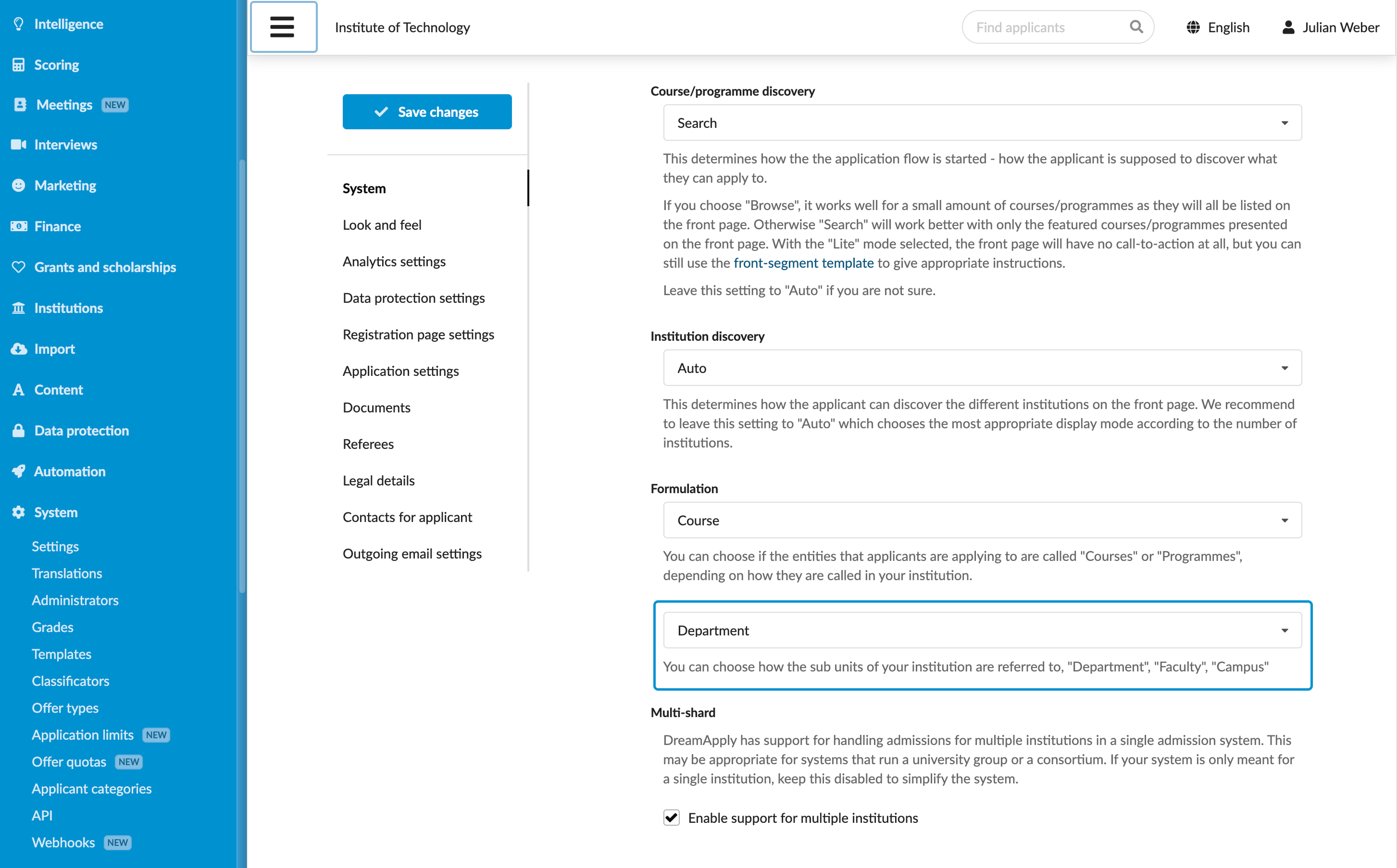
You can choose the appropriate term for organizational units in the institution, such as department, faculty or campus. The term you select should align with the structure and terminology of your institution.
- In the main menu, under System, select Settings.
- In the left pane, select System.
- In the Formulation section, select the necessary term for organizational units.
- At the top of the form, click Save changes.
Add departments
To add departments to an institution:
In the main menu, under My Institution, select General. In the Departments section, click Add a department.
For a multi-institution setup, in the main menu, under Institutions, select Institutions and click the institution name in the list. In the Departments section, click Add a department.
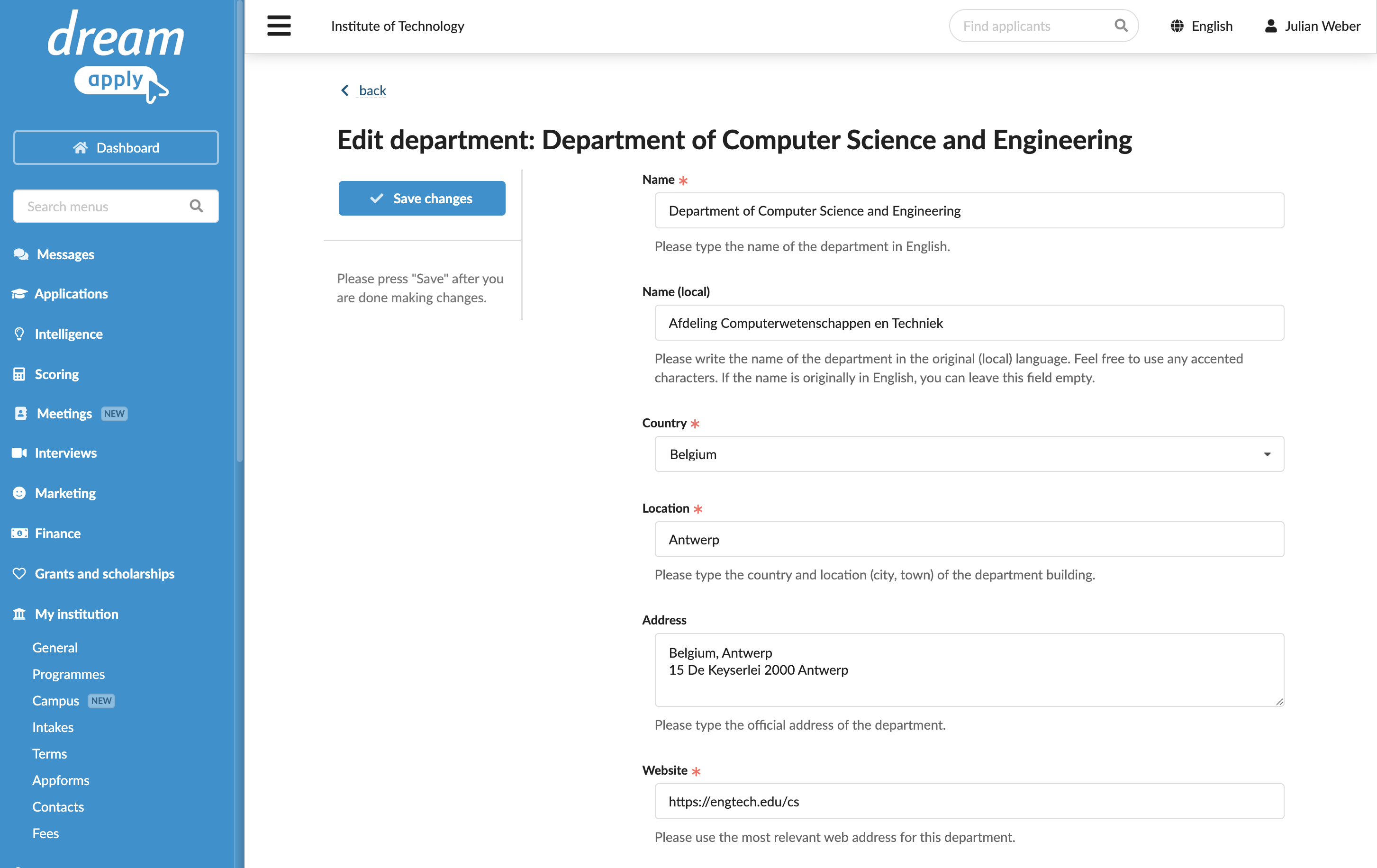
In the Edit department view, specify the department details.
At the top of the form, click Save changes.
Repeat steps 1-3 for all departments you want to add.
- If a street name is common and may refer to multiple locations, enter the full address with the city for precise geocoding.
- If multiple departments share the same address, in the Geographical location section, slightly adjust the map marker to make the location of each department distinct and easily viewable in the DreamApply portal.