Set up an institution profile
Roles
These roles reflect the default DreamApply setup.
You can define custom roles based on your
institution's needs. Learn more →:
You can define custom roles based on your
institution's needs. Learn more →
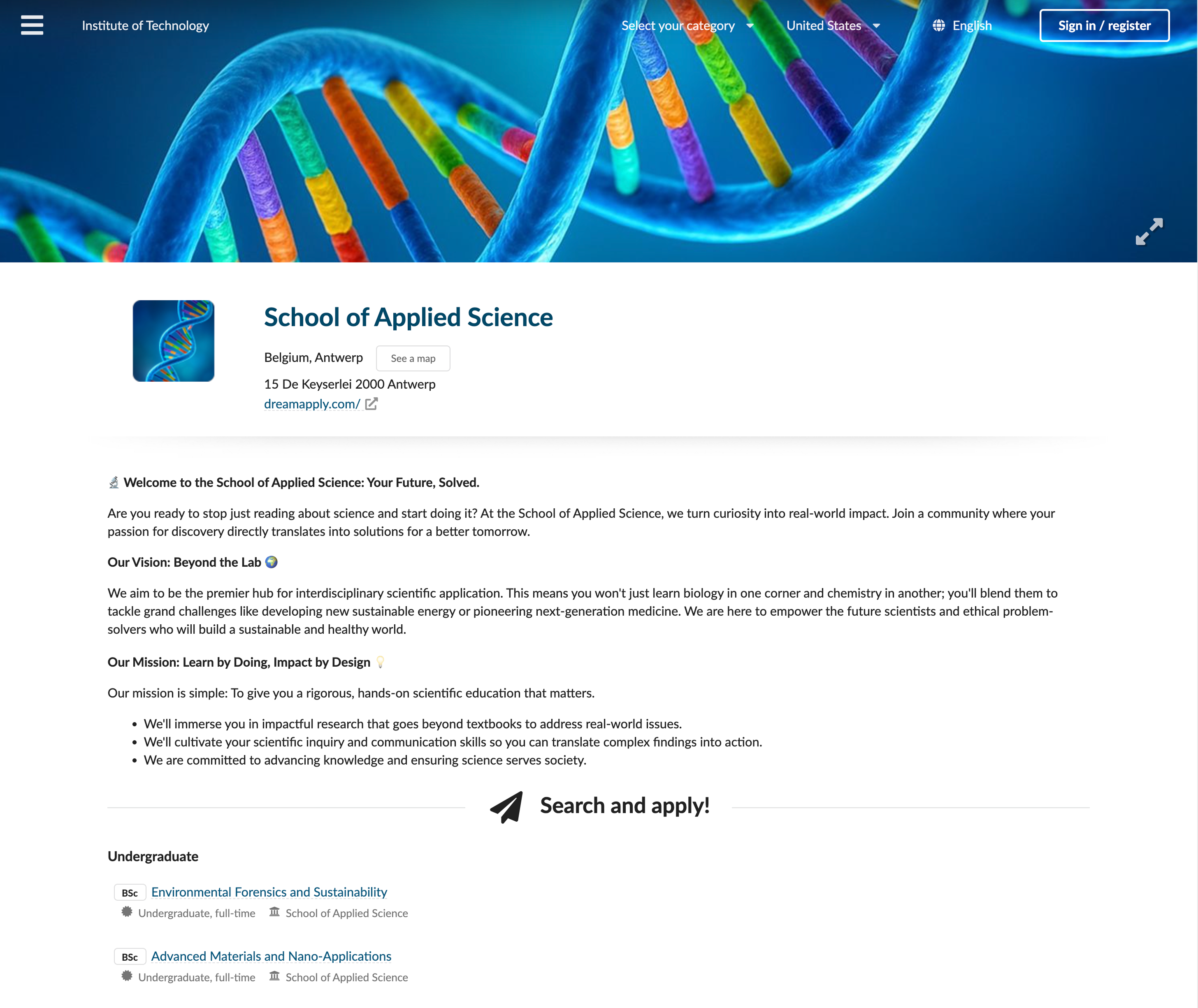
To showcase your institution effectively, you can set up its profile. The profile information, along with general institution details, is displayed on the About us page in the DreamApply portal, giving prospective applicants a clear and engaging view of your institution.
Before you begin
To update an institution profile, your account must have the Superuser role or the institutions permission.
Edit a profile
To set up an institution profile:
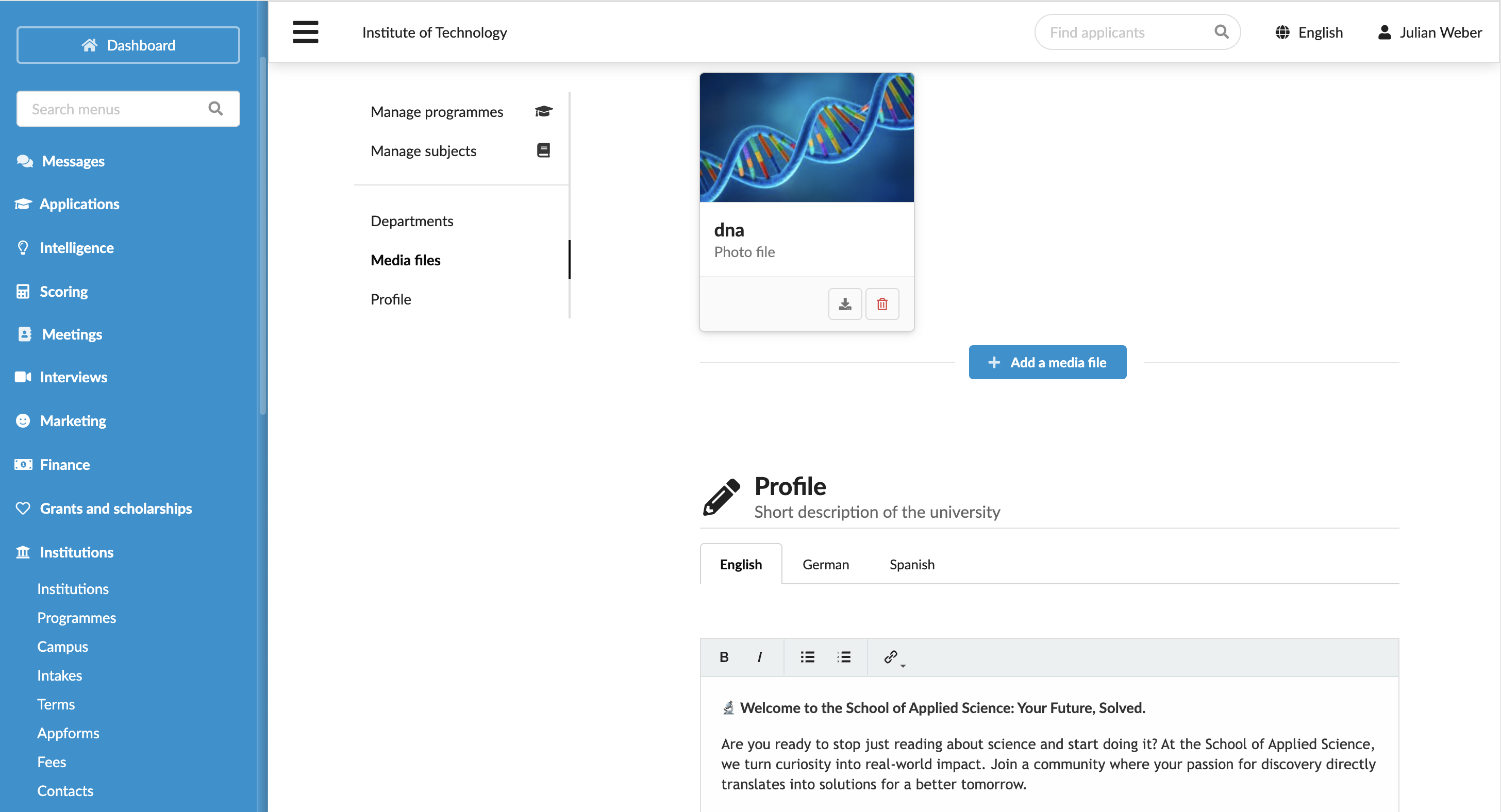
In the main menu, under My Institution, select General.
For a multi-institution setup, in the main menu, under Institutions, select Institutions and click the institution name in the list.
In the Media files section, upload promotional videos, photos and documents like brochures and guides to represent the institution.
In the Profile section, write a detailed description of your institution, including its missions, achievements and offerings. If multi-language support is enabled for your instance, add descriptions in different languages to reach a global audience.
At the top of the form, click Save changes.