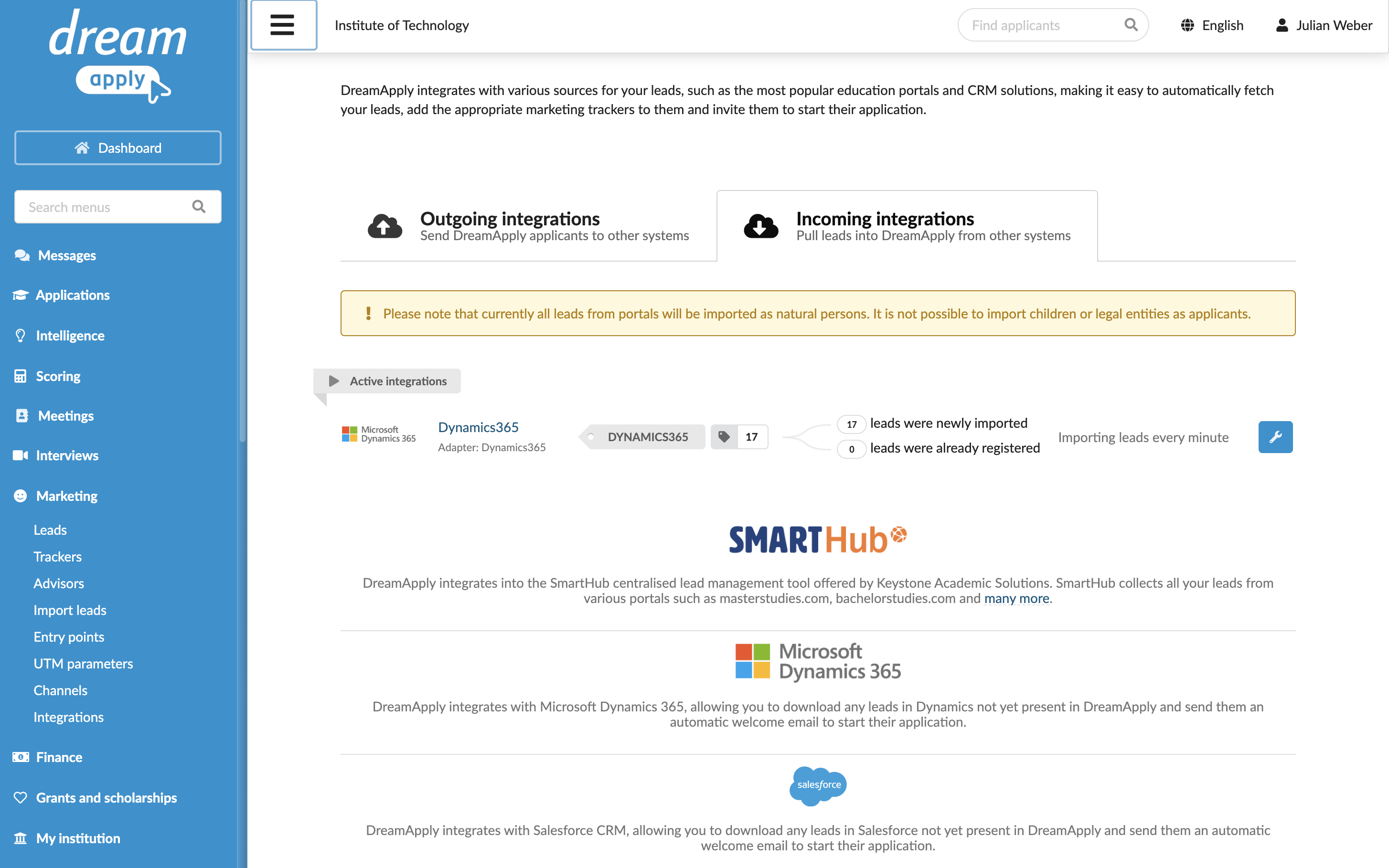
How incoming integrations work
You can integrate DreamApply with third-party CRM systems, such as Microsoft Dynamics 365, Salesforce and Smarthub, to automatically import lead data to DreamApply.
DreamApply supports continuous integration with CRM systems. Once the integration is set up, DreamApply checks the CRM environment for newly created or updated records with a 1-minute interval. If matching records are detected, DreamApply securely fetches the lead data and registers them as leads in the system.
Imported leads are registered in DreamApply as natural persons. Each lead receives a welcome email from DreamApply with a registration link they can use to set up their account and continue the application process.
During the import process, you can assign a specific tracker to imported leads. This way, you can indicate and trace the original source of applicants.
Mind the following:
- DreamApply requires a valid email address to send a welcome email to a registered lead. If an email address is missing in the lead record in the CRM system, DreamApply will not import that record.
- If a lead with the same email address already exists in the system, DreamApply does not import it again. It only updates the record according to the defined data mapping rules and assigns the tracker if needed.