View entry point statistics
When users click entry point URLs placed in campaign materials, DreamApply automatically captures and records the following data:
- Click event
- Referral information (if sent)
- UTM parameters (if sent)
- User-related details such as country, browser and platform
- Entry point ID
You can view this data through dedicated reporting sections in DreamApply:
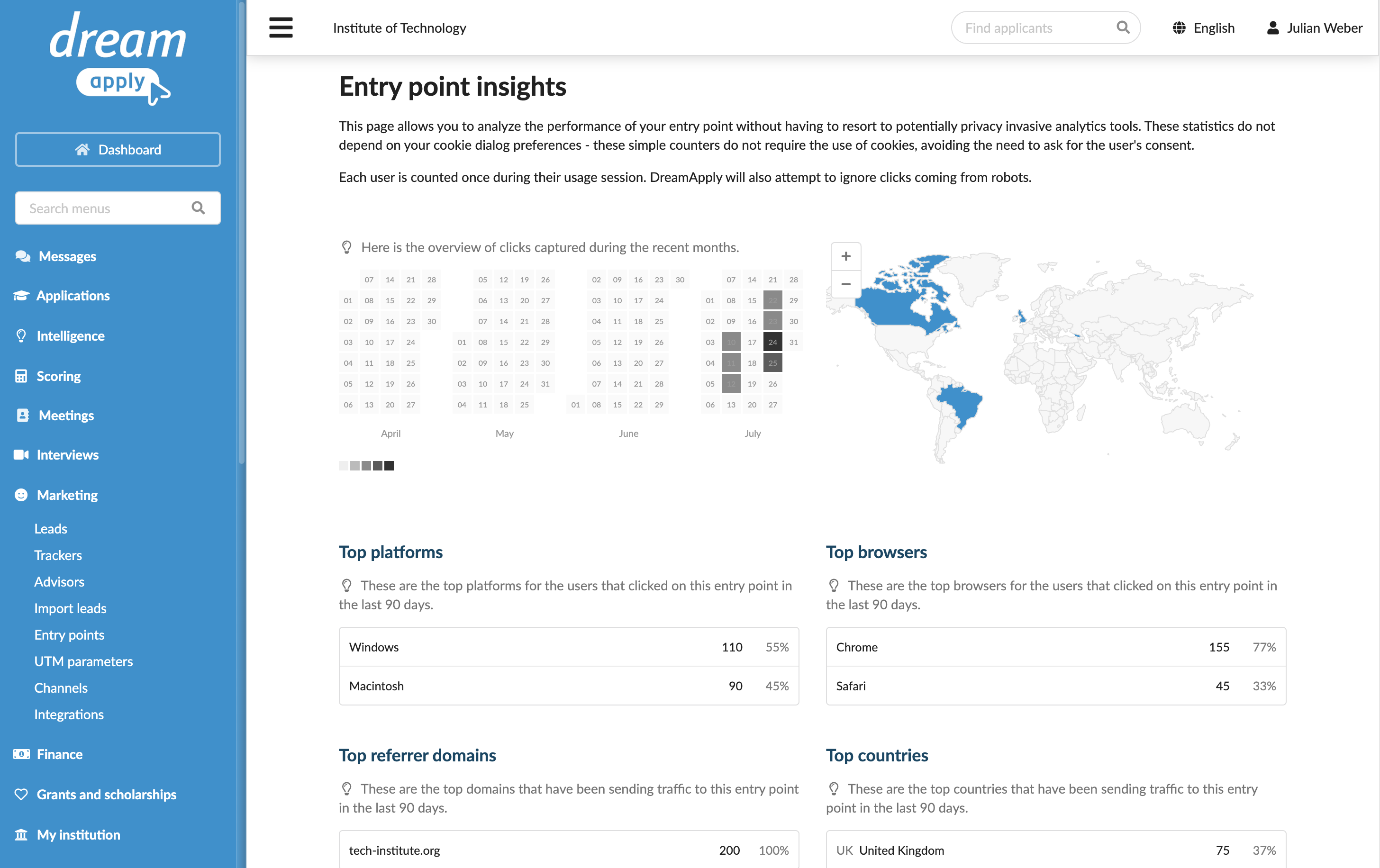
Entry points: Provides statistics on clicks and insights into entry points, including top user platforms, referrer domains, browsers and countries.
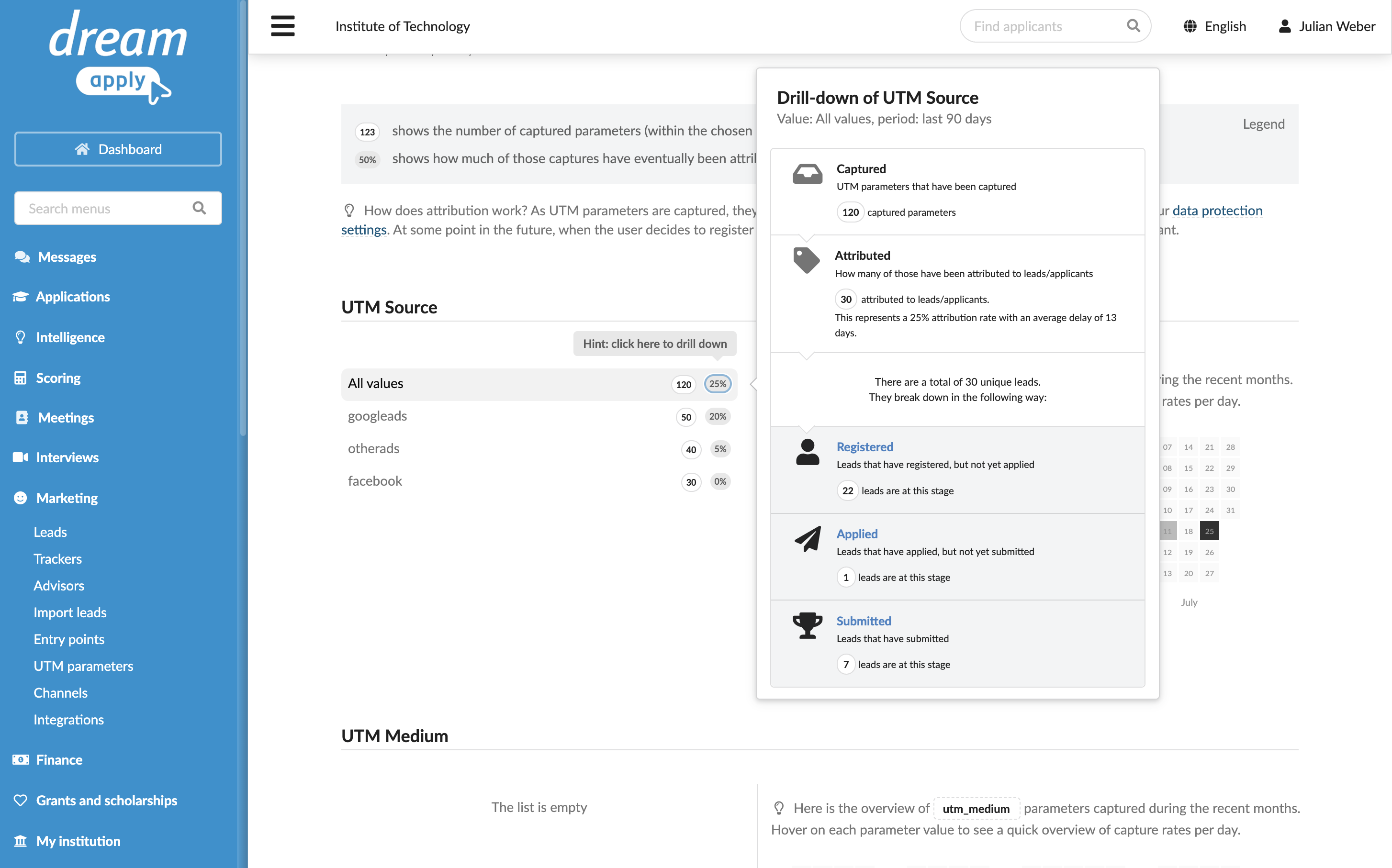
UTM parameters: Shows the captured UTM parameters and how they are attributed to leads.
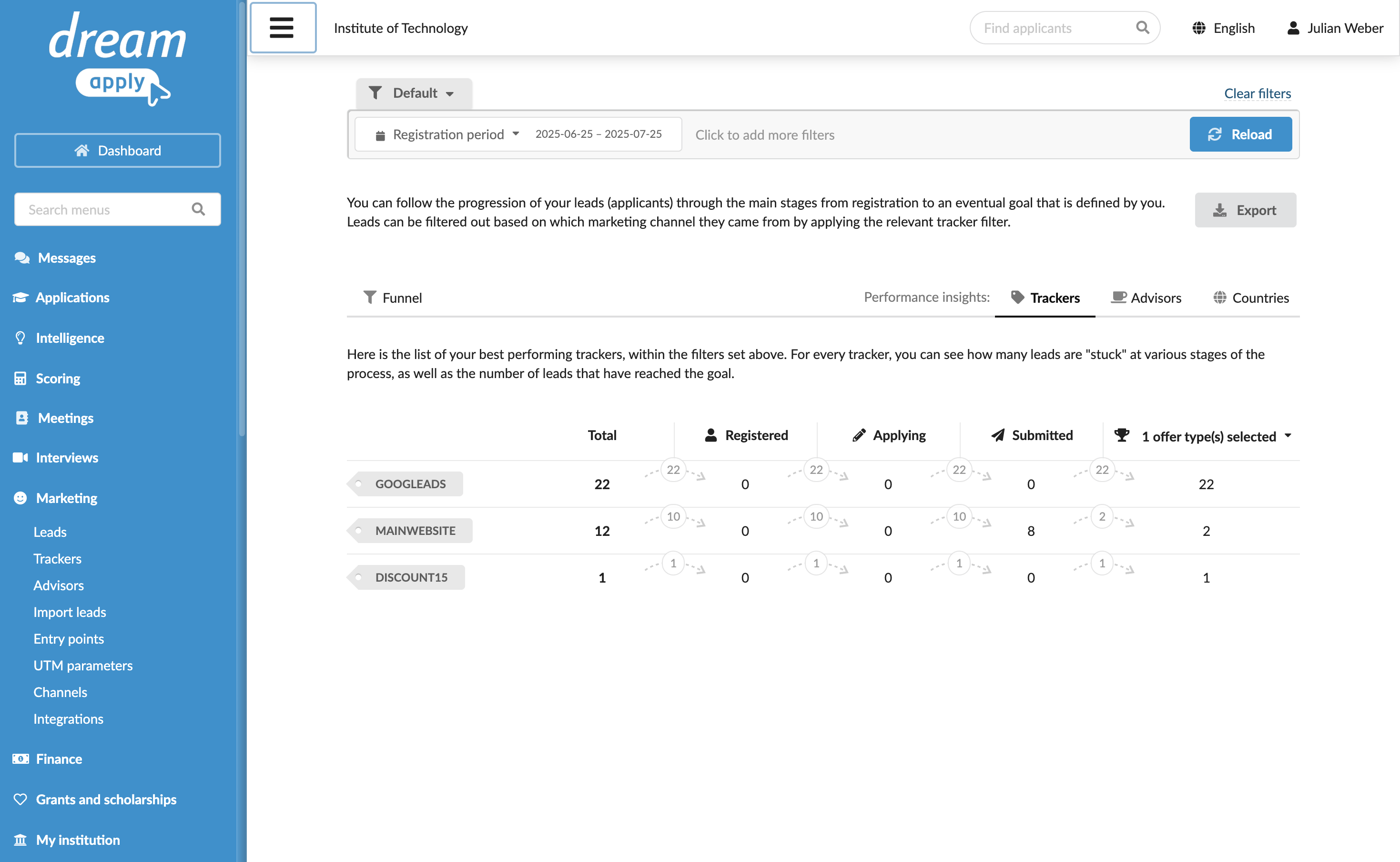
Leads, Browse, Statistics, Tables, Tasks: Allows filtering records by assigned trackers.
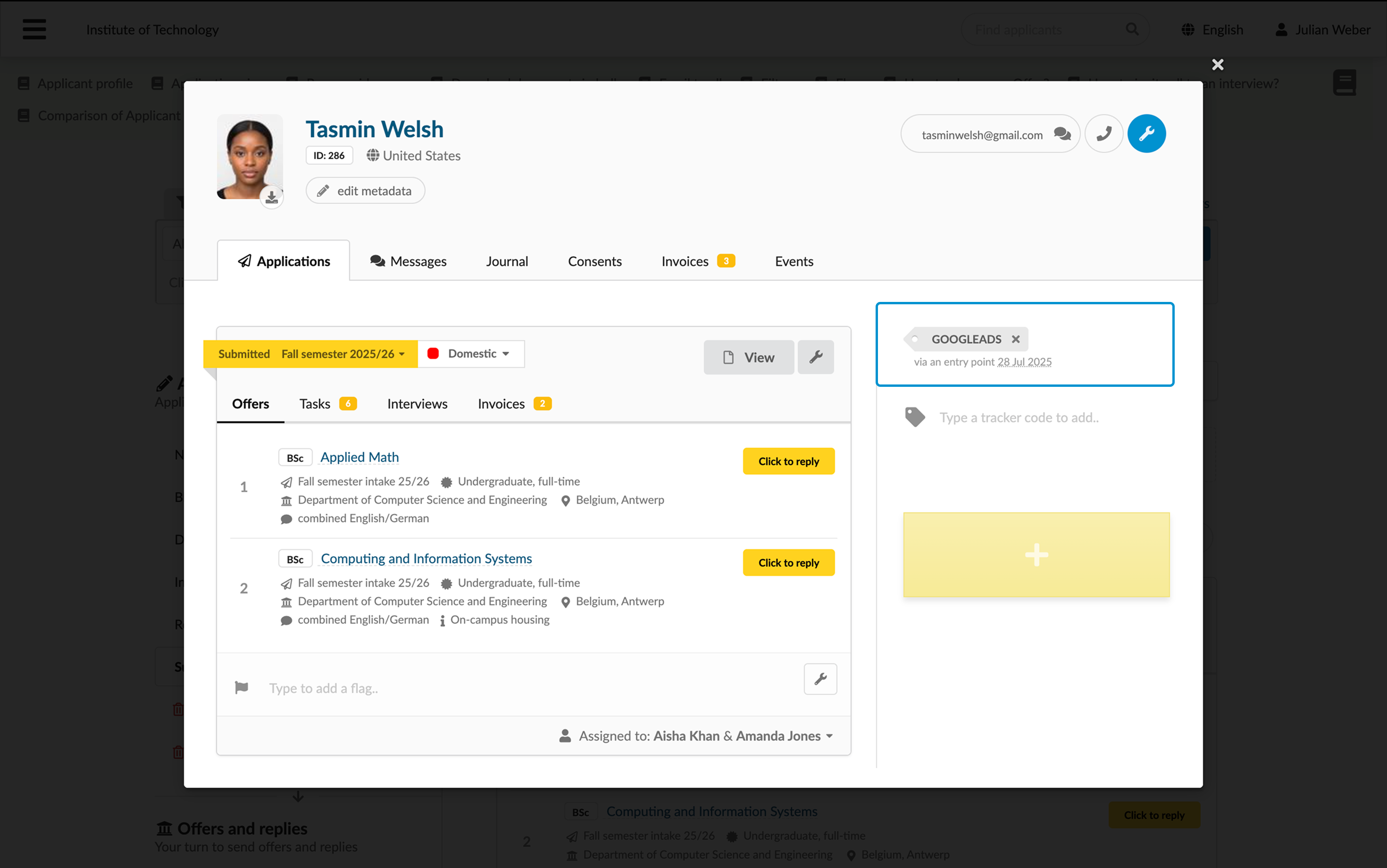
Applicant card: Shows trackers assigned to leads through entry points.