Code formatting
You can use the following formatting to format code:
Code blocks
To use a code block, start a line with bc. For code blocks with empty lines, use bc...
Code block formatting
Textile
bc. // This is a simple code block
console.log("Hello, World!");

bc.. // This is a code block with empty lines
const GREETING = 'Hello'; //
const SEPARATOR = ', ';
const SUBJECT = 'World';
const PUNCTUATION = '!';

/**
 * A helper function to combine the message parts.
 * @returns {string} The full "Hello, World!" message.
 */
function generateMessage() {
  const fullMessage = `${GREETING}${SEPARATOR}${SUBJECT}${PUNCTUATION}`;
  return fullMessage;
}
Code block formatting
HTML
<pre>
   <code>
   // This is a code block with empty lines
   const GREETING = 'Hello'; //
   const SEPARATOR = ', ';
   const SUBJECT = 'World';
   const PUNCTUATION = '!';

   /**
   * A helper function to combine the message parts.
   * @returns {string} The full "Hello, World!" message.
   */
   function generateMessage() {
     const fullMessage = `${GREETING}${SEPARATOR}${SUBJECT}${PUNCTUATION}`;
     return fullMessage;
   }
   </code>
</pre>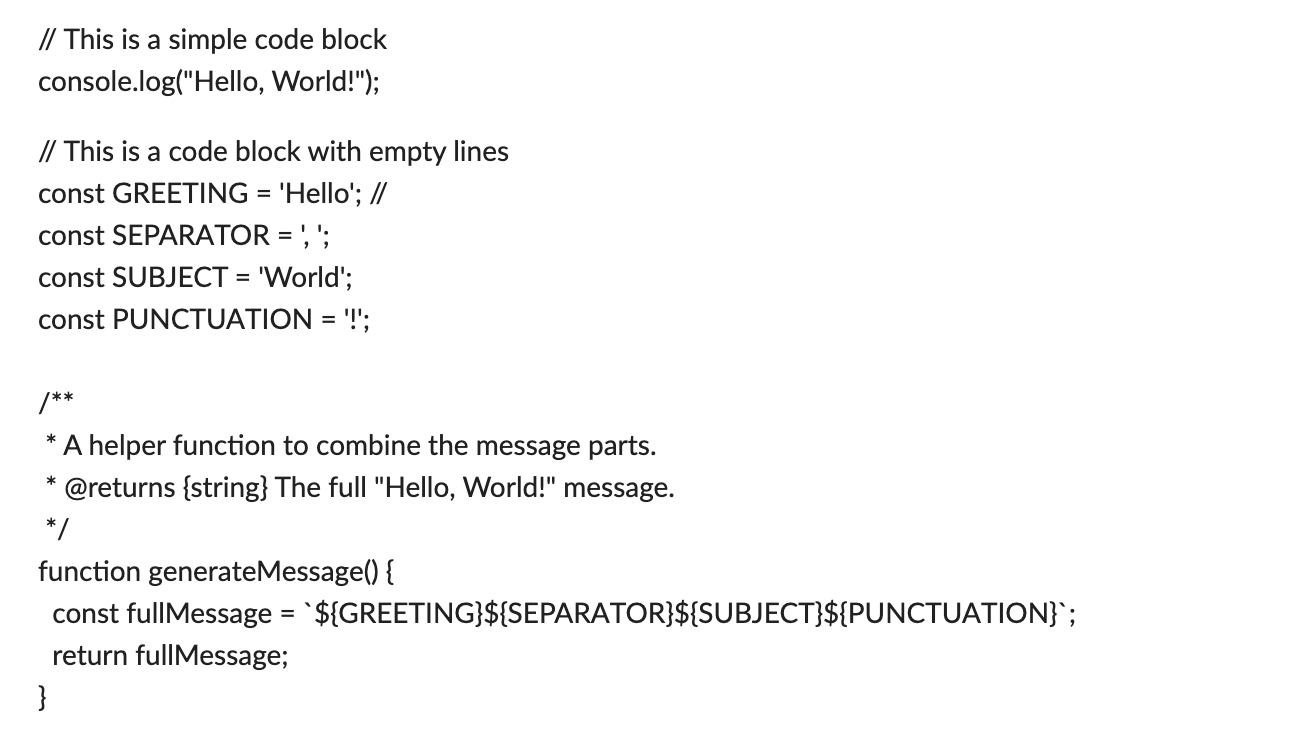
Pre-formatted text
To use pre-formatted text, start a line with pre. For formatted text with empty lines, use pre...
Pre-formatted text
Textile
pre.. The first pre-formatted line.

And another line.
Pre-formatted text
HTML
<pre>The first pre-formatted line.

And another line.</pre>