Images
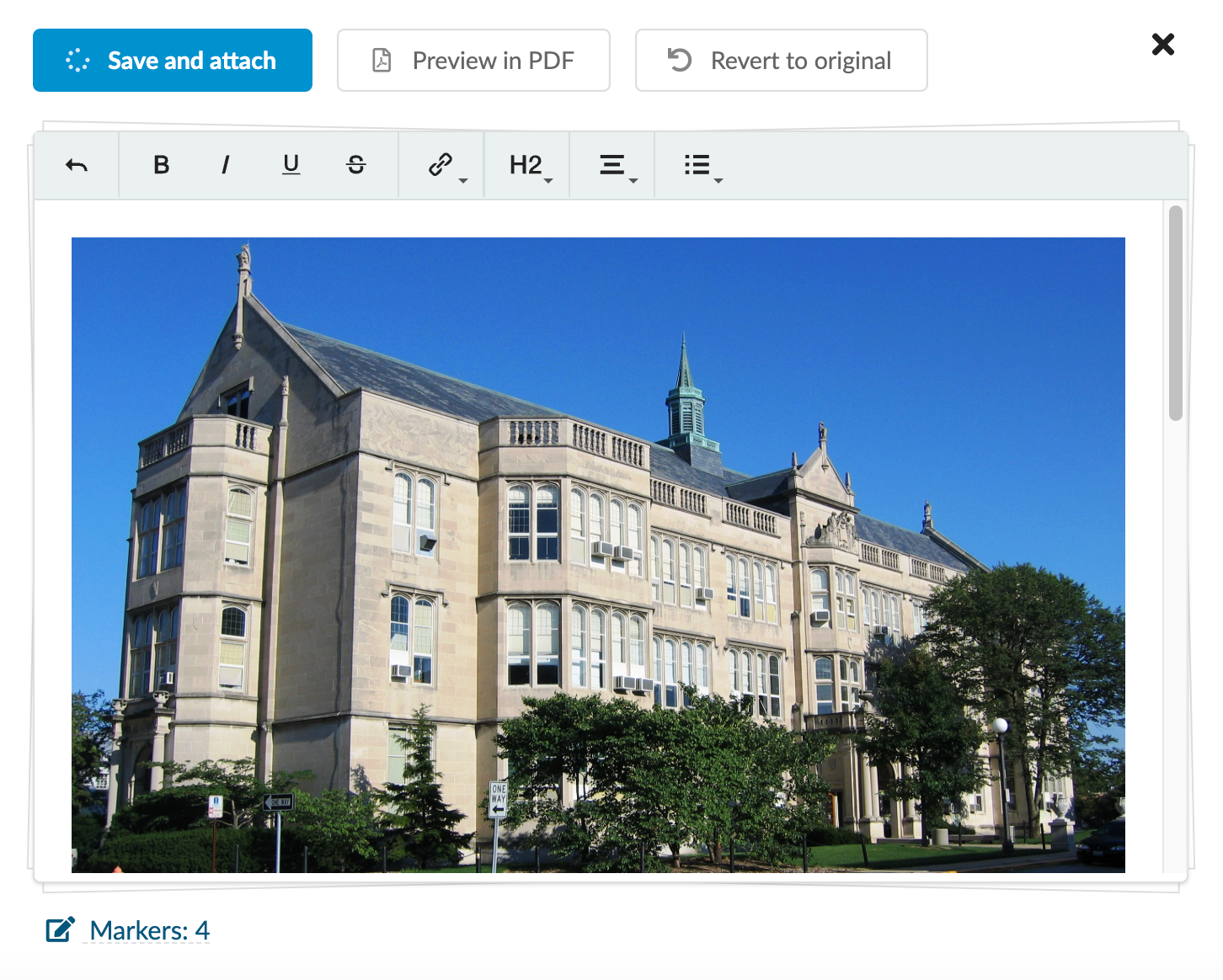
The DreamApply support for image markup is limited. DreamApply renders images only in:
- Footer that is automatically appended to email messages sent from the system. For details, see Configure outgoing email settings.
- Letterhead templates. For details, see Use letterheads.
The following URL protocols are whitelisted for images:
httphttpsmailtoftp
To add an image, wrap the image link in exclamation marks !. You can use the title attribute for images.
Image formatting
Textile
###. Image

!https://upload.wikimedia.org/wikipedia/commons/6/67/Uni_High_Urbana_illinois.jpg!

###. Image with a title

!https://upload.wikimedia.org/wikipedia/commons/6/67/Uni_High_Urbana_illinois.jpg(Image title)!

###. Image with a title and link

!https://upload.wikimedia.org/wikipedia/commons/6/67/Uni_High_Urbana_illinois.jpg(Image title)!:https://en.wikipedia.org/wiki/Campus
Image formatting
HTML
<img alt="" src="https://upload.wikimedia.org/wikipedia/commons/6/67/Uni_High_Urbana_illinois.jpg">

<img alt="Image title" src="https://upload.wikimedia.org/wikipedia/commons/6/67/Uni_High_Urbana_illinois.jpg" title="Image title">

<a href="https://en.wikipedia.org/wiki/Campus"><img alt="Campus" src="https://upload.wikimedia.org/wikipedia/commons/6/67/Uni_High_Urbana_illinois.jpg" title="Campus"></a>